Screenshots.Guru FAQ: formats, exports, plans and privacy
From getting started to billing — here’s everything you need to know.
Getting Started
New here? Everything you need to begin — from trying the editor to unlocking the full version.
- No. The free editor works with no signup — drop in a screenshot and start styling. An account and a plan unlock the full editor.
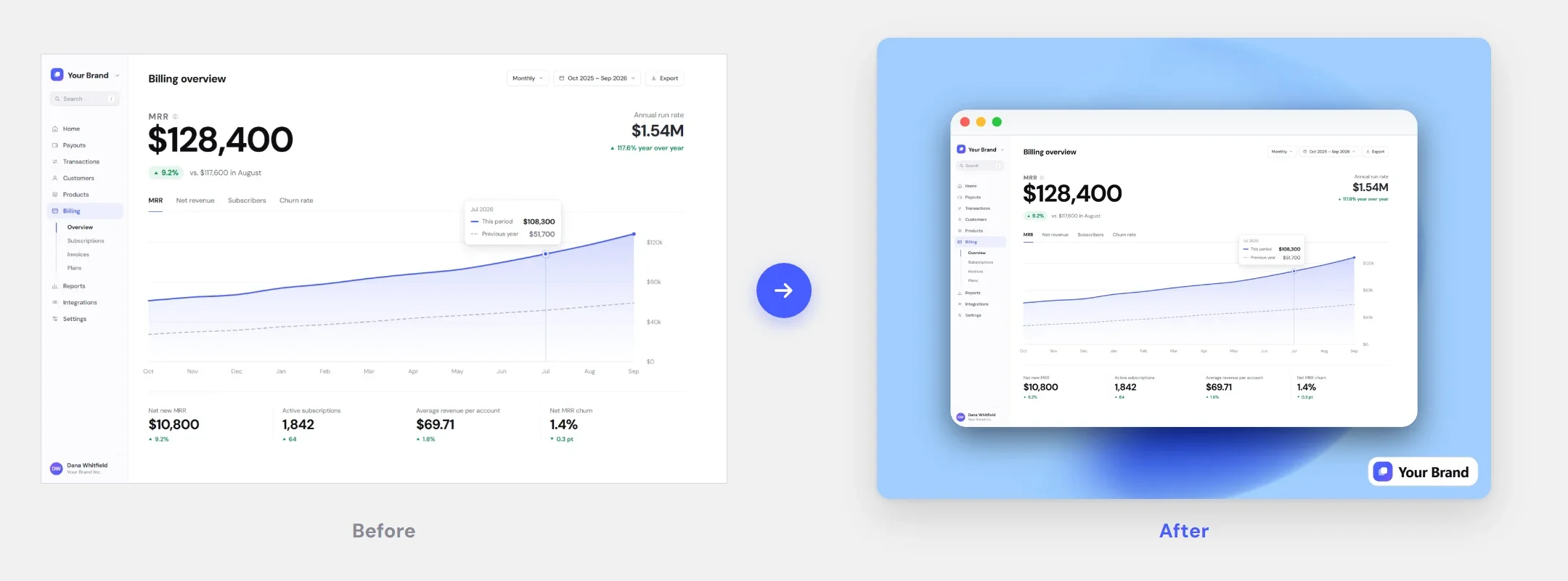
- Free try: no signup, five backgrounds, size and rounding, and one screen-resolution PNG export of your own screenshot with a watermark. Paid: the full editor — every background (library, gradients, blur, your own image, transparent), frames and device mockups, captions, Brand Kit, and high-res PNG, JPG or WebP with no watermark.
- Standard image files — PNG, JPG, and WebP. Drag-and-drop or click to upload.
- The editor is built for desktop browsers, where there’s room for the controls. You can browse the site on mobile, but styling works best on a larger screen.
Editor Features
What you can do in the editor — styling, frames, captions, and your Brand Kit.
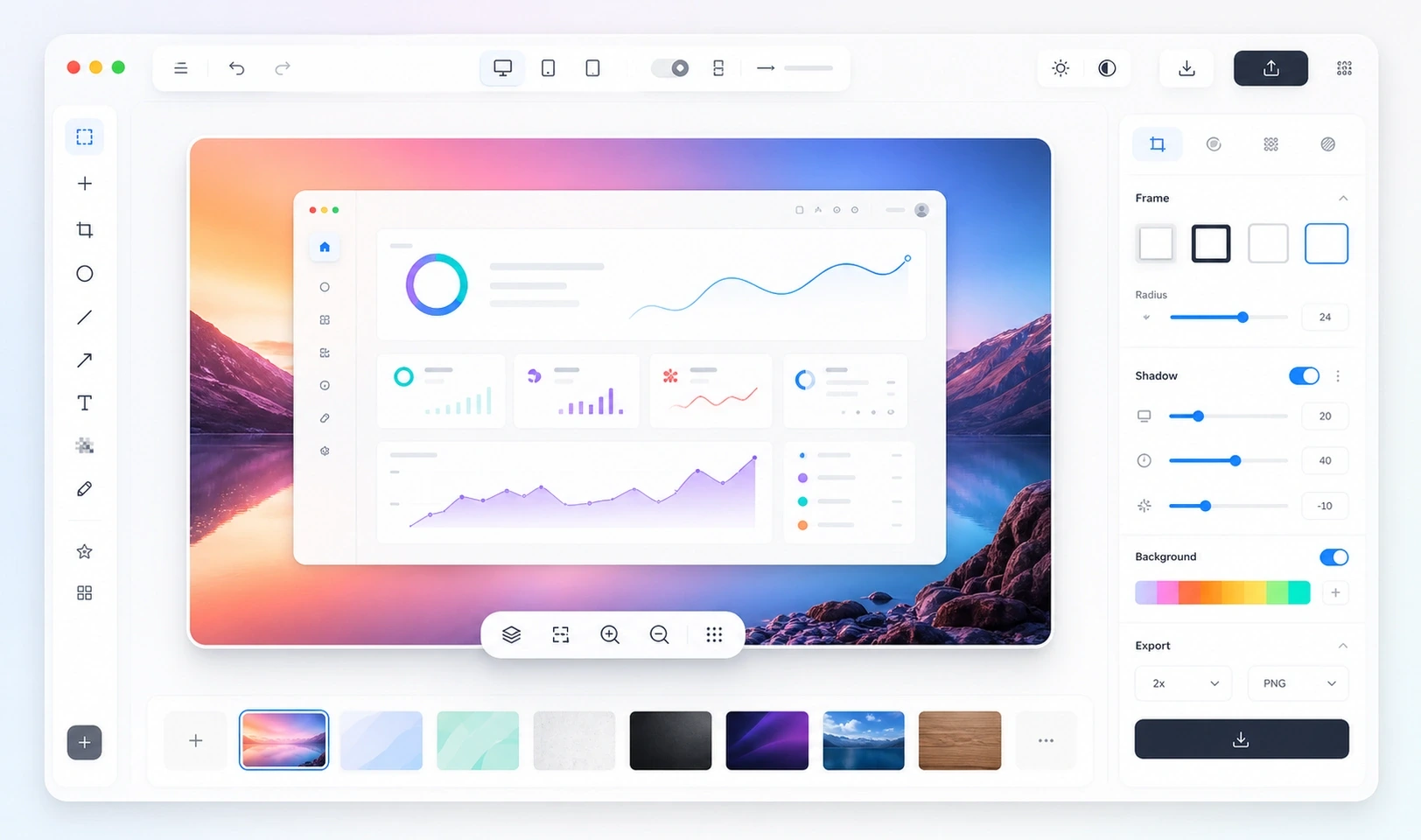
- Backgrounds (a 45-image library, solid colors, gradients, blur-the-original, your own image, or transparent), drop shadow, corner rounding (manual or auto), padding, aspect ratio, and position.
- Yes — macOS and browser window frames, plus iPhone and MacBook device mockups.
- Yes — add a caption with adjustable color and size.
- Your logo plus saved styles. Place your logo in any corner and set its size and opacity, save the background, shadow, rounding, frame and logo as a named style, and apply it to any screenshot in one click. Six curated styles give you a head start.
- Yes — up to 50 steps. Undo with ⌘Z or Ctrl+Z; redo with ⇧⌘Z, Ctrl+Shift+Z or Ctrl+Y.
- No — each account is for one person. Your Brand Kit syncs across your own devices but can’t be shared with teammates.
Export & Quality
Make it look perfect — crisp, flexible, and ready to share.
- PNG, JPG, and WebP. (SVG isn’t supported.)
- Yes — paid exports render at 2× or more, so text stays sharp on retina screens. The free editor exports one screen-resolution PNG with a watermark.
- Yes — one click copies the image (PNG) to your clipboard.
- Yes — choose a transparent background and export a PNG with alpha.
- No. Screenshots.Guru styles screenshots you already have: it doesn’t capture pages by URL or export video or GIF.
Plans & Billing
Pricing, subscriptions, and what’s included.
- There’s no time-limited trial. Instead, use the free editor (one export with a watermark), then pick a plan whenever you’re ready. Nothing expires — the free editor stays available.
- Only how you pay: $9.99/mo, $49.99/yr ($4.16/mo), or $99.99 once for lifetime. All three unlock the same full editor — no feature differences.
- Yes — manage upgrades, cancellation, and your payment method from “Manage billing” in your account. If you cancel, you keep access until the current period ends.
- Yes — you can ask within 14 days of any payment, on any plan. Email contact@screenshots.guru or contact Paddle using the details on your receipt. Paddle, our merchant of record, issues the refund under its own policy; details are in our Terms.
- Paddle — our payment provider and merchant of record. Your card details never touch our servers.
Privacy & Security
Your content stays yours.
- No. Styling and export happen in your browser, and your screenshot is never sent to us.
- In your account, so your saved styles follow you to any device you sign in on. A style stores its background, shadow, rounding, frame and logo — including any logo or background image you added. Your screenshots are never uploaded.
- Your name, email and profile-picture URL from Google sign-in (or just your email with an email link), plus the plan and customer id Paddle gives us back. We never see your card. One thing worth knowing: if you save a style, any logo or custom background you added is stored with it — your screenshots still are not. Full detail in the Privacy Policy.
- Yes. You can delete individual saved styles in the editor; without an active plan, Settings lets you delete all of them at once. To close your account and remove its data, email contact@screenshots.guru.
Post-ready screenshots in 30 seconds.
Drop the screenshot in, pick a style, export at 2× — and pay once instead of subscribing.