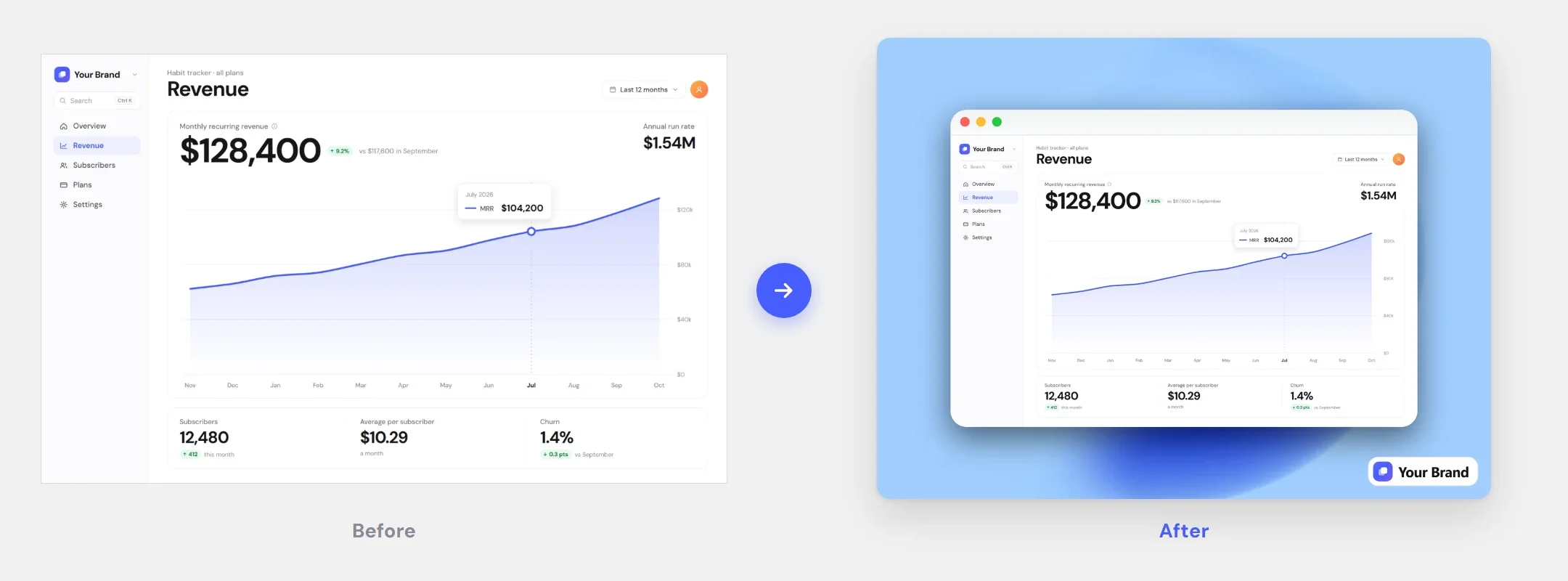
Drop it in and start styling
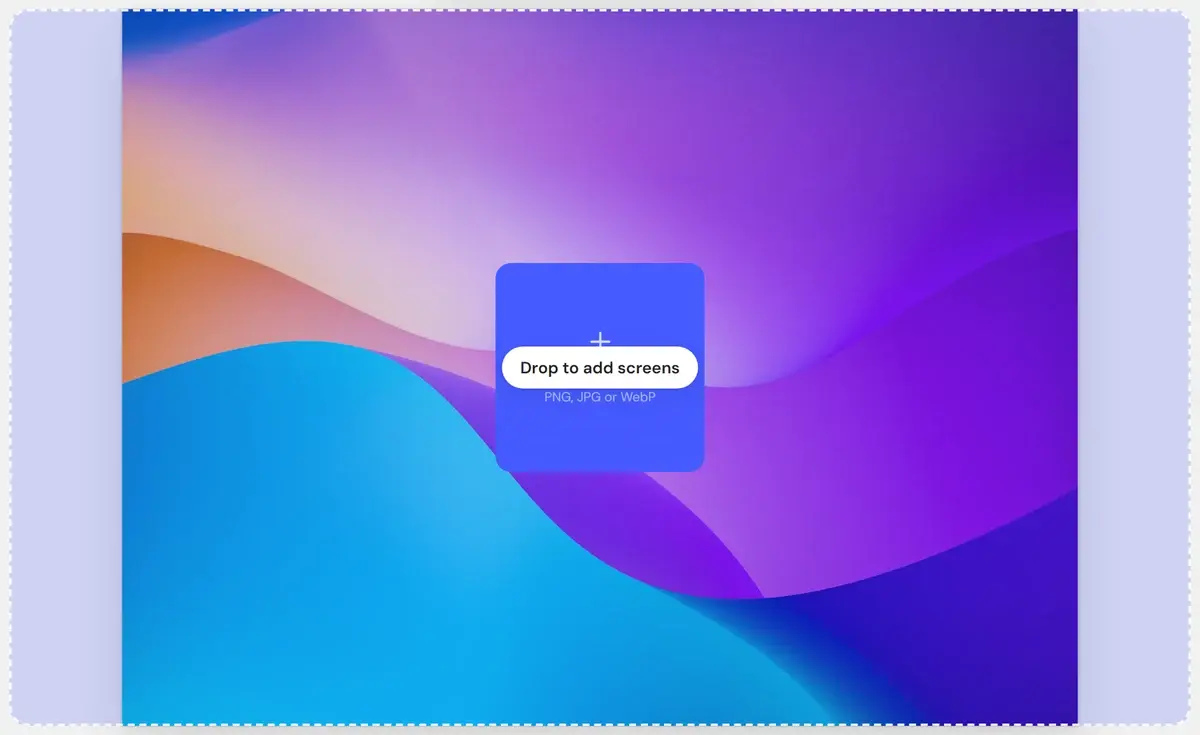
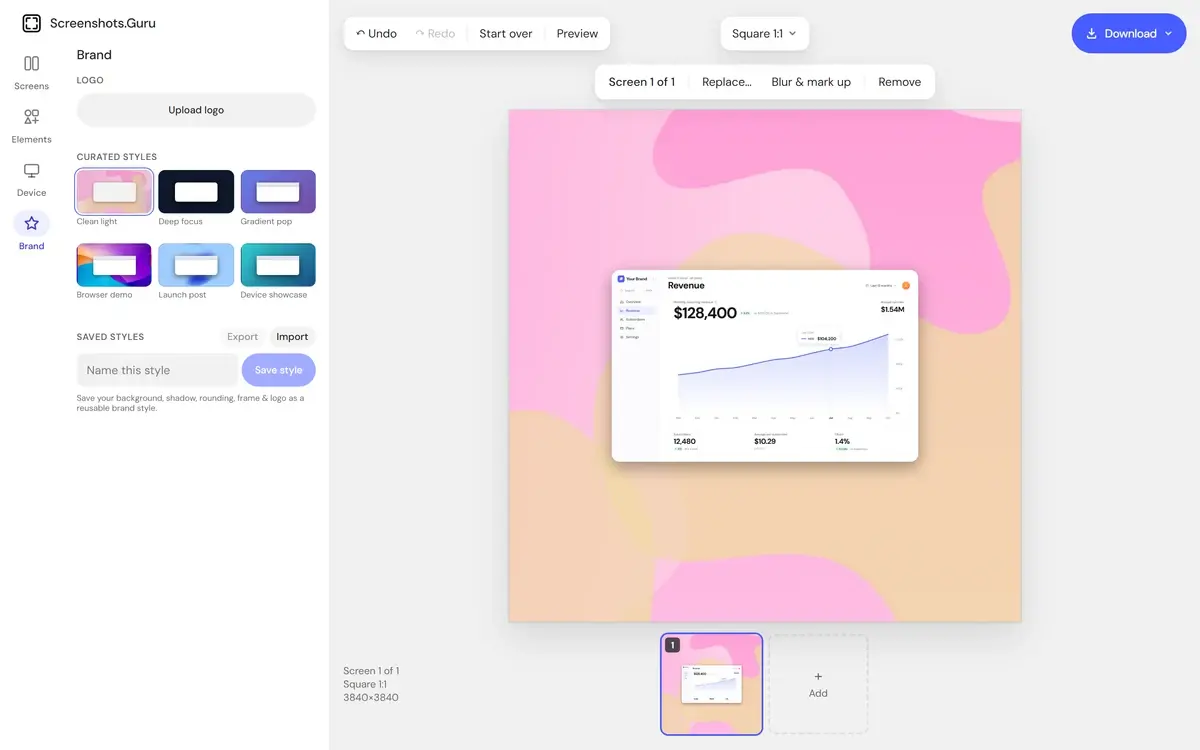
Drop a PNG, JPG or WebP — or click to upload — and every styling panel is right beside the canvas. One gesture and you are styling.
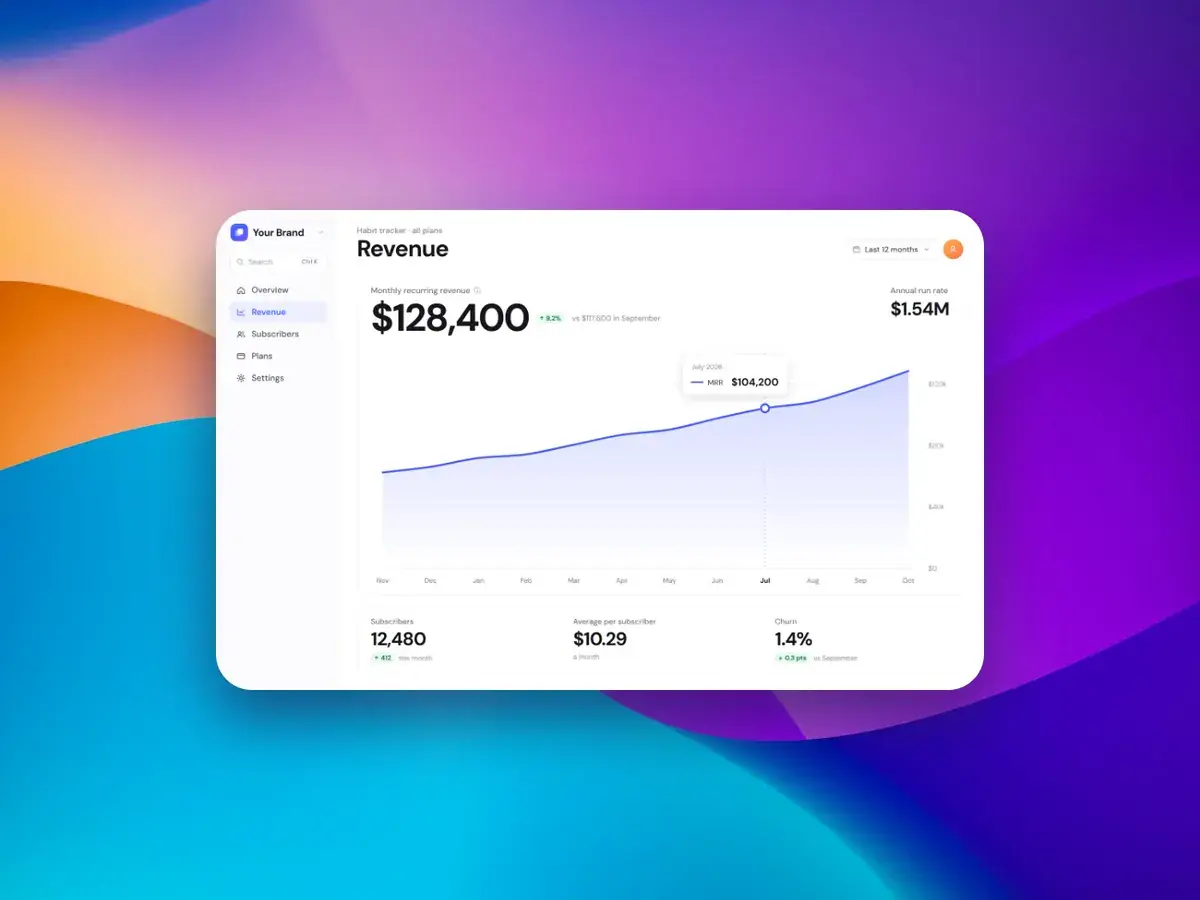
Drop a screenshot on the canvas and every control is live — background, frame, shadow, rounding, caption. Your first export is seconds away.
Every tool sits one click from the canvas.
Drop a PNG, JPG or WebP — or click to upload — and every styling panel is right beside the canvas. One gesture and you are styling.
Try anything: every background swap, slider drag and frame change can be undone, 50 steps back, from the bar above the canvas or with ⌘Z / Ctrl+Z.
Styling and export happen in your browser. The screenshot you drop is never uploaded, so drafts, dashboards and client work stay on your machine. Only your saved styles sync to your account.
Every plan includes every feature.
$4.99/wk
billed weekly
Week to week. Cancel anytime.
Renews automatically at $4.99 every week until you cancel. Tax may apply. Cancel anytime in Settings → Manage billing.
Full editor — no watermark
High-res PNG, JPG & WebP
All backgrounds, frames & captions
Brand Kit with your logo
$99.99
one-time payment
Pay once. No subscription.
One payment. Never renews.
The same full editor
All future updates
Founding price
$9.99/mo
billed monthly
Save 54% vs weekly
Month to month. Cancel anytime.
Renews automatically at $9.99 every month until you cancel. Tax may apply. Cancel anytime in Settings → Manage billing.
Full editor — no watermark
High-res PNG, JPG & WebP
All backgrounds, frames & captions
Brand Kit with your logo
How the first minute in the editor works.
Drop the screenshot in, pick a style, export at 2× — and pay once instead of subscribing.