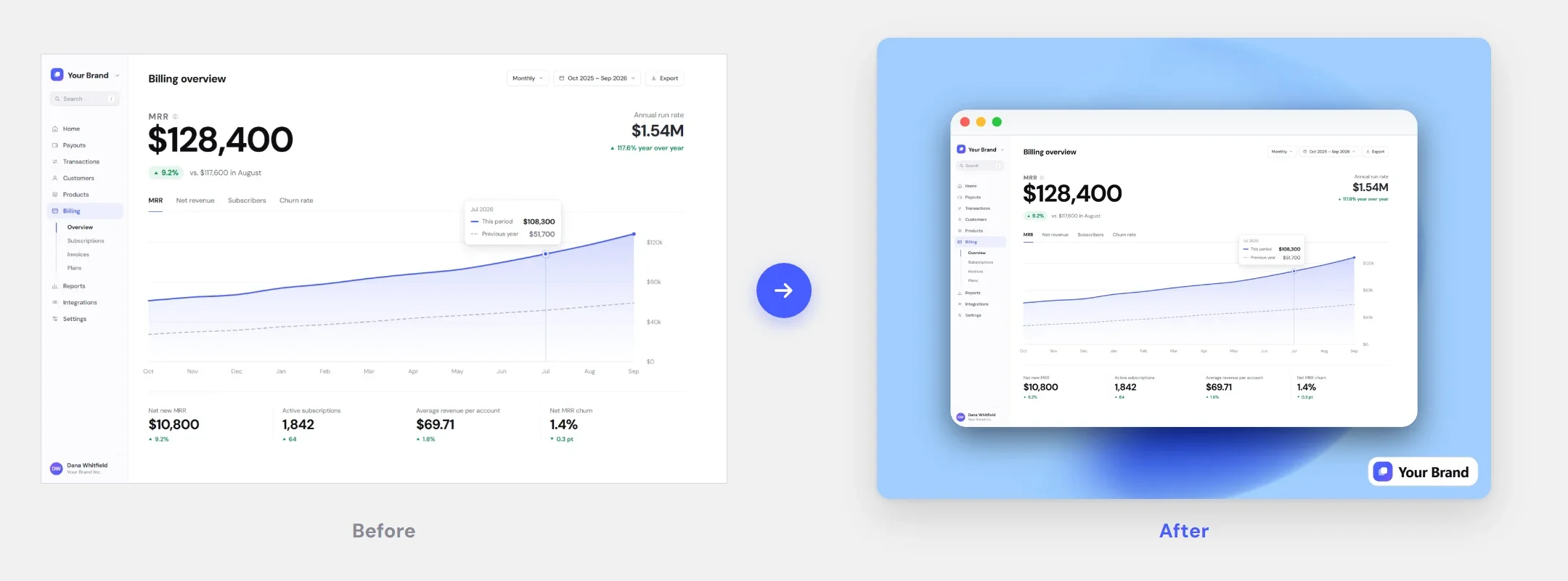
Auto-rounding that fits
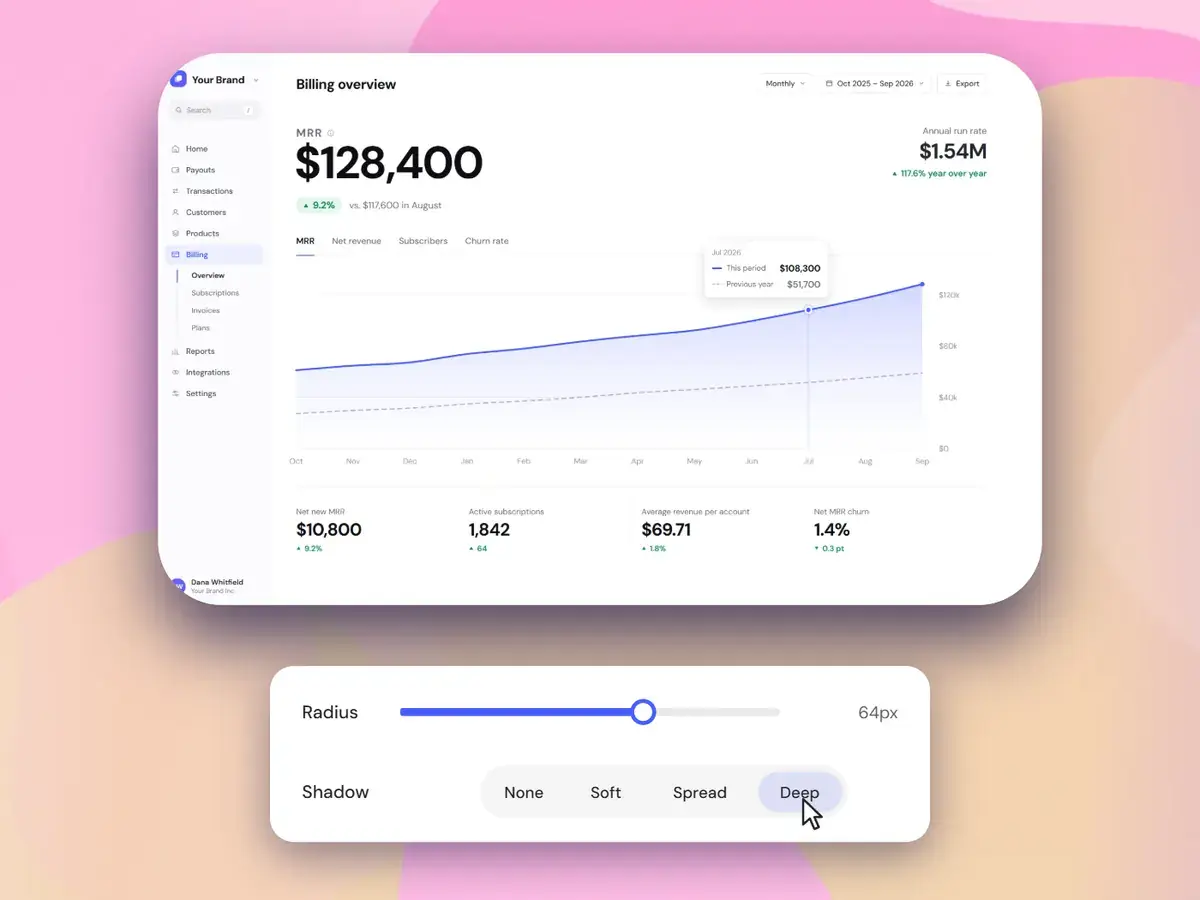
Pick Sharp, Curved or Round, or switch on Auto and the radius scales with your image size. Want an exact value? The radius slider goes from 0 to 100 px.
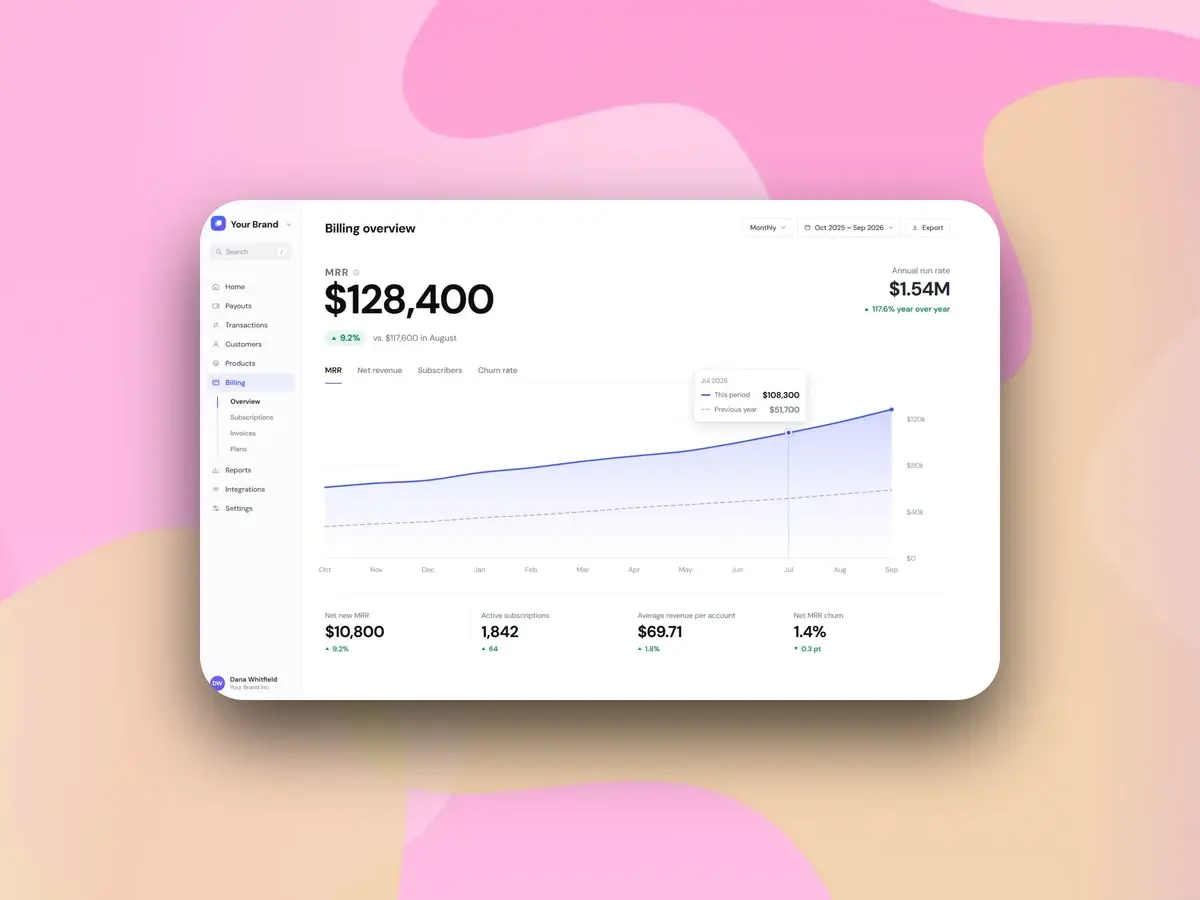
Corners that fit your image, a shadow in one click, and padding that gives the shot room to breathe.
Corner radius, shadow, padding and ratio — each one updates live on the canvas.
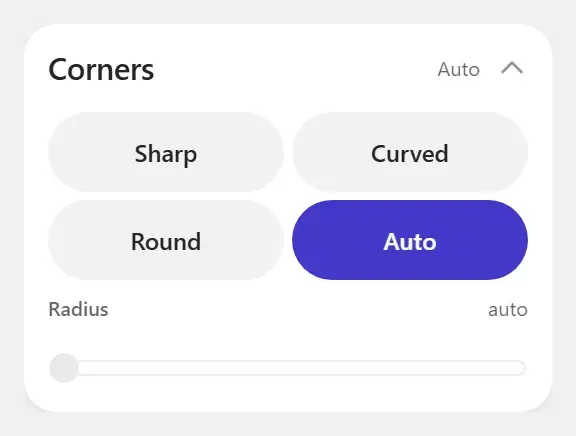
Pick Sharp, Curved or Round, or switch on Auto and the radius scales with your image size. Want an exact value? The radius slider goes from 0 to 100 px.
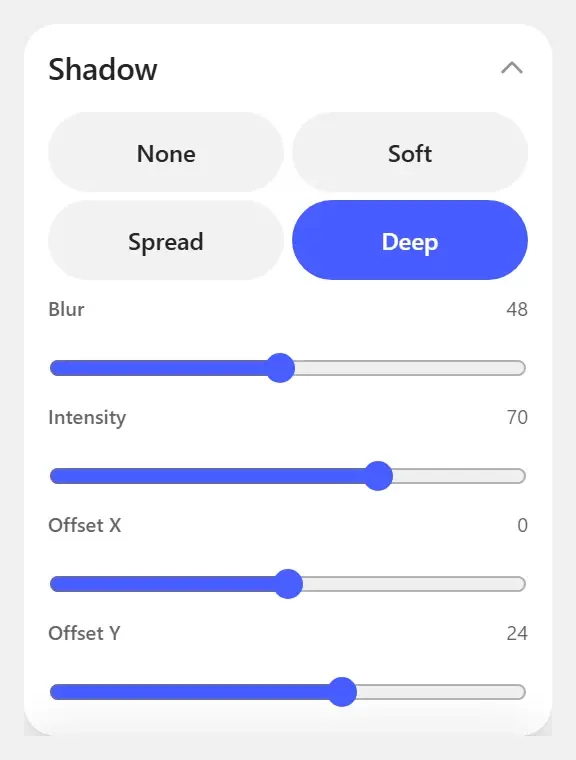
Pick Soft, Spread or Deep in one click, then fine-tune blur, intensity and X/Y offset if you want more control.
Add up to 200 px of padding, pick one of 6 aspect ratios — 1:1 for feeds, 16:9 for decks, 9:16 for stories — and snap the screenshot to one of 9 positions or drag it into place.
Every plan includes every feature.
$9.99/mo
billed monthly
Month to month. Cancel anytime.
Full editor — no watermark
High-res PNG, JPG & WebP
All backgrounds, frames & captions
Brand Kit with your logo
$99.99
one-time payment
Pay once. No subscription.
The same full editor
All future updates
Founding price
$49.99/yr$119.88
$4.16/mo, billed yearly
Save 58% vs monthly
Best for regular use.
Full editor — no watermark
High-res PNG, JPG & WebP
All backgrounds, frames & captions
Brand Kit with your logo
The three controls that make a capture look designed.
Drop the screenshot in, pick a style, export at 2× — and pay once instead of subscribing.