Skip to content

App Store and Google Play screenshots in every required size

Style your screenshots once, write a caption for each screen and tick the sizes. iPhone 6.9″ and 6.3″, iPad 13″, the Google Play phone size and the feature graphic come out at their exact pixels, numbered in store order, in one ZIP.

Every size a store asks for, from one style

One screenshot at an exact size, or the whole listing at once.

Exact store sizes in one click

Pick App Store · iPhone 6.9″ in the size menu above the canvas and the file is exactly 1320 × 2868: a JPG, or a PNG with no alpha channel, the only kinds both stores accept. iPhone 6.3″, iPhone 6.5″, iPad 13″ in portrait or landscape and the Google Play phone size are one click each.
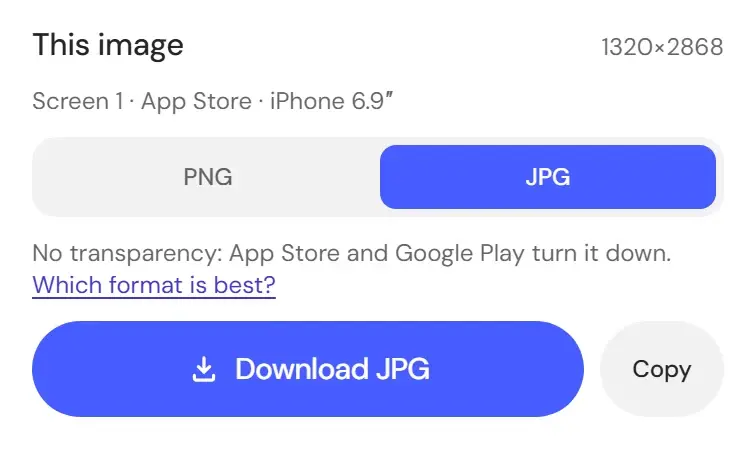
This image in the Download menu at App Store · iPhone 6.9″, 1320×2868, with JPG picked, the note that the stores turn transparency down, and Download JPG

One style for the whole set

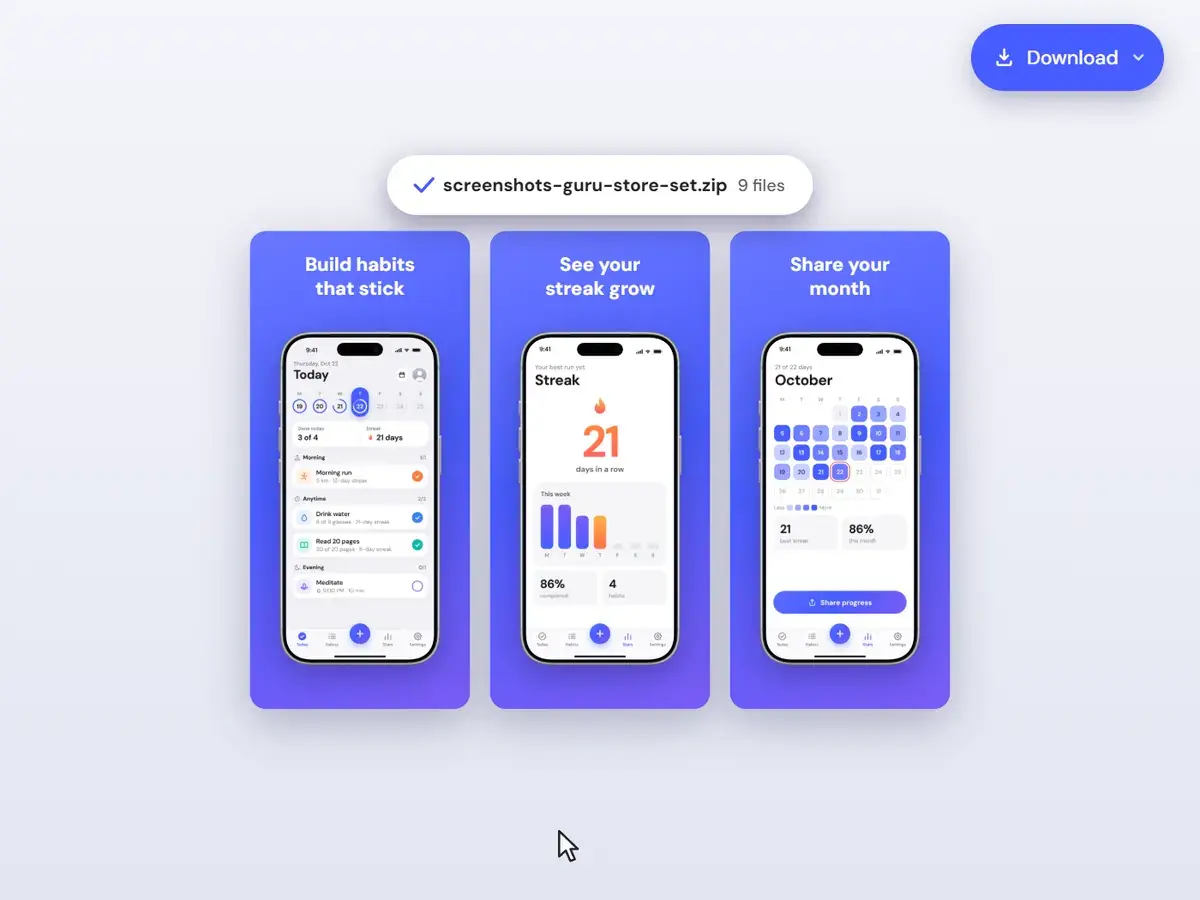
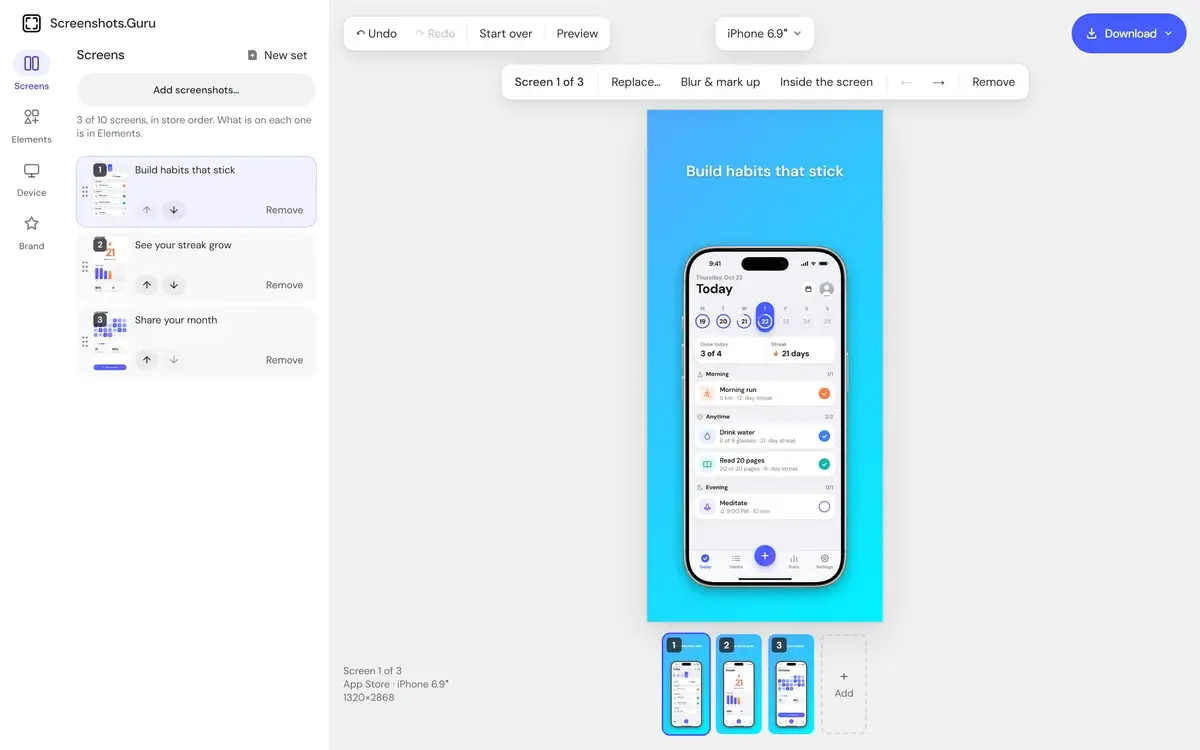
Store set takes up to ten screenshots. The background, shadow and caption style apply to every screen, and each screen keeps its own caption. The device frame goes on the iPhone sizes. iPad 13″ shows the iPad captures you add to each screen, portrait, landscape or both, in an iPad frame, and Google Play gets a frame of its own, none by default, as Google's guidelines ask. The strip under the preview shows the whole listing at a glance.

The store set with three habit app screens and their captions in the Screens list, the first screen, Build habits that stick, in an iPhone frame on a blue gradient at iPhone 6.9″, and all three in the row under the canvas

A feature graphic from the same style

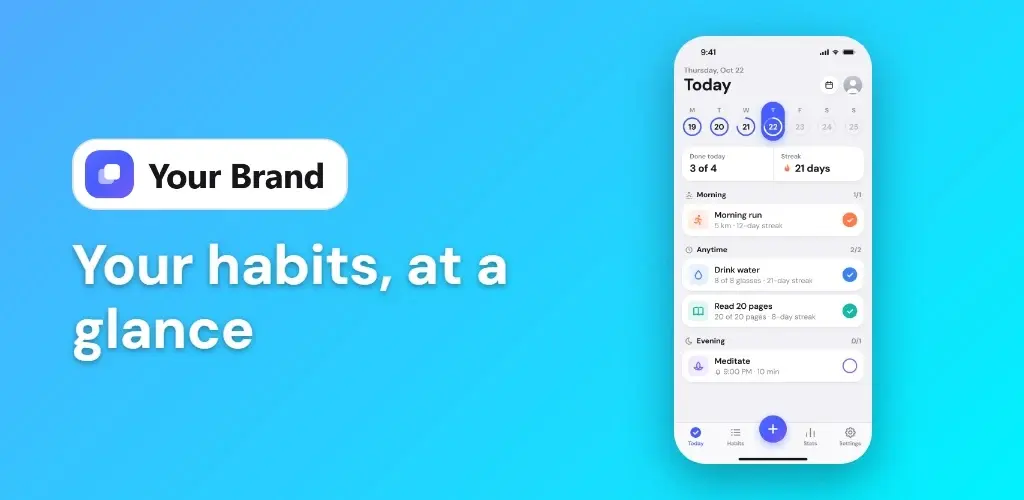
Tick the 1024 × 500 Google Play feature graphic and it is laid out for you: your headline and logo on the left, the first screen on the right, without a device frame, as Google's guidelines ask. Download ZIP numbers every file in store order, so the upload is drag and drop.

A 1024 × 500 feature graphic exported from Store set: the logo and the headline Your habits, at a glance beside the habit app’s Today screen on a blue gradient

Same full editor — choose how you pay

Every plan includes every feature.

  • Weekly

    $4.99/wk

    billed weekly

    Week to week. Cancel anytime.

    Renews automatically at $4.99 every week until you cancel. Tax may apply. Cancel anytime in Settings → Manage billing.

    • Full editor — no watermark

    • High-res PNG, JPG & WebP

    • All backgrounds, frames & captions

    • Brand Kit with your logo

  • Most popular

    Lifetime

    $99.99

    one-time payment

    Pay once. No subscription.

    One payment. Never renews.

    • The same full editor

    • All future updates

    • Founding price

  • Monthly

    $9.99/mo

    billed monthly

    Save 54% vs weekly

    Month to month. Cancel anytime.

    Renews automatically at $9.99 every month until you cancel. Tax may apply. Cancel anytime in Settings → Manage billing.

    • Full editor — no watermark

    • High-res PNG, JPG & WebP

    • All backgrounds, frames & captions

    • Brand Kit with your logo

Questions about App Store and Google Play screenshots

Sizes, formats and what a set holds.

Post-ready screenshots in 30 seconds.

Drop the screenshot in, pick a style, export at 2× — and pay once instead of subscribing.

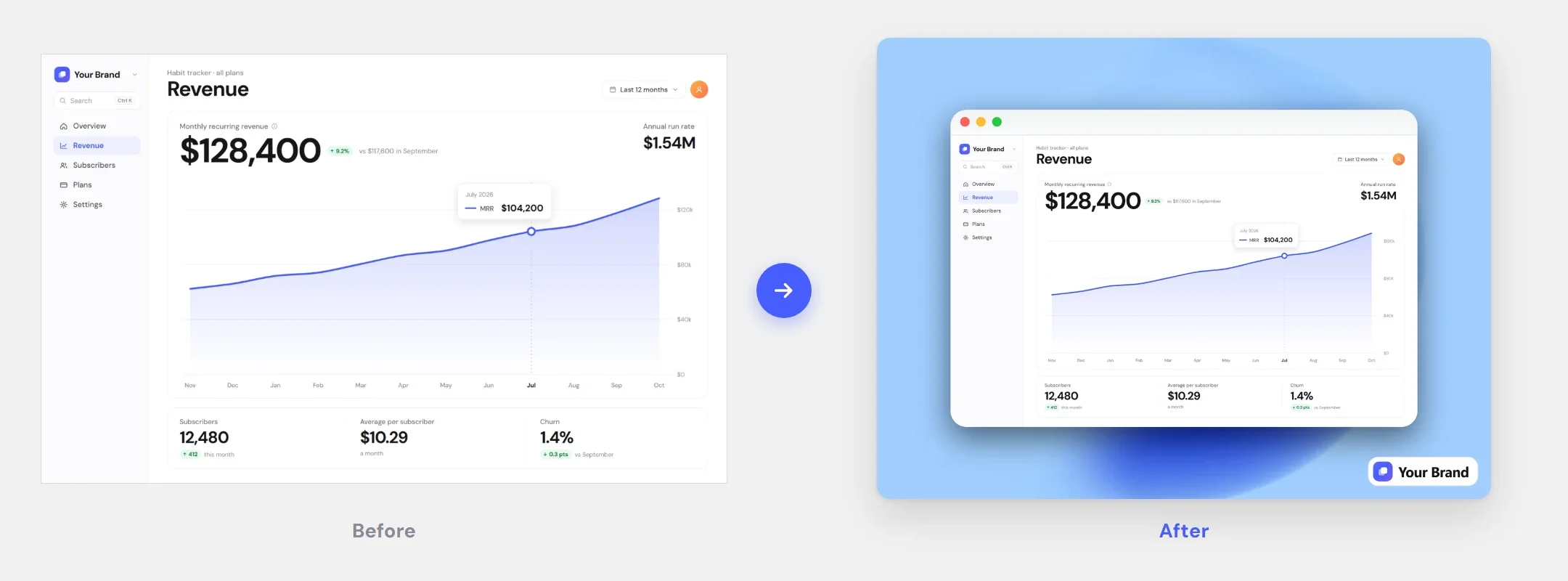
Before and after: a raw screenshot next to the same screenshot styled with a brand background, shadow, and logo