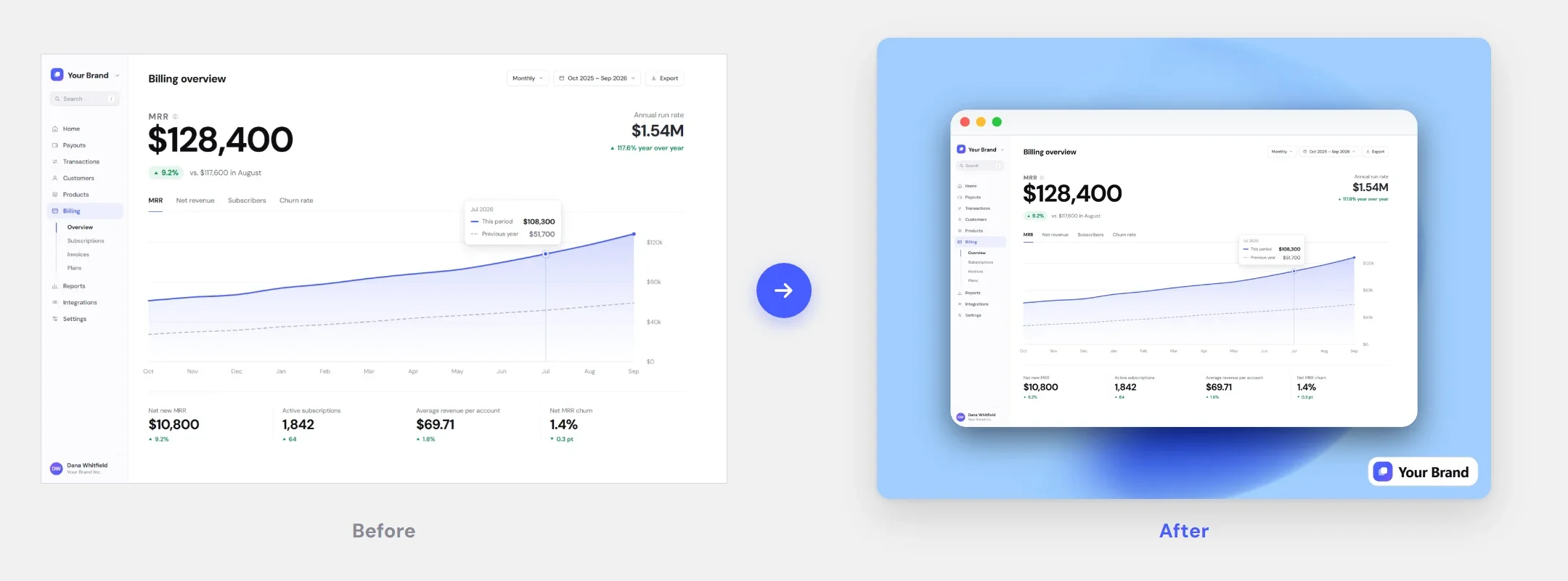
Screenshot styling features: from raw capture to finished visual
Backgrounds, window and device mockups, rounded corners, shadows, captions, a Brand Kit and 2× export — everything a post-ready screenshot needs, right in your browser.
Drag-and-drop editor
Drop a screenshot and start styling in seconds. Undo anything — your screenshot never leaves your browser.
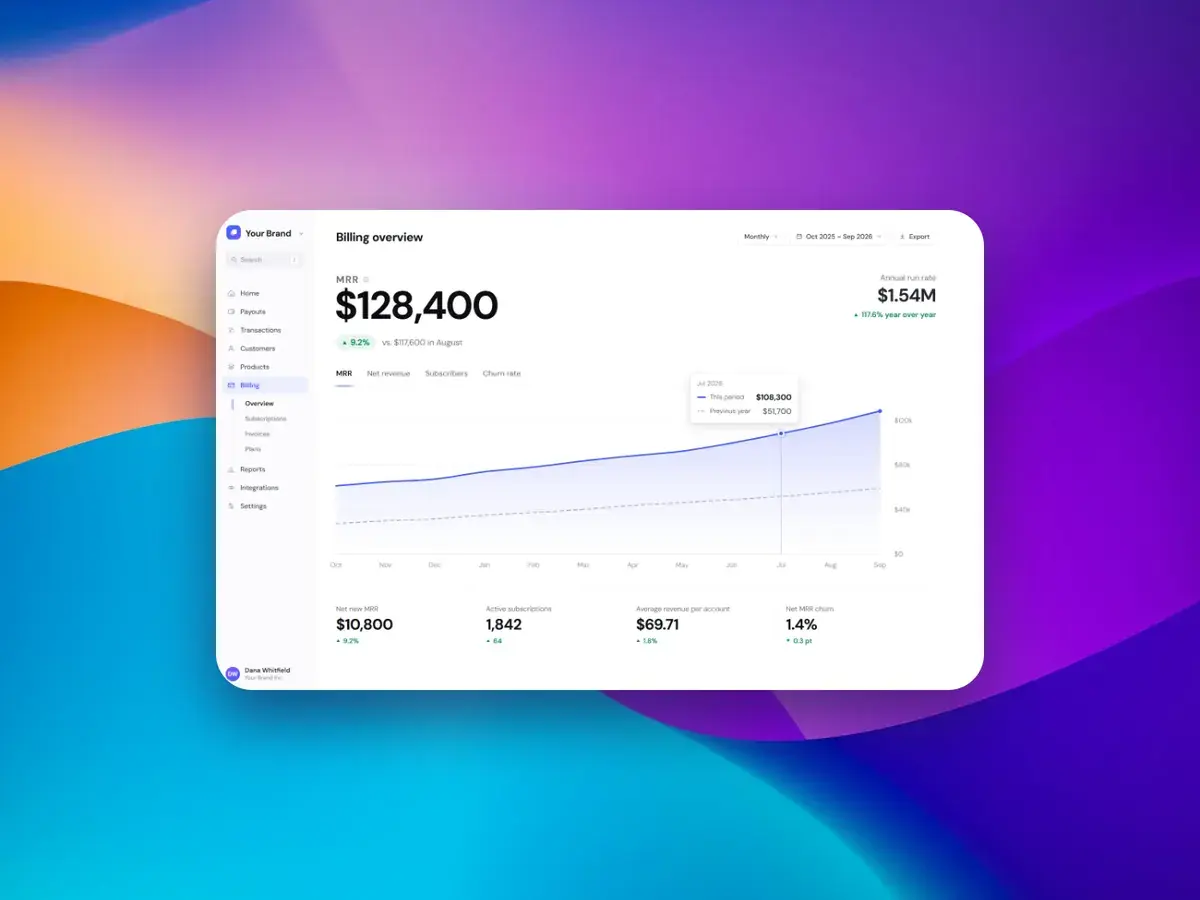
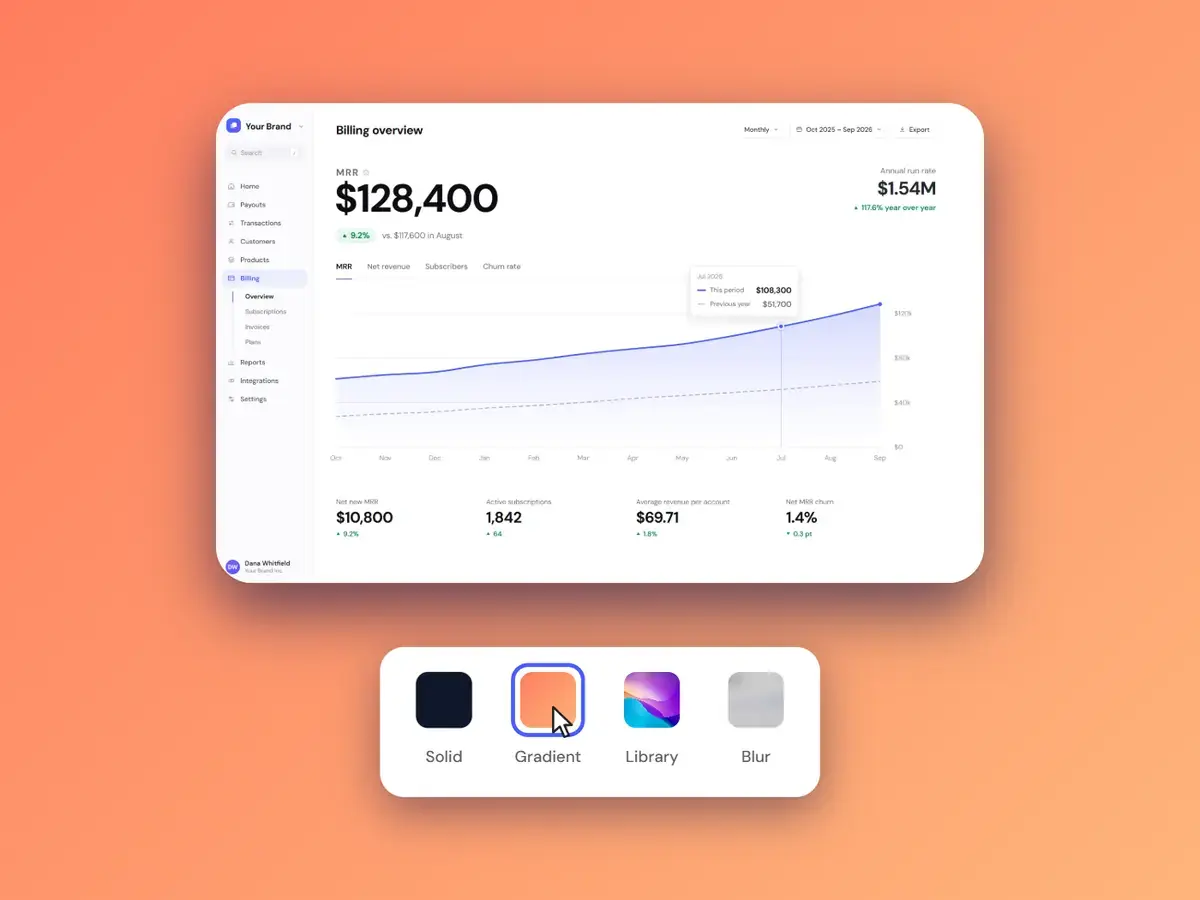
Custom backgrounds
45 library backgrounds, solid colors, gradients, your own image, a blur of the shot — or transparent.
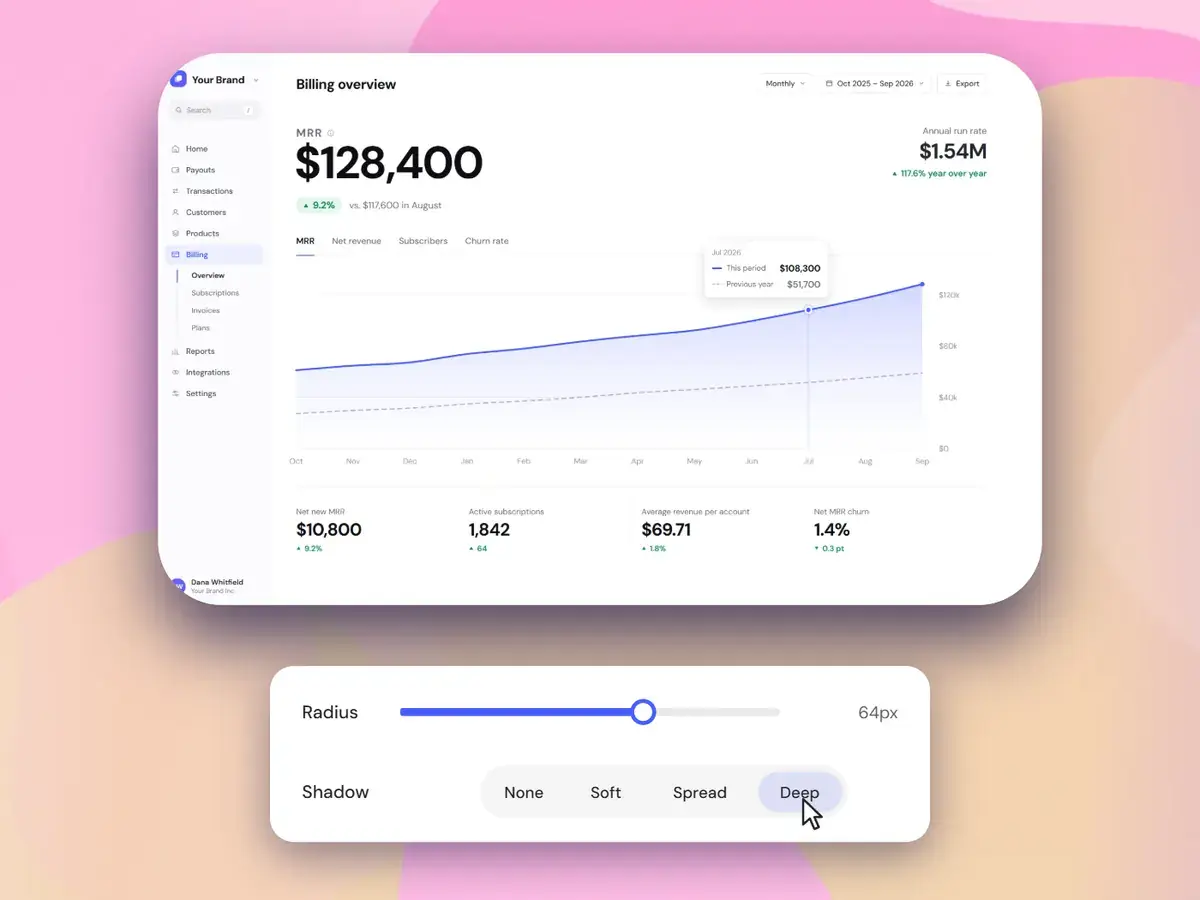
Rounded corners & shadows
Auto or manual corner radius, one-click shadow presets you can fine-tune, plus padding and aspect ratios.
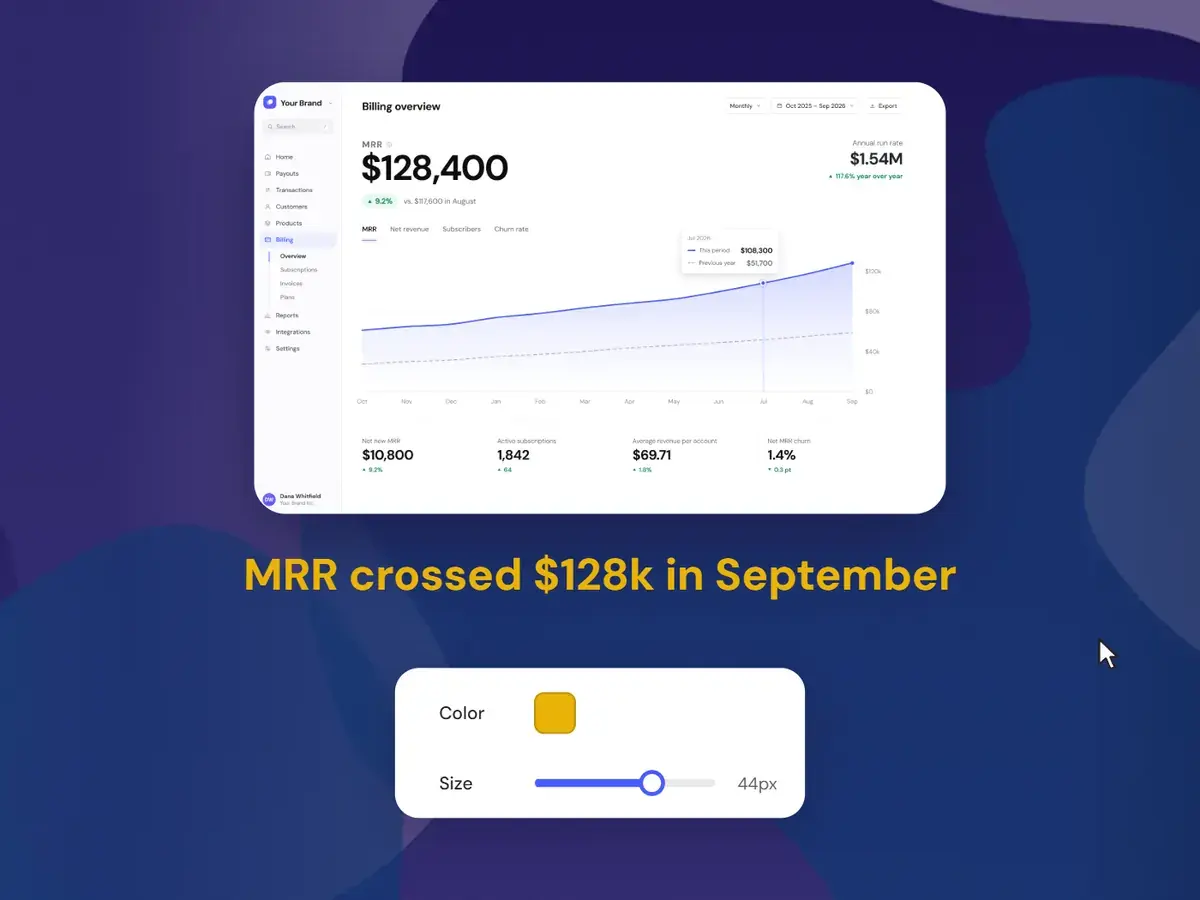
Captions & text overlays
Type a caption, set its color and size — it exports as part of the image.
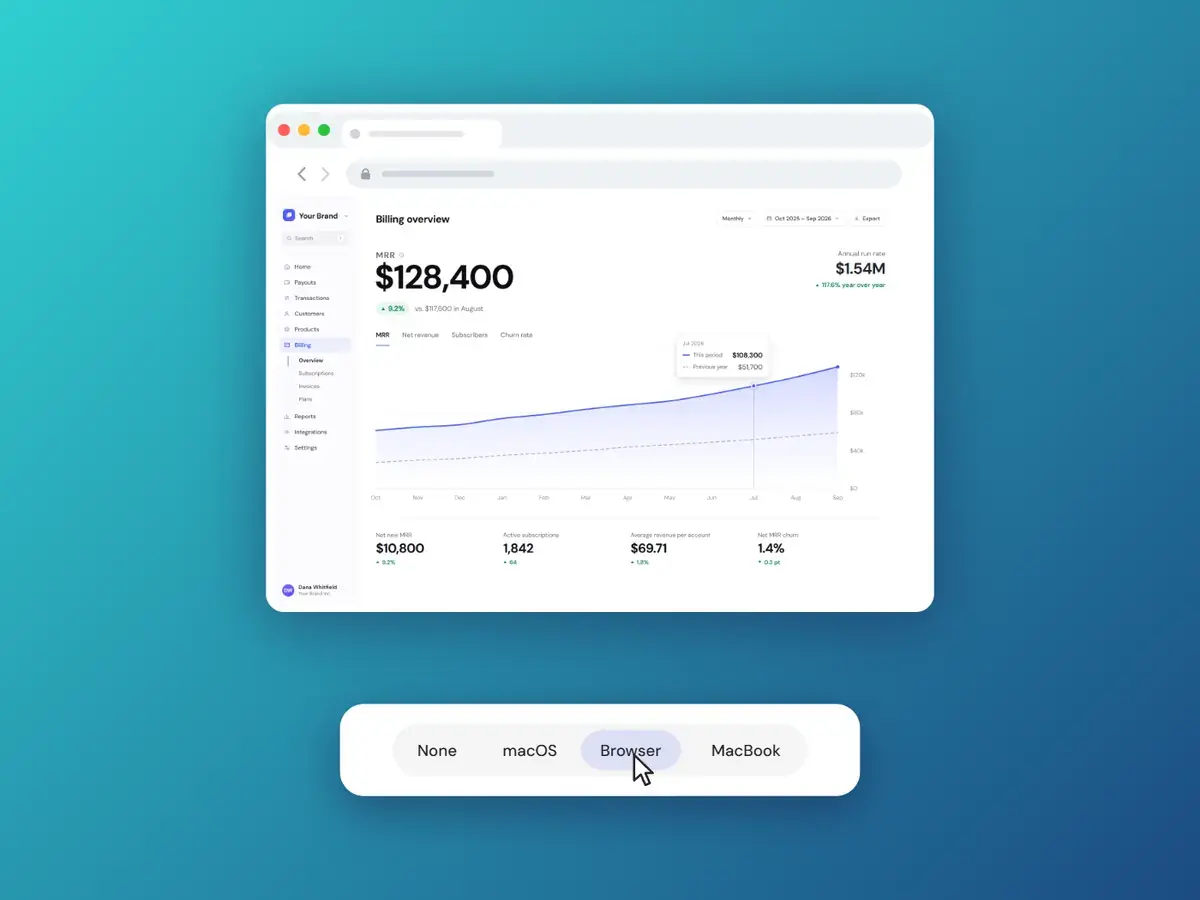
Window & device mockups
A macOS window, a browser, an iPhone or a MacBook — one click each, crisp at 2×.
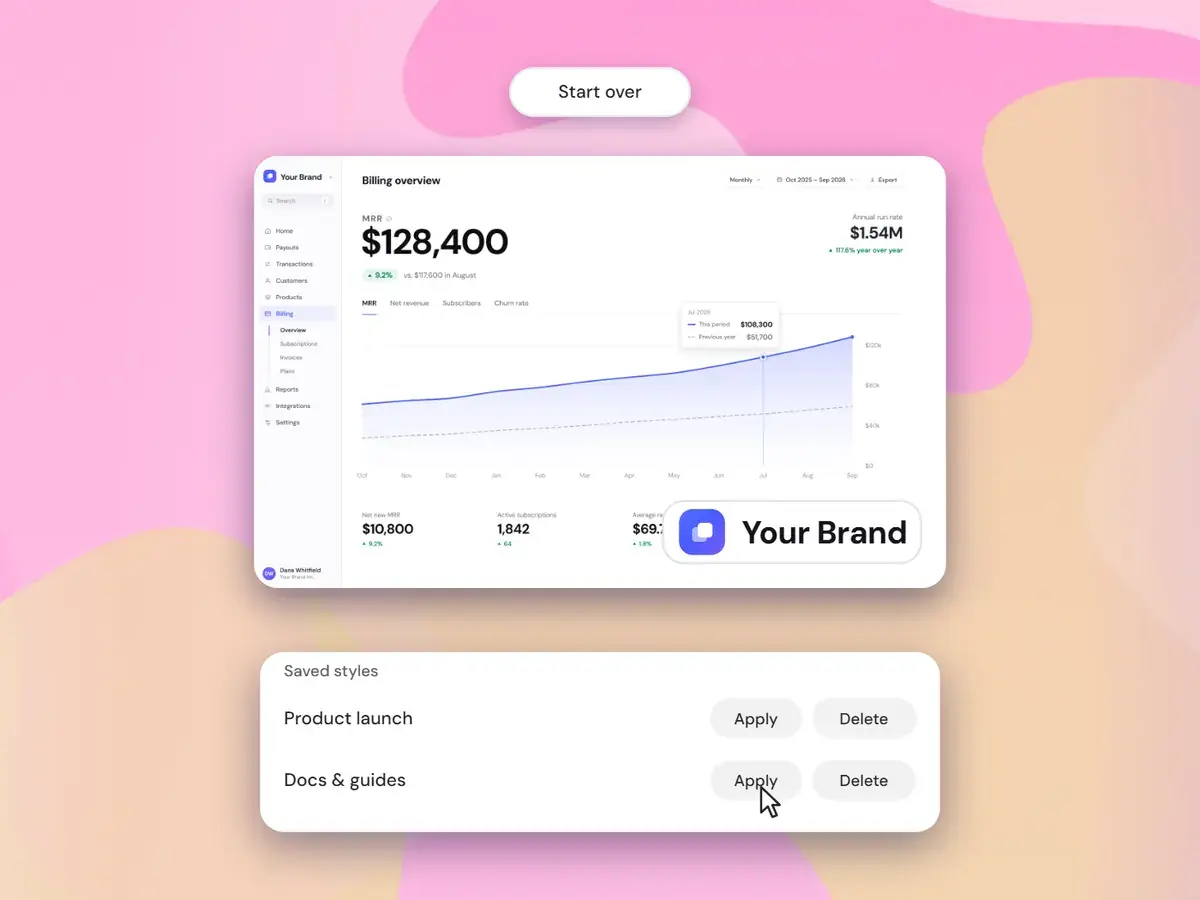
Brand Kit & saved styles
Six curated styles, your logo in any corner, and saved styles that restyle any screenshot in one click.
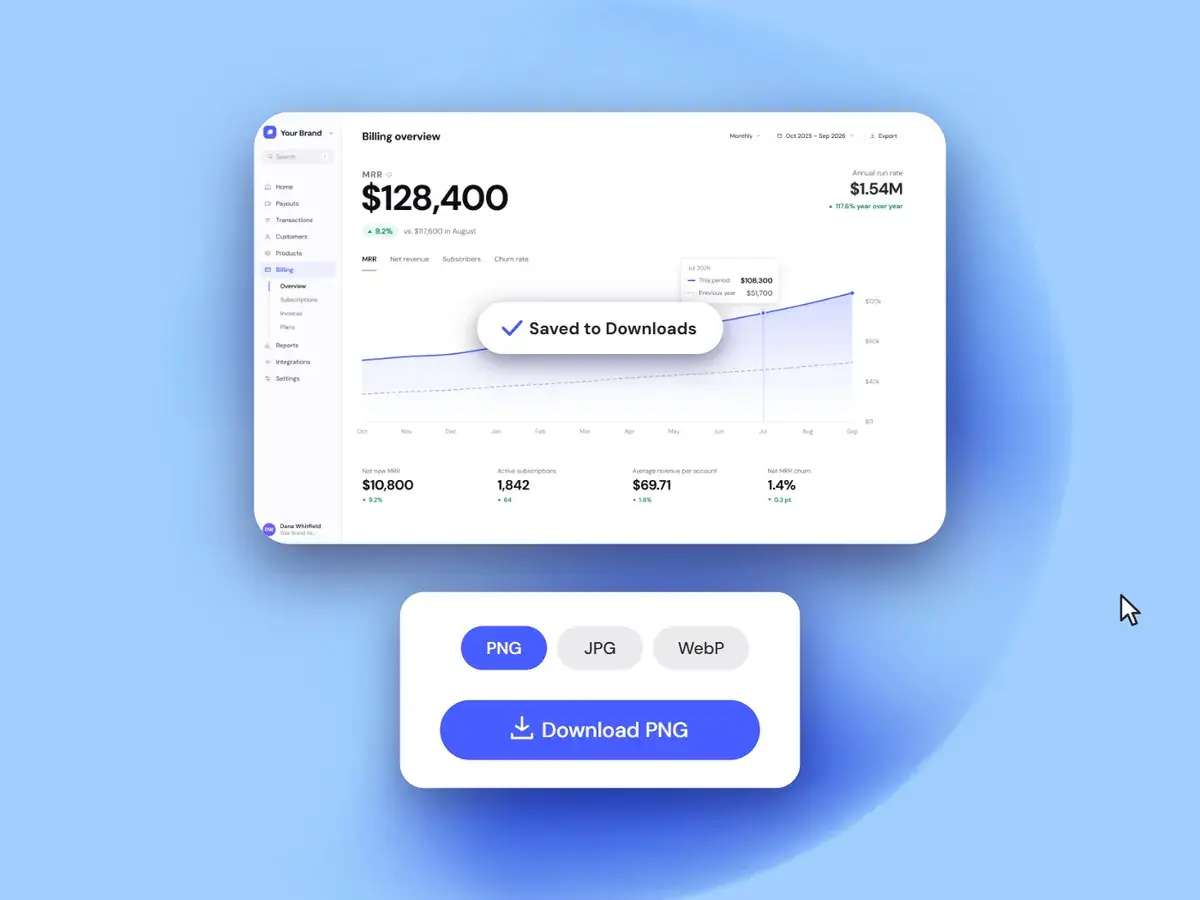
High-res export
PNG, JPG or WebP at 2× — or straight to your clipboard.
Everything in the editor
Every plan includes all of it — no feature tiers.
Questions about the free try and plans
Trying the editor, paying for it and managing billing.
- Yes — try it free on the home page, no signup: drop in a screenshot, pick a background and export. You get 3 free exports, at a lower resolution and with a small watermark. Any plan unlocks the full editor: no watermark, high-res export, every background, frames, captions and your Brand Kit.
- One editor, three ways to pay: Monthly $9.99, Yearly $49.99 ($4.16/mo), or Lifetime $99.99 once. Every plan unlocks the exact same full editor — there are no feature tiers.
- A one-time $99.99 payment for the full editor and every update we release, for as long as we run Screenshots.Guru. There’s no subscription and nothing to cancel — the full definition is in our Terms.
- Yes. Monthly and Yearly are subscriptions you can cancel anytime from “Manage billing” in your account, and you keep access until the period ends. Lifetime doesn’t renew, so there’s nothing to cancel.
- From your account, open “Manage billing” to update your card, view invoices, or cancel. Payments are handled securely by Paddle, our payment provider and merchant of record.
Post-ready screenshots in 30 seconds.
Drop the screenshot in, pick a style, export at 2× — and pay once instead of subscribing.