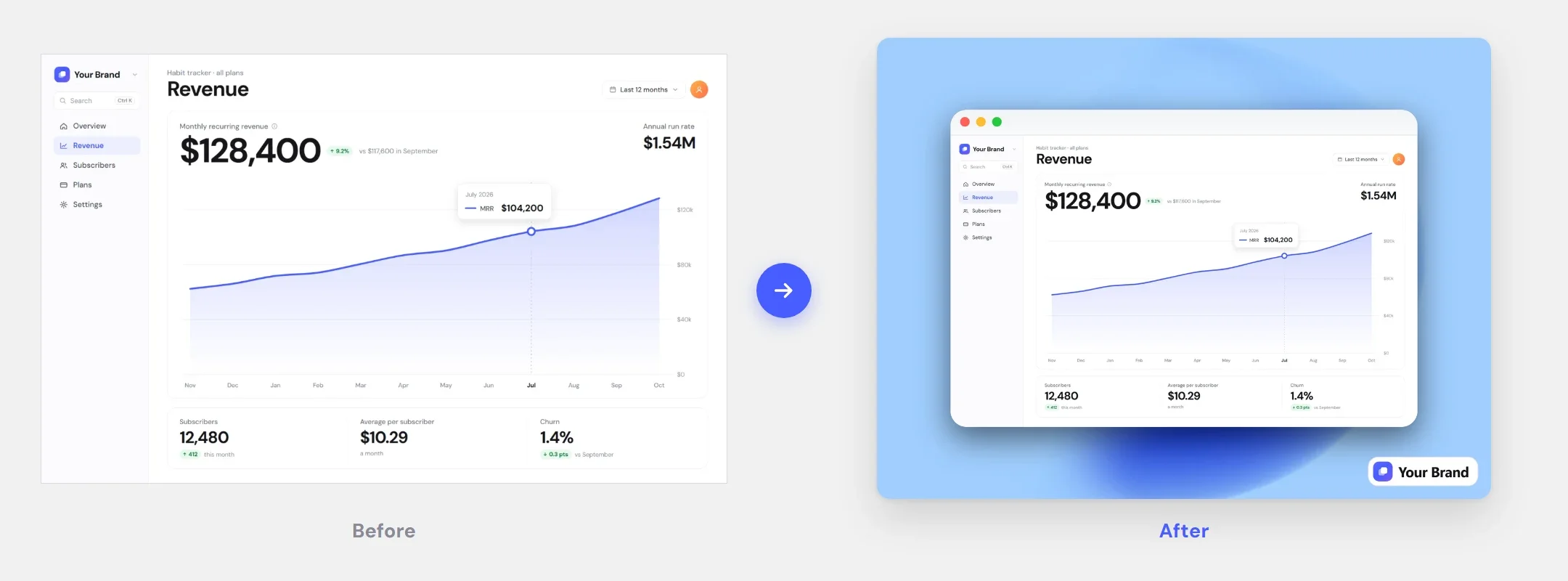
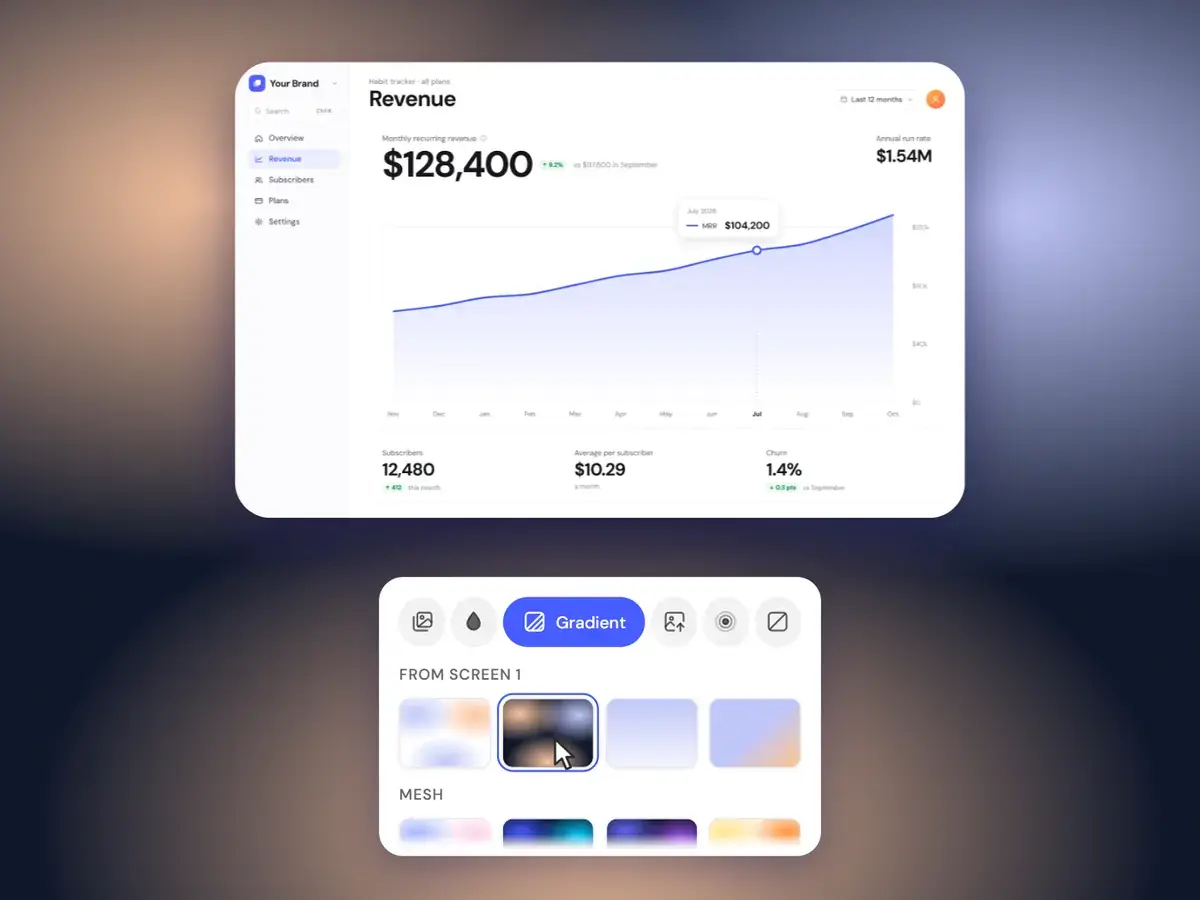
A library of 53 backgrounds
Five categories — Abstract, Gradient, Pastel, Shapes and Shaders. Click a thumbnail and it applies instantly.
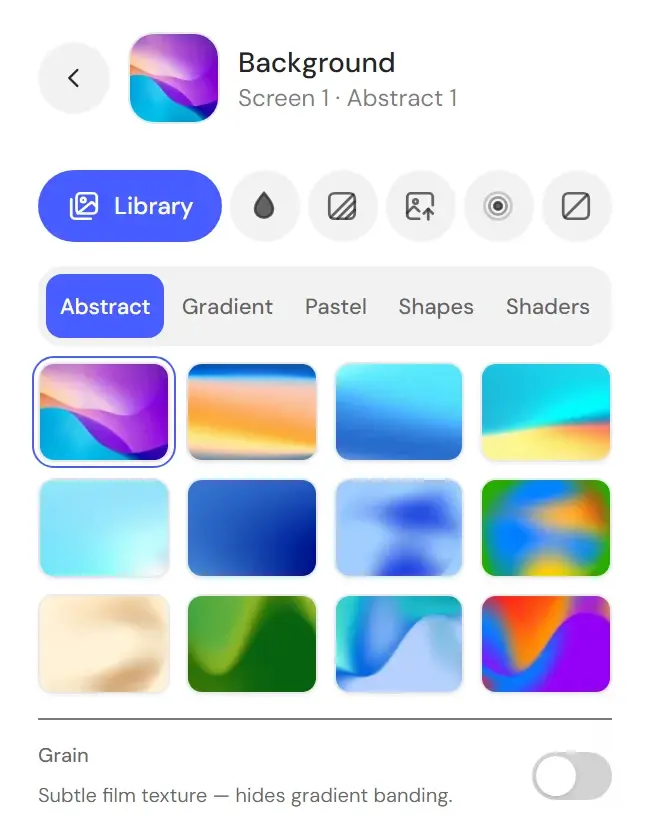
Pick from a 53-image library, a solid color or a gradient, upload your own image, blur the original, or go transparent. The canvas updates as you click.
A launch post, a doc and a slide deck ask for different moods — switch between them in a click.
Five categories — Abstract, Gradient, Pastel, Shapes and Shaders. Click a thumbnail and it applies instantly.
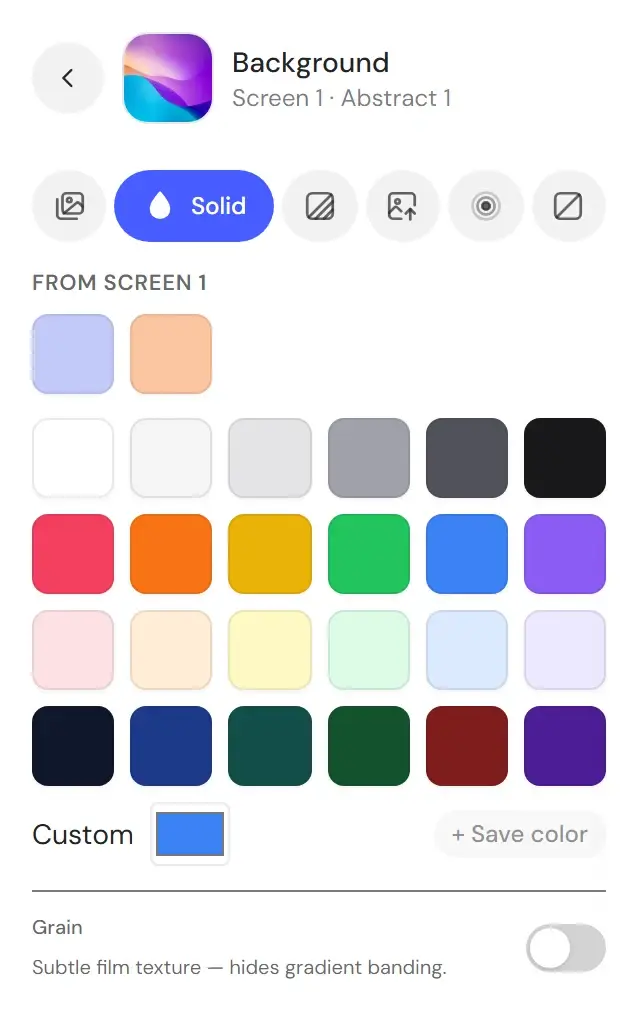
Pick one of 24 solid swatches, a color from your screenshot or any color, one of 21 gradient presets or your own gradient, or upload an image. Want no background? None exports a transparent PNG.
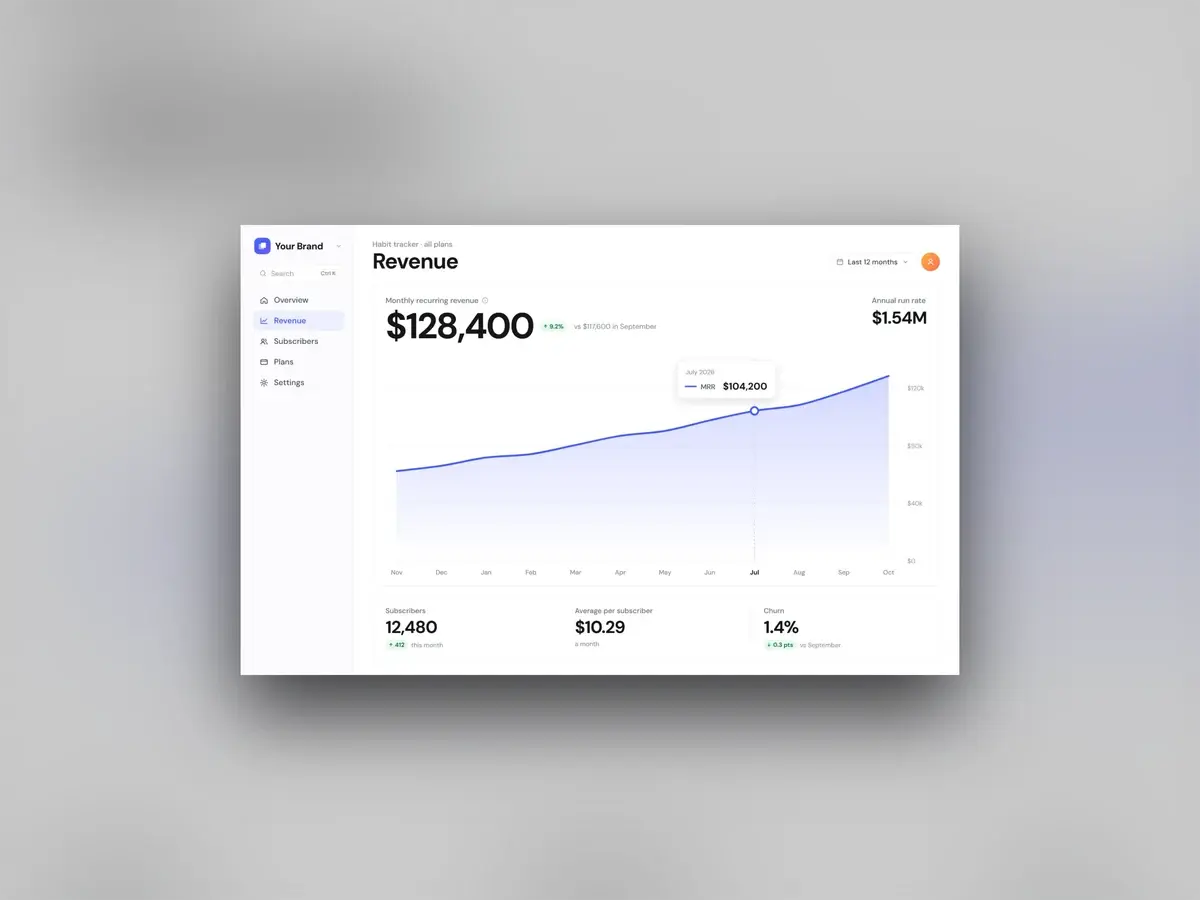
Blur puts a soft, darkened copy of your screenshot behind the sharp original — depth without a busy background. Works with any rounding, shadow or frame.
Every plan includes every feature.
$4.99/wk
billed weekly
Week to week. Cancel anytime.
Renews automatically at $4.99 every week until you cancel. Tax may apply. Cancel anytime in Settings → Manage billing.
Full editor — no watermark
High-res PNG, JPG & WebP
All backgrounds, frames & captions
Brand Kit with your logo
$99.99
one-time payment
Pay once. No subscription.
One payment. Never renews.
The same full editor
All future updates
Founding price
$9.99/mo
billed monthly
Save 54% vs weekly
Month to month. Cancel anytime.
Renews automatically at $9.99 every month until you cancel. Tax may apply. Cancel anytime in Settings → Manage billing.
Full editor — no watermark
High-res PNG, JPG & WebP
All backgrounds, frames & captions
Brand Kit with your logo
Changing, removing and customizing the background.
Drop the screenshot in, pick a style, export at 2× — and pay once instead of subscribing.