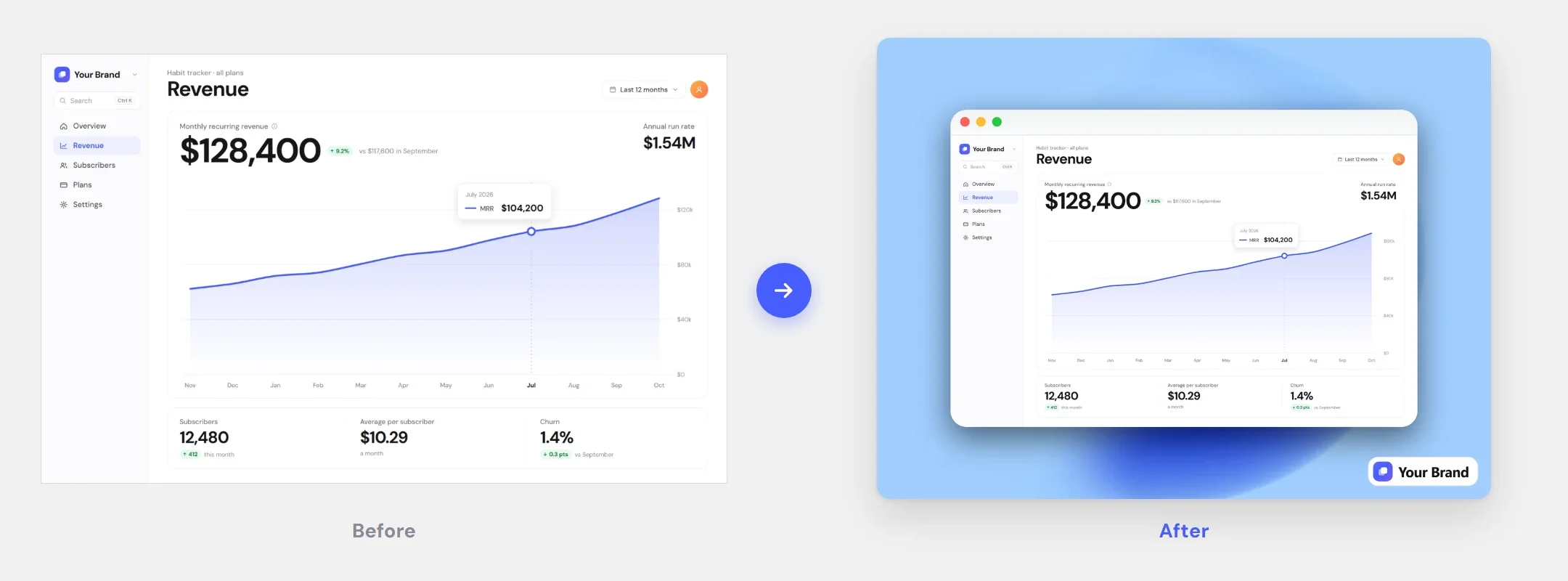
Free screenshot frame PNGs for phones and tablets
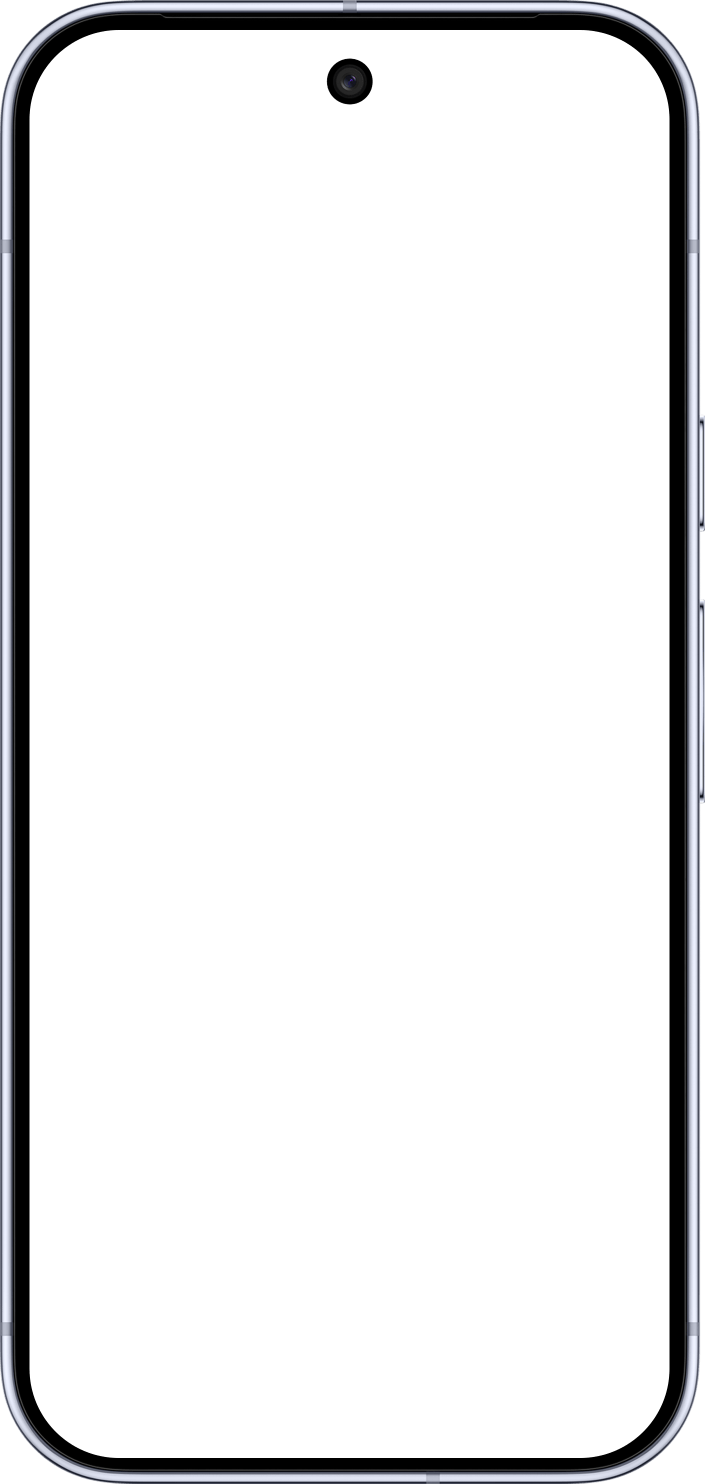
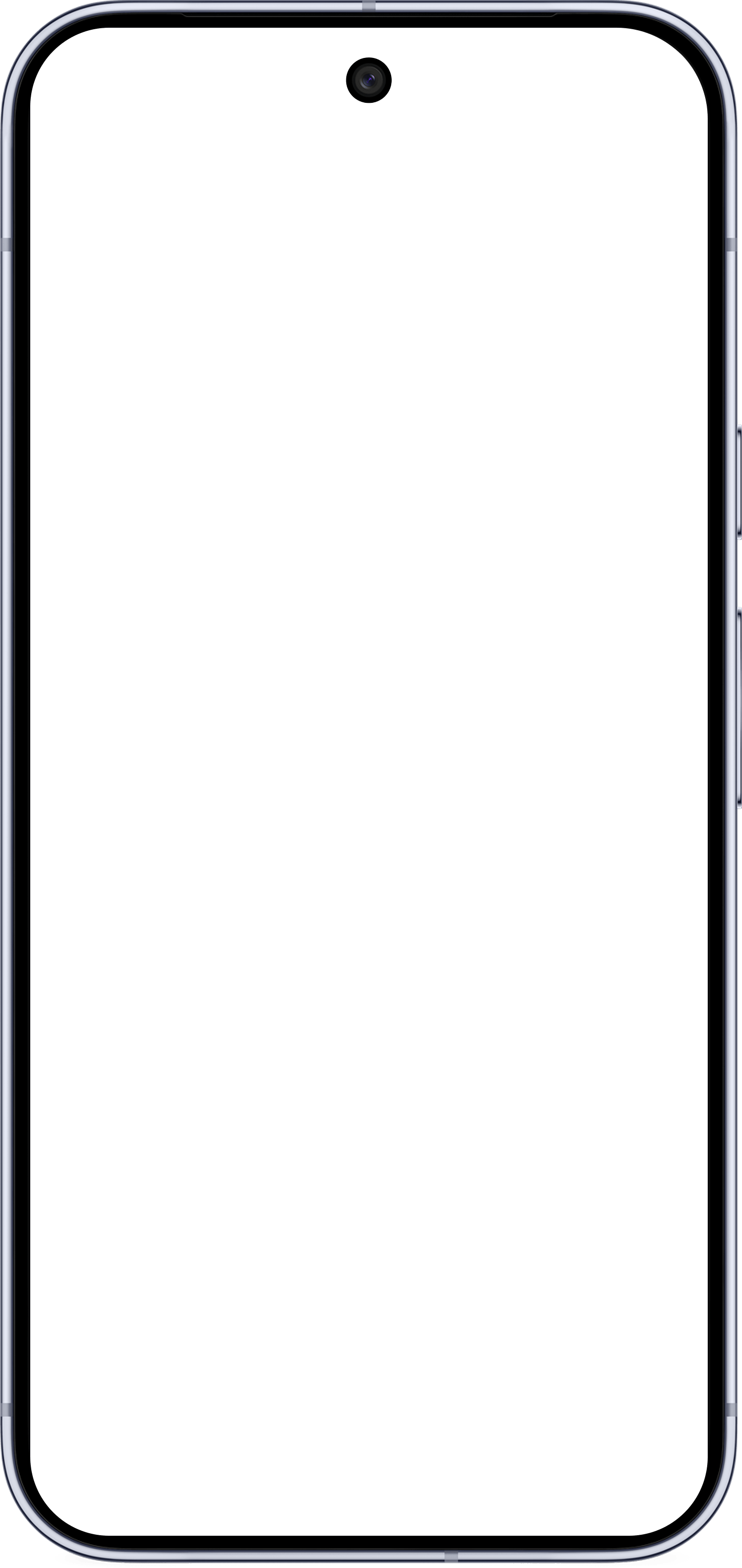
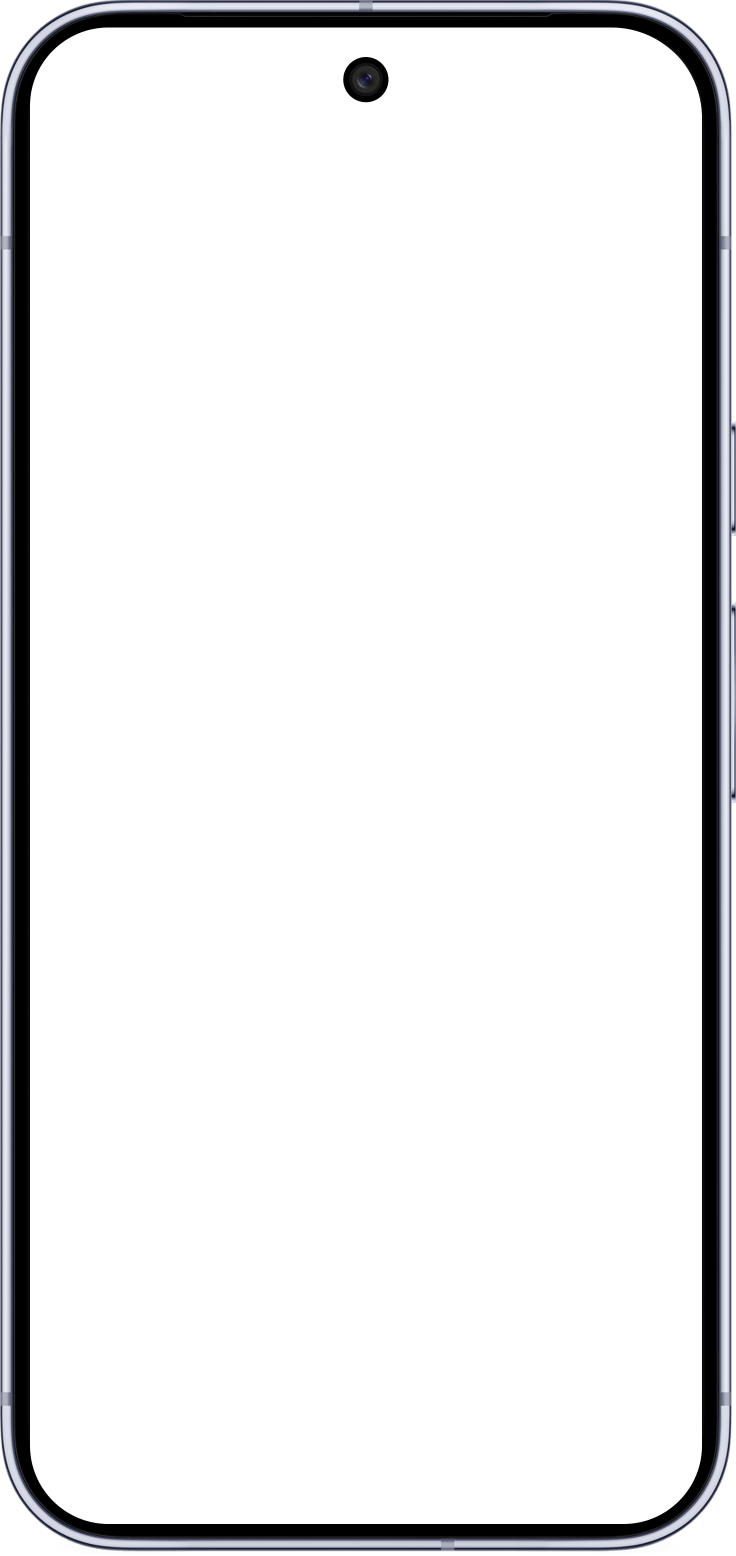
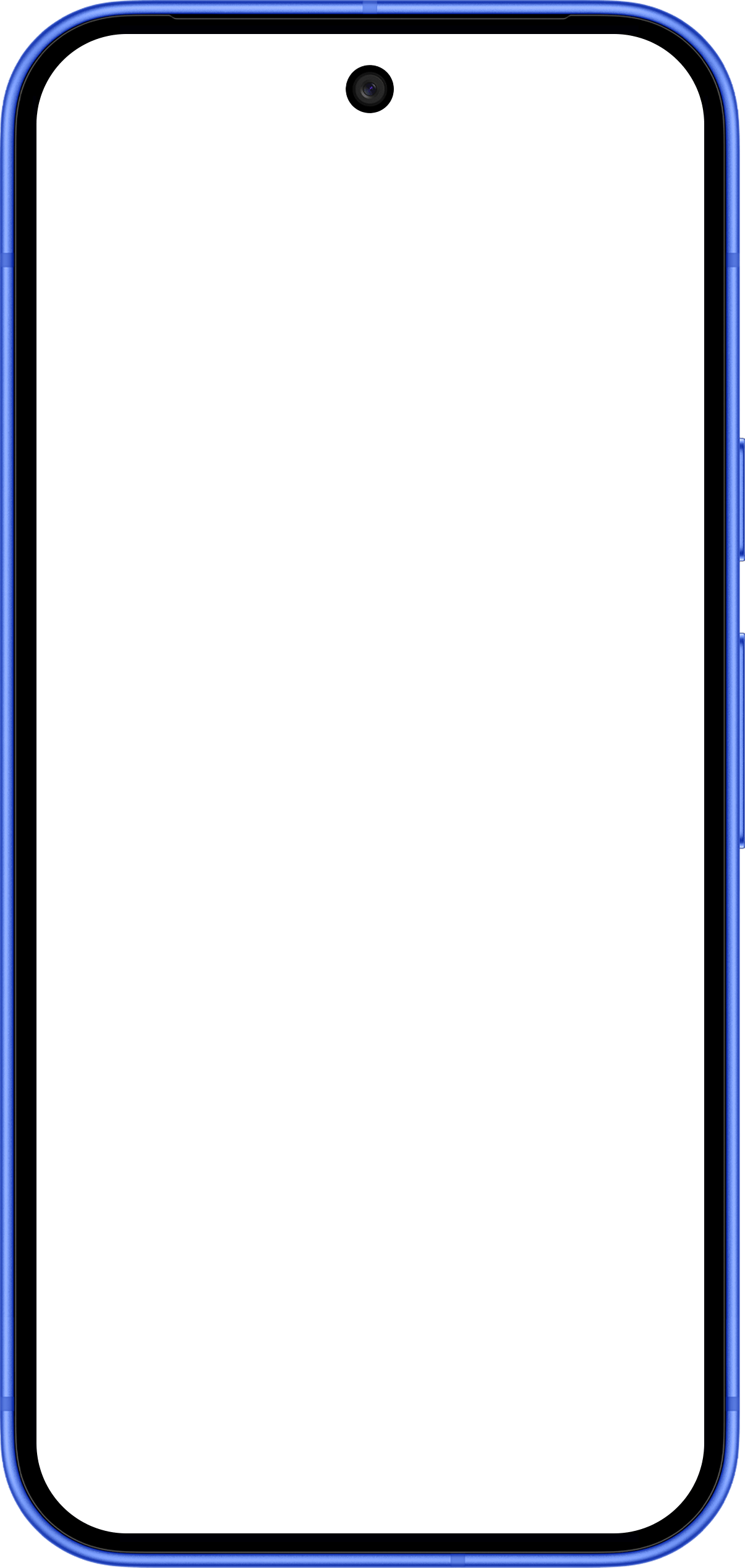
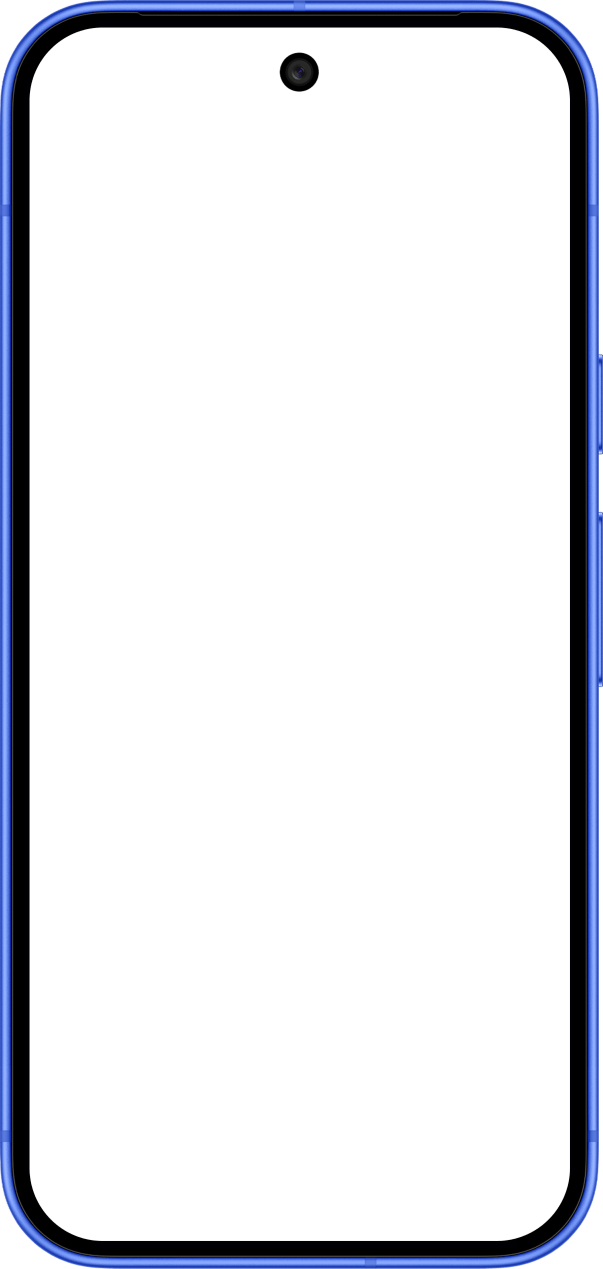
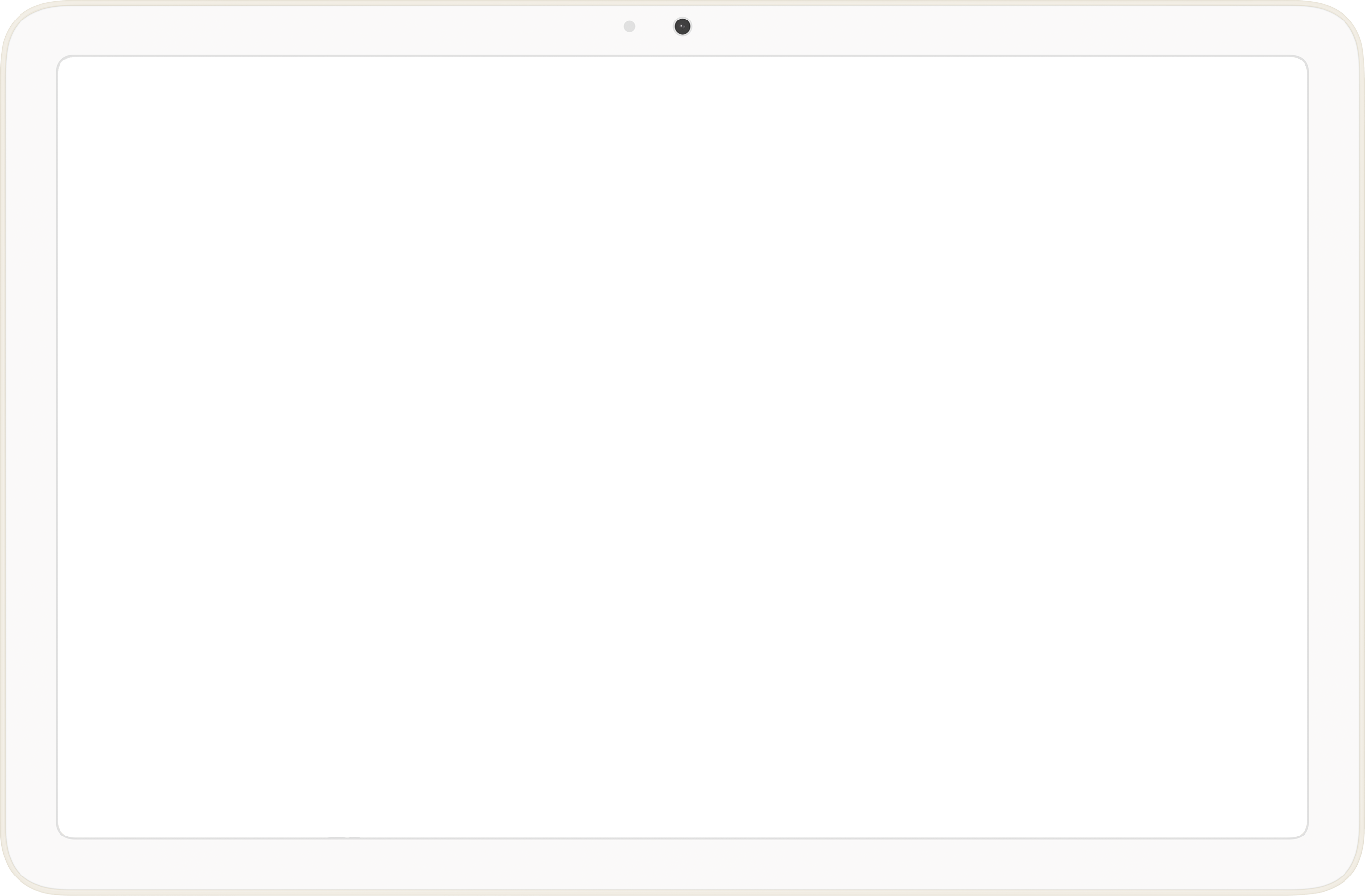
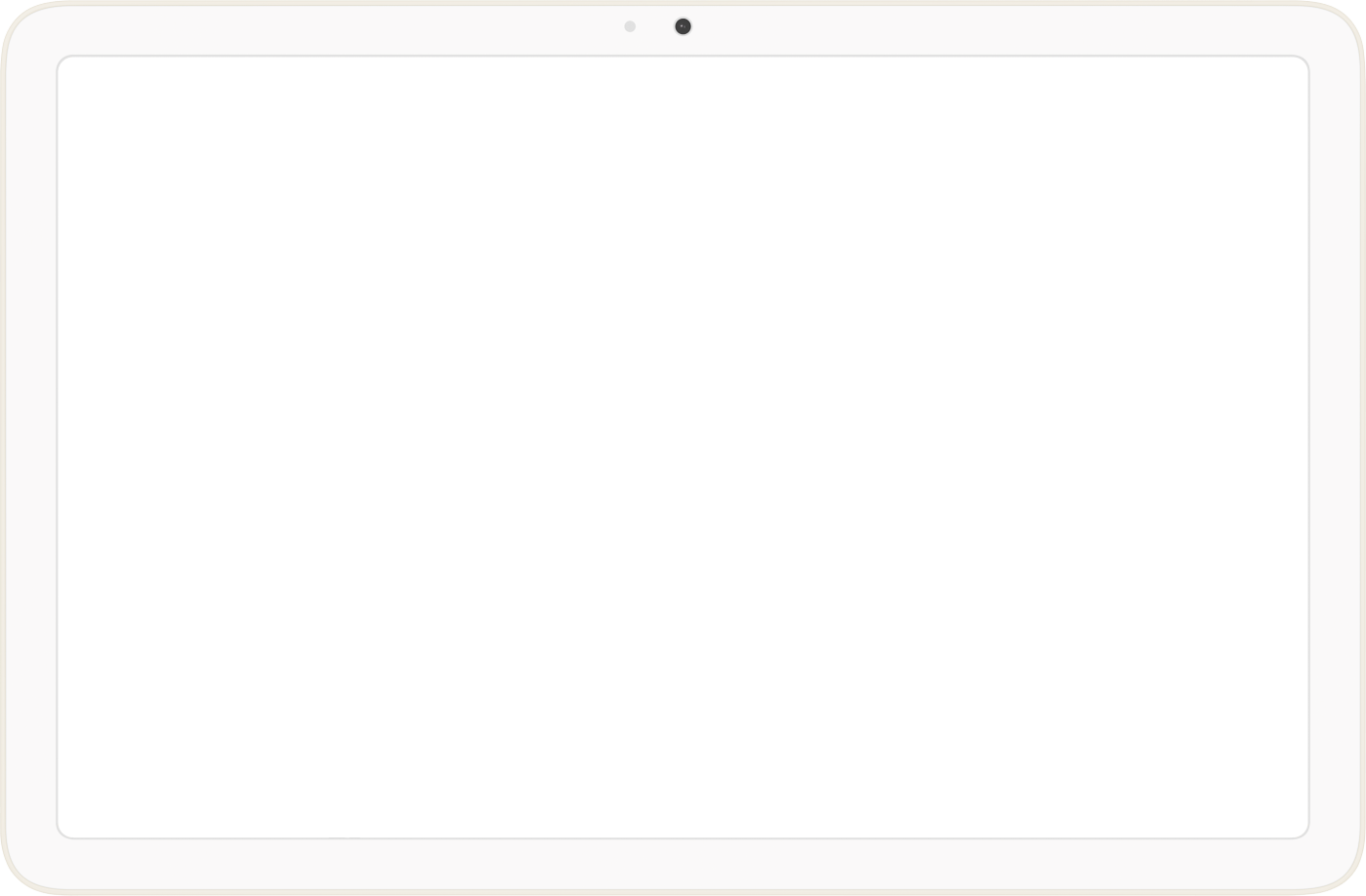
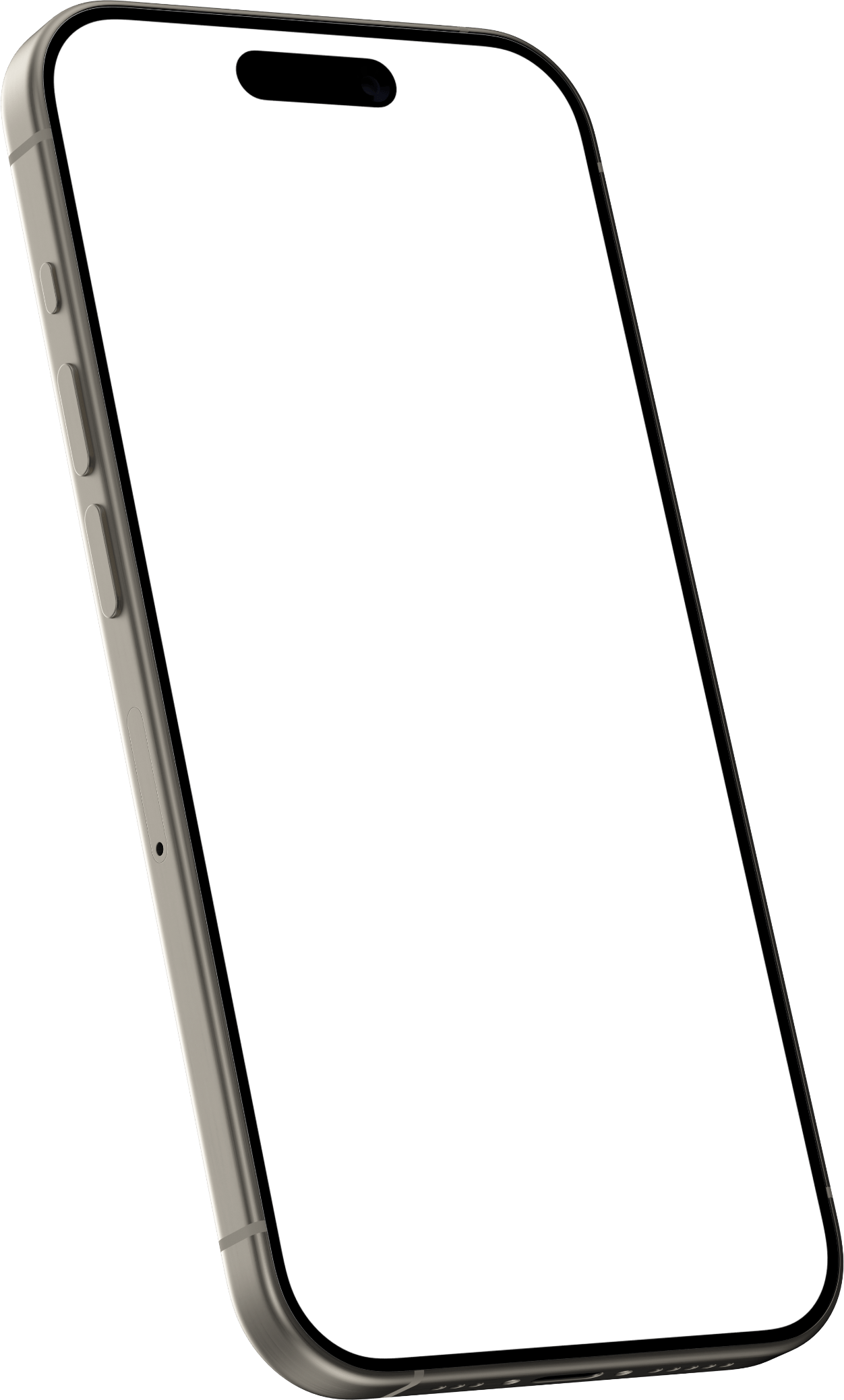
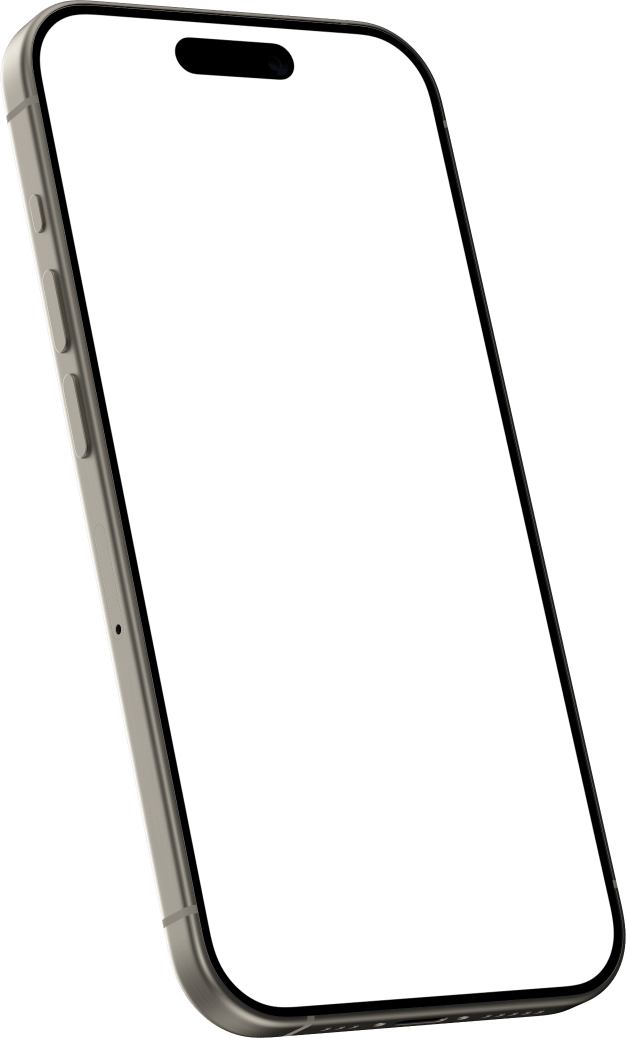
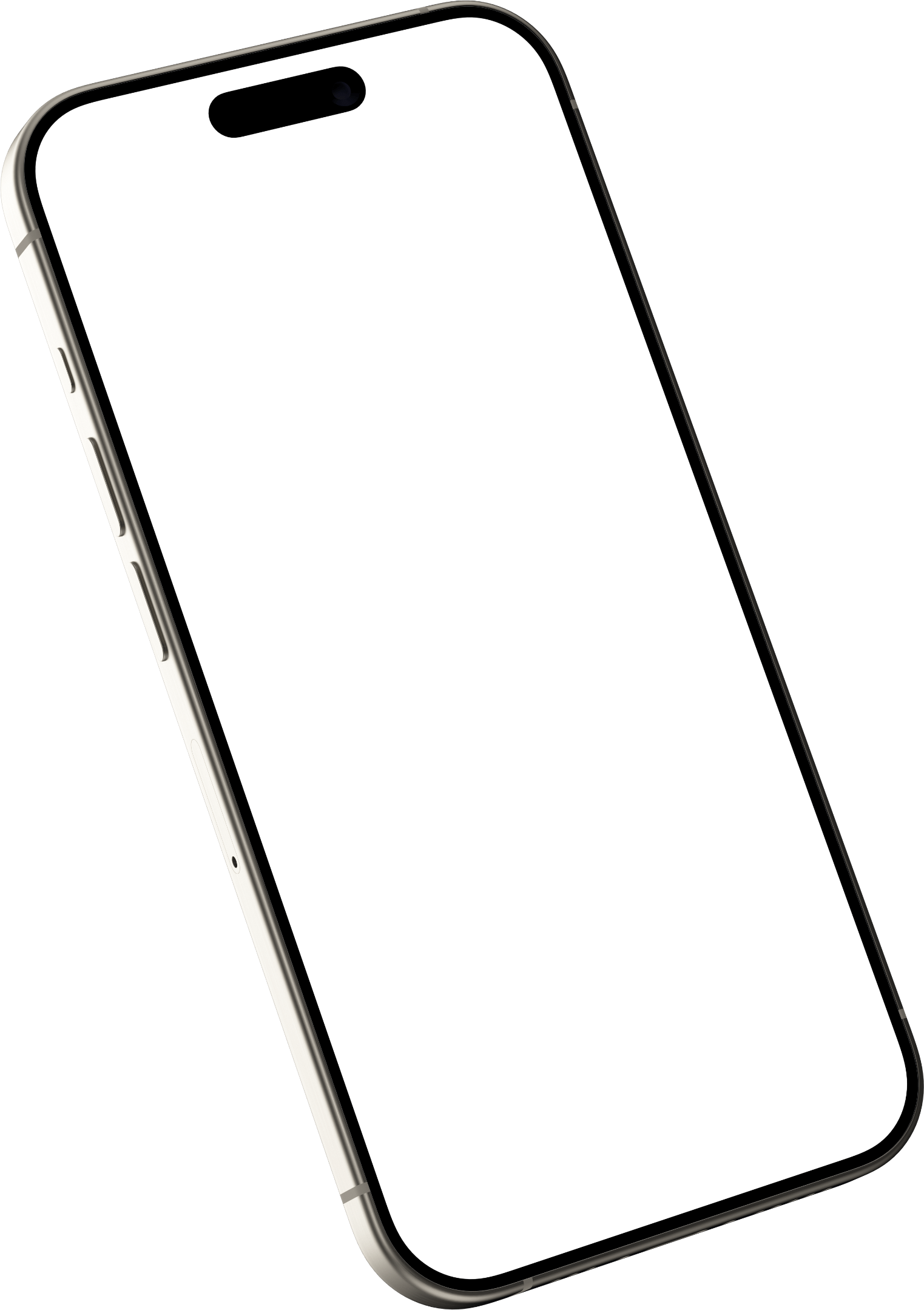
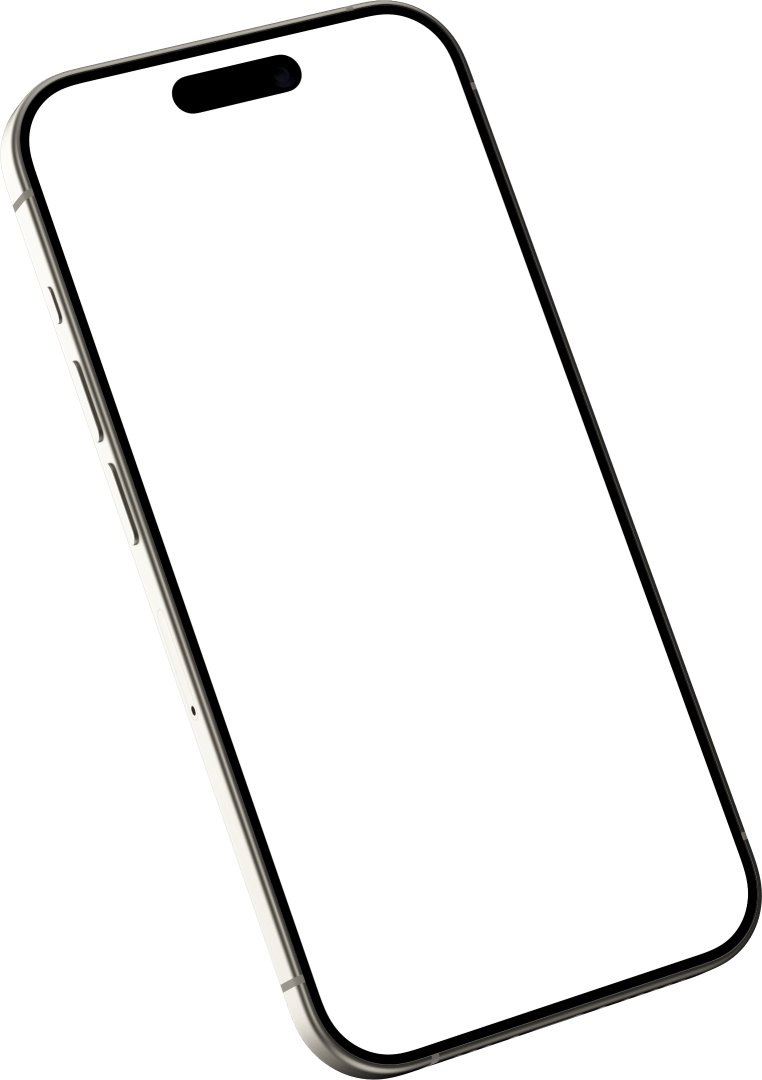
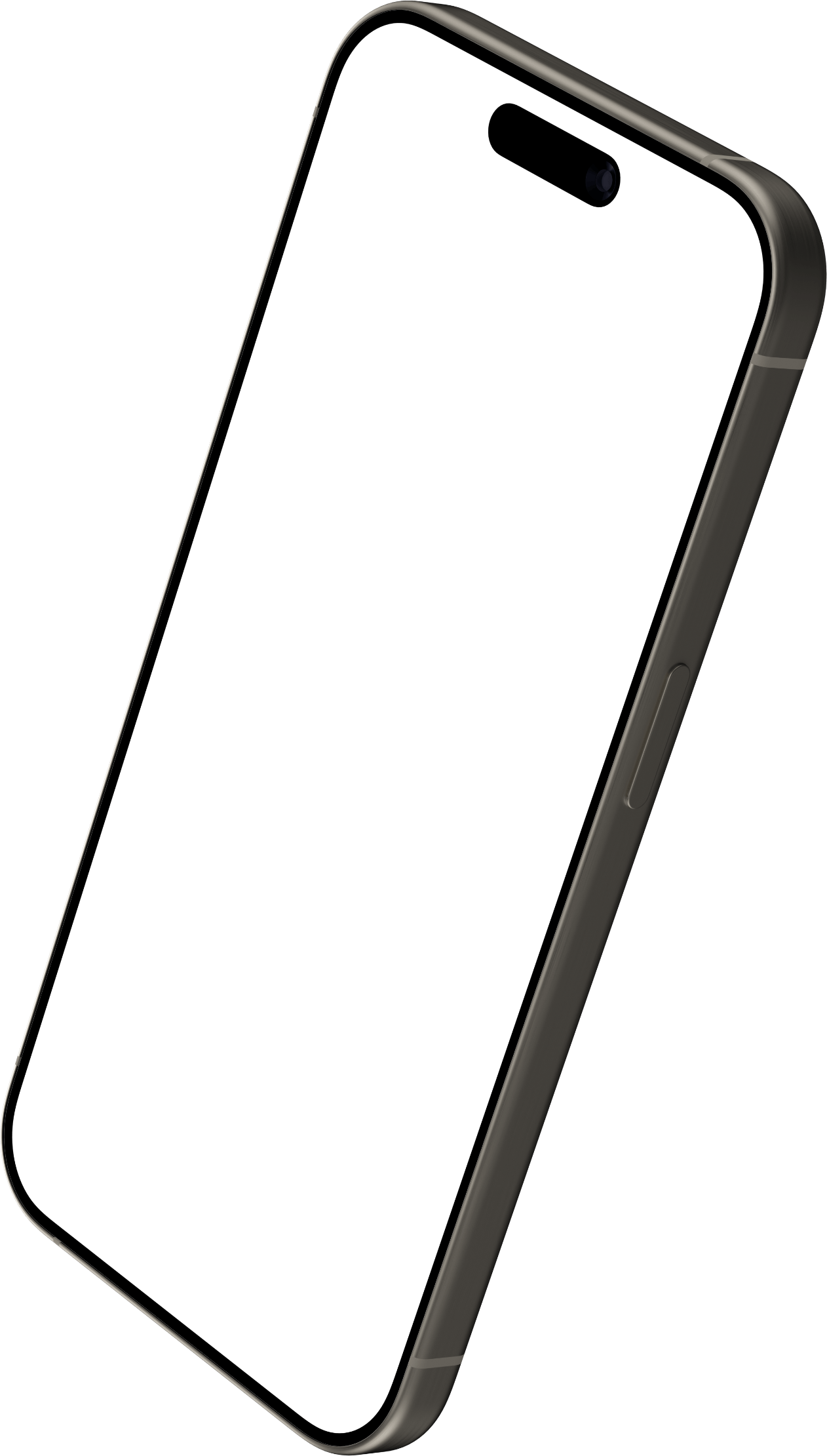
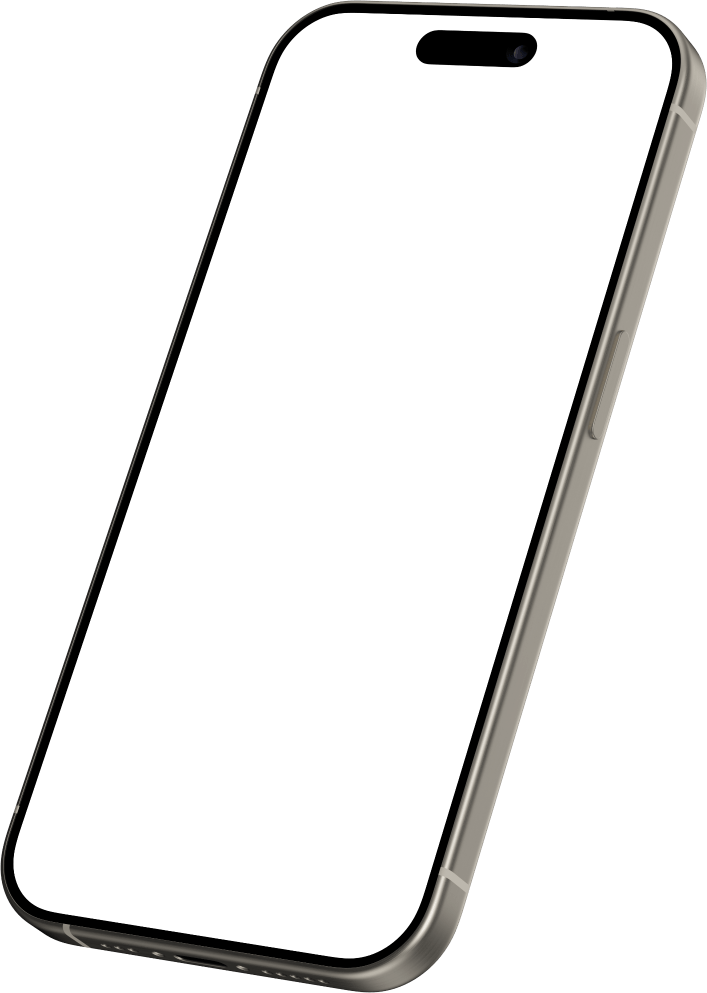
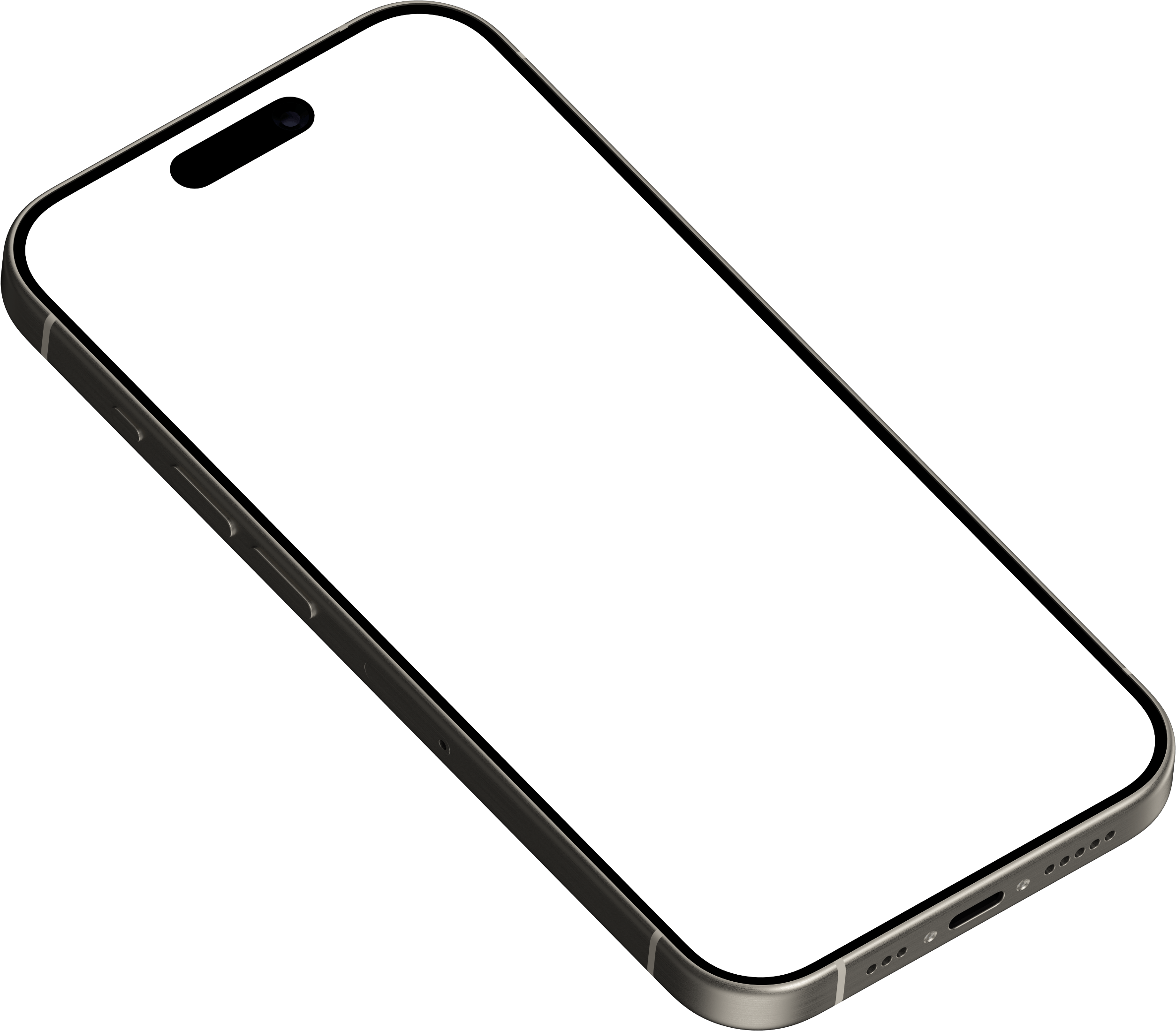
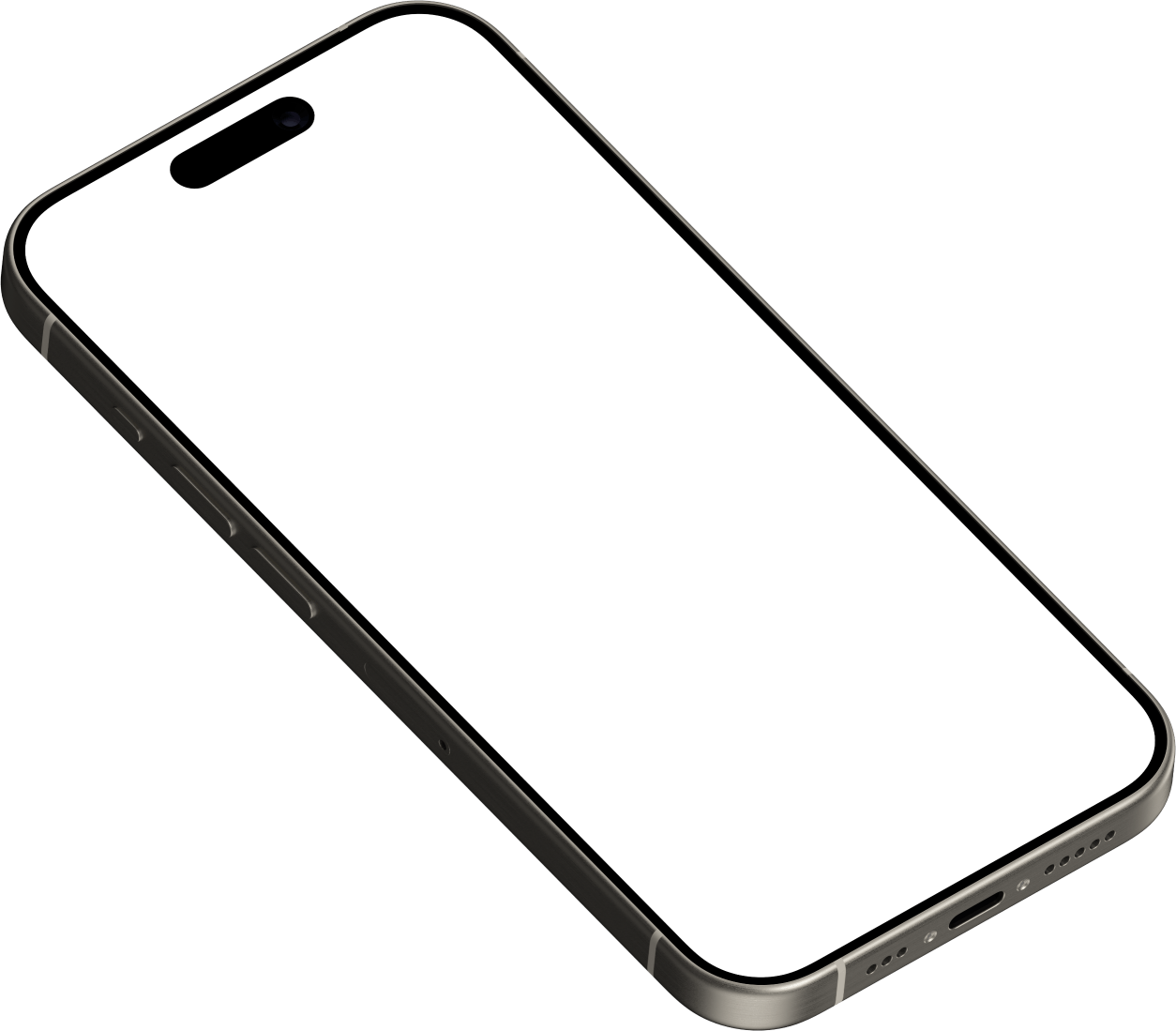
Ten device frames with a transparent screen, ready to lay over a screenshot in Figma, Keynote, Canva or Photoshop: Pixel 10 Pro, Pixel 10 Pro XL, Pixel 10, Pixel Tablet and six angled 3D poses of an iPhone 15 Pro. Each comes as a full-size PNG and a half-size one, free to use in commercial work.
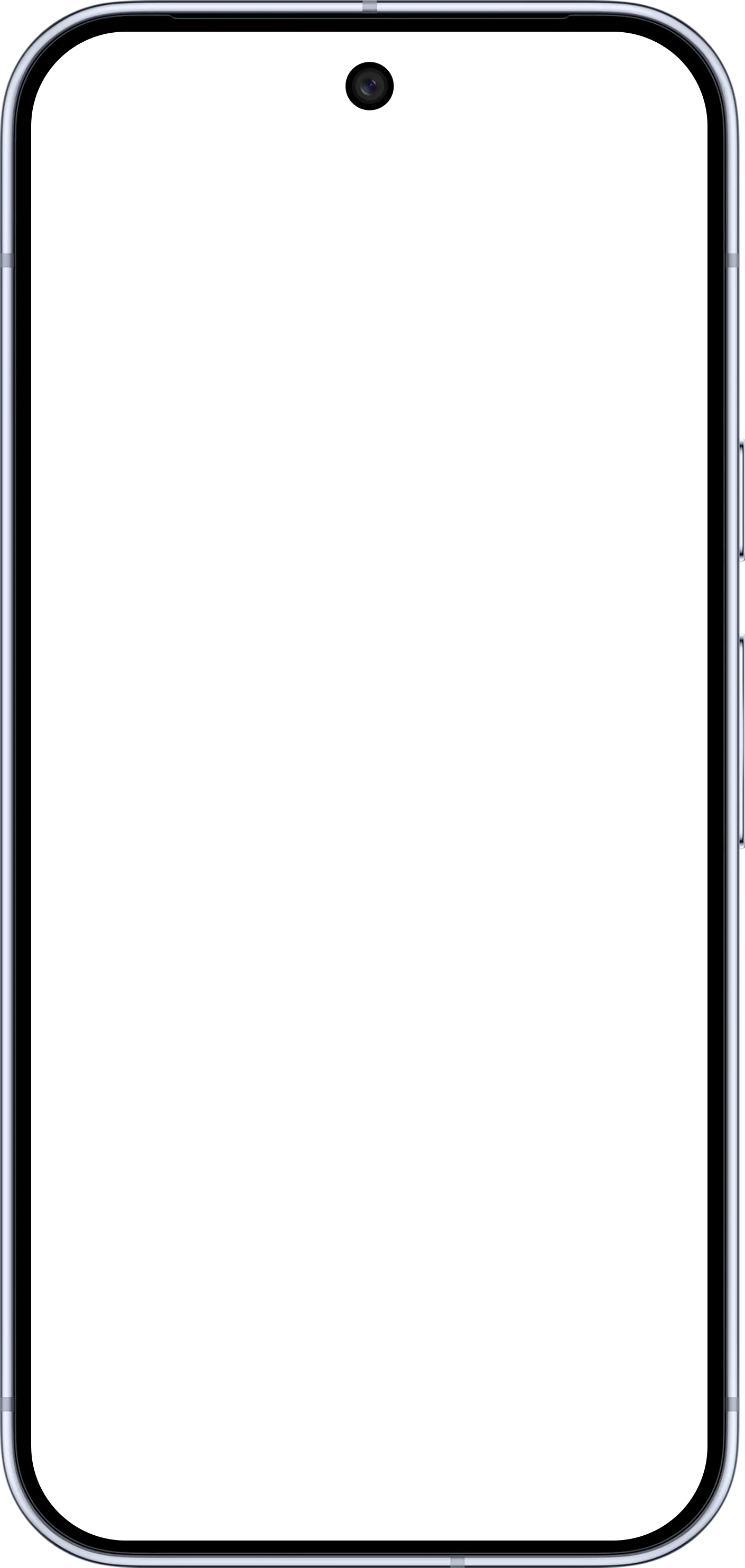
Pixel 10 Pro
Apache License 2.0 · Android Open Source Project
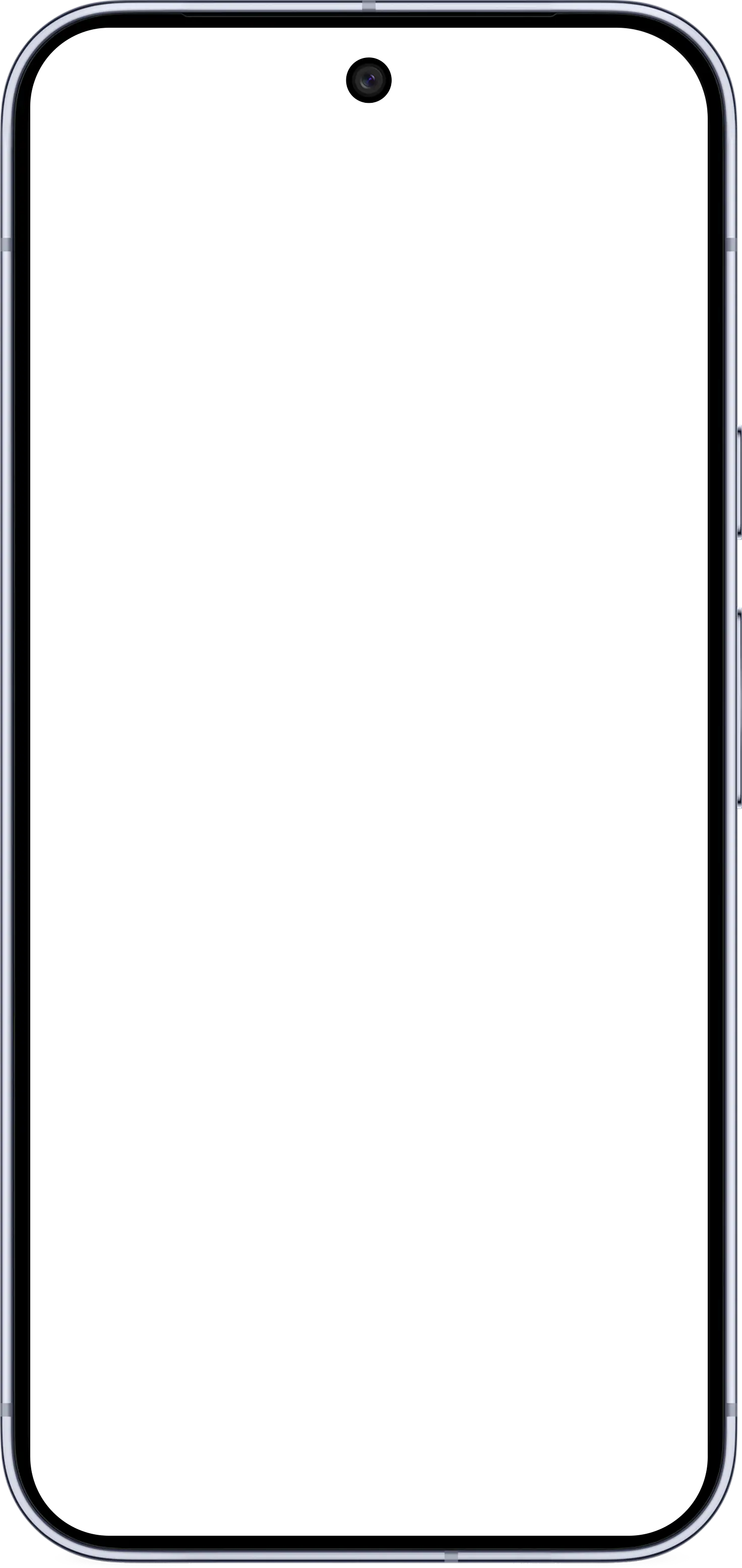
Pixel 10 Pro XL
Apache License 2.0 · Android Open Source Project
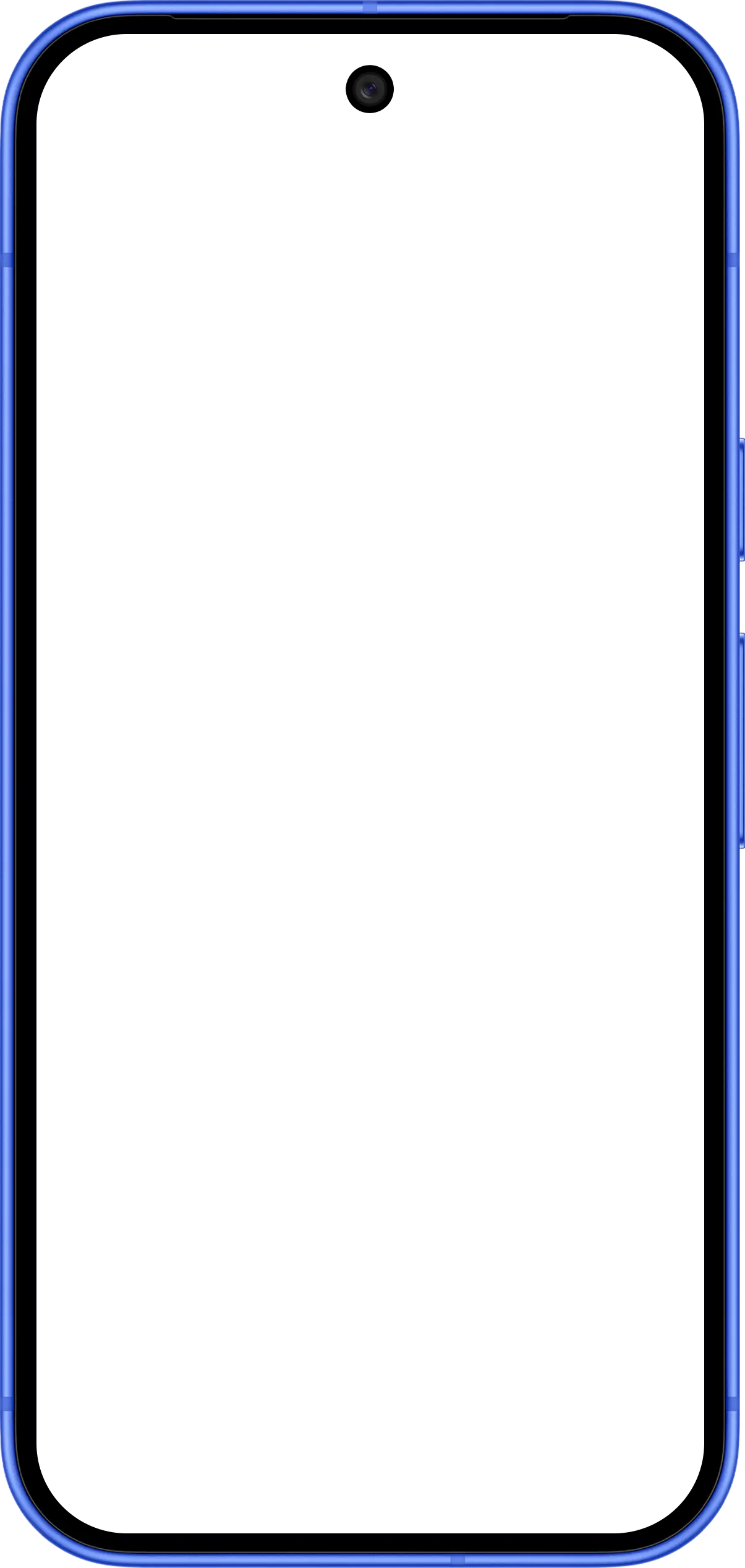
Pixel 10
Apache License 2.0 · Android Open Source Project
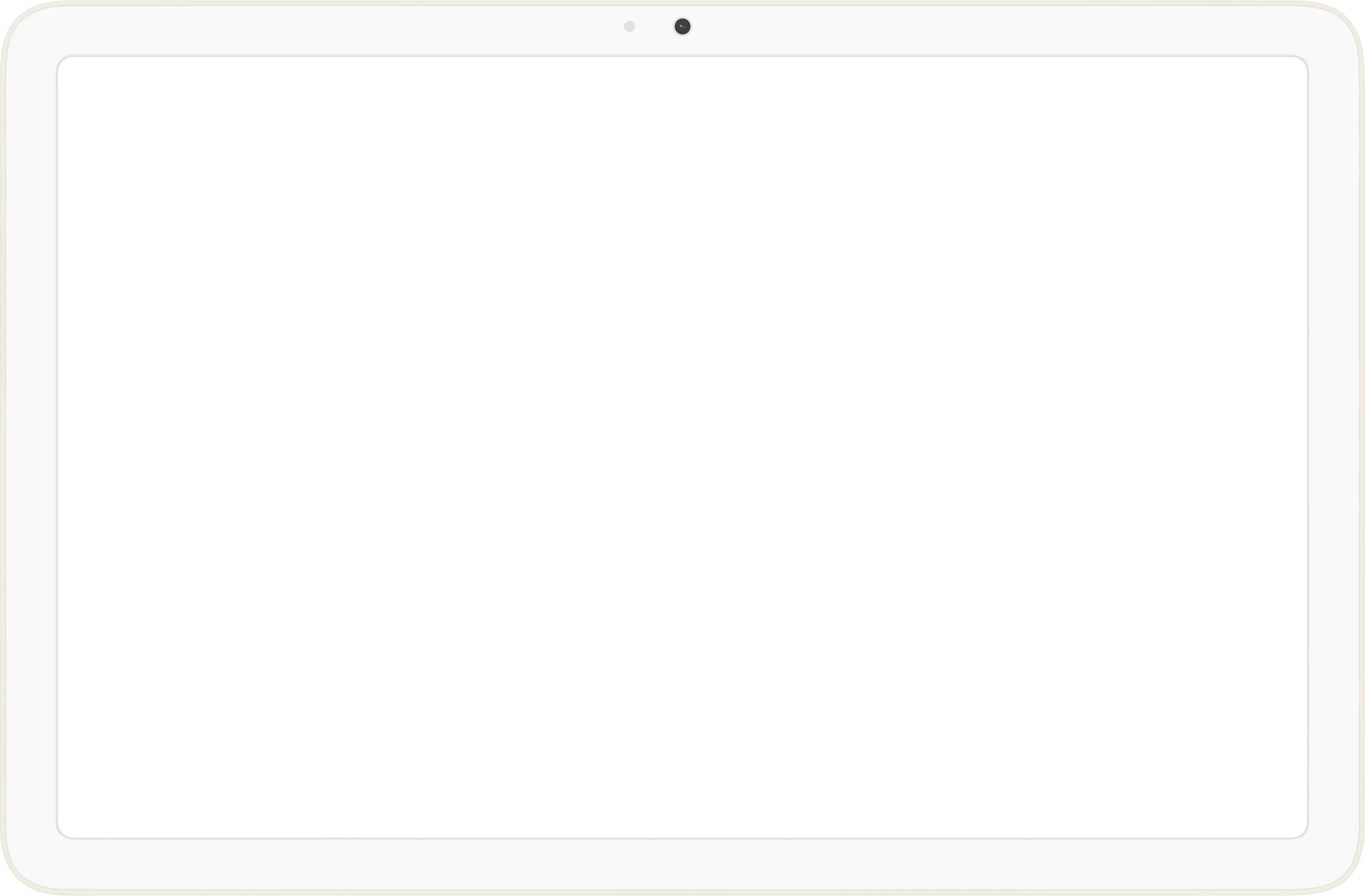
Pixel Tablet
Apache License 2.0 · Android Open Source Project
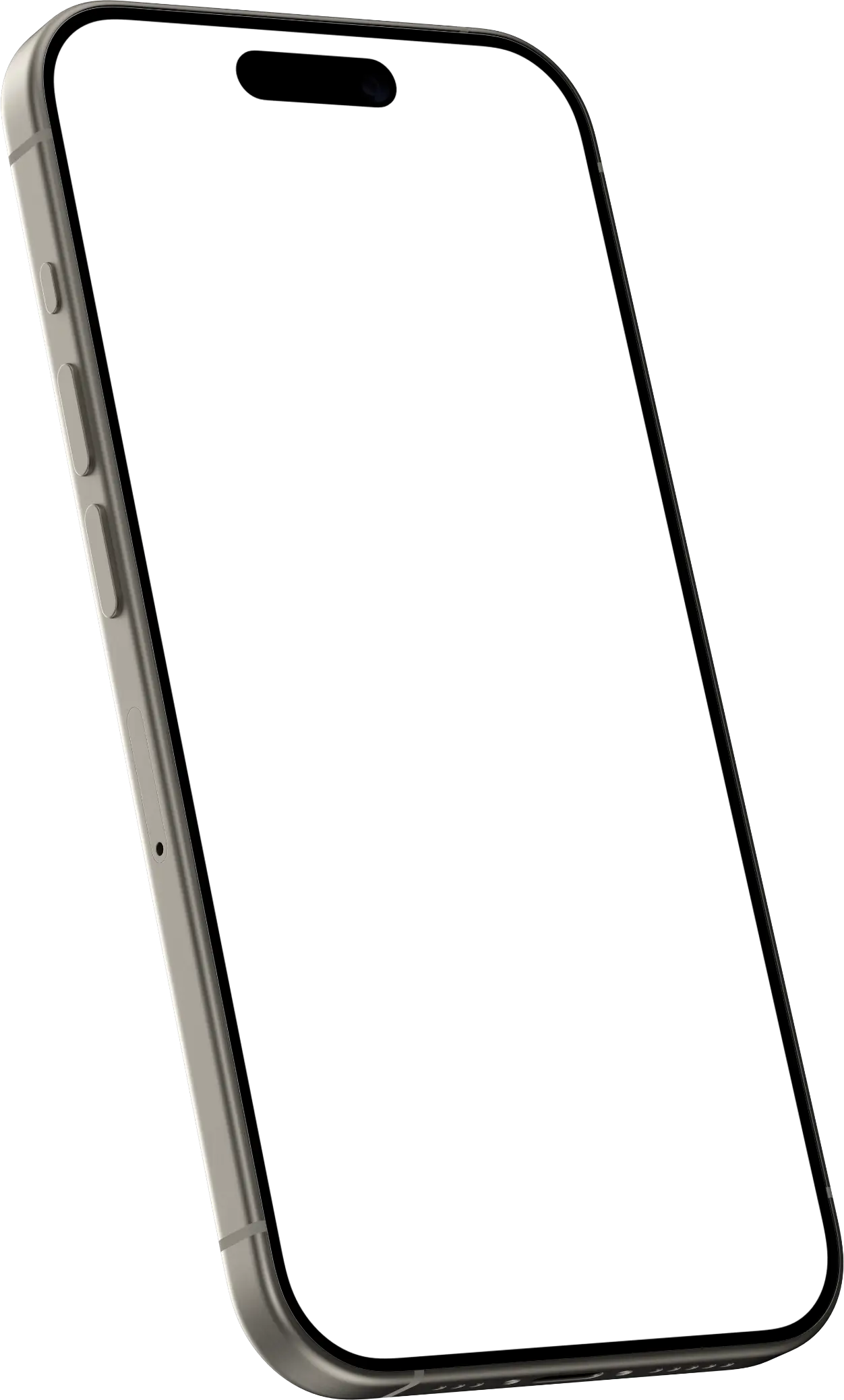
iPhone 15 Pro · 3D, pose 1
CC BY 4.0 · credit in our Terms
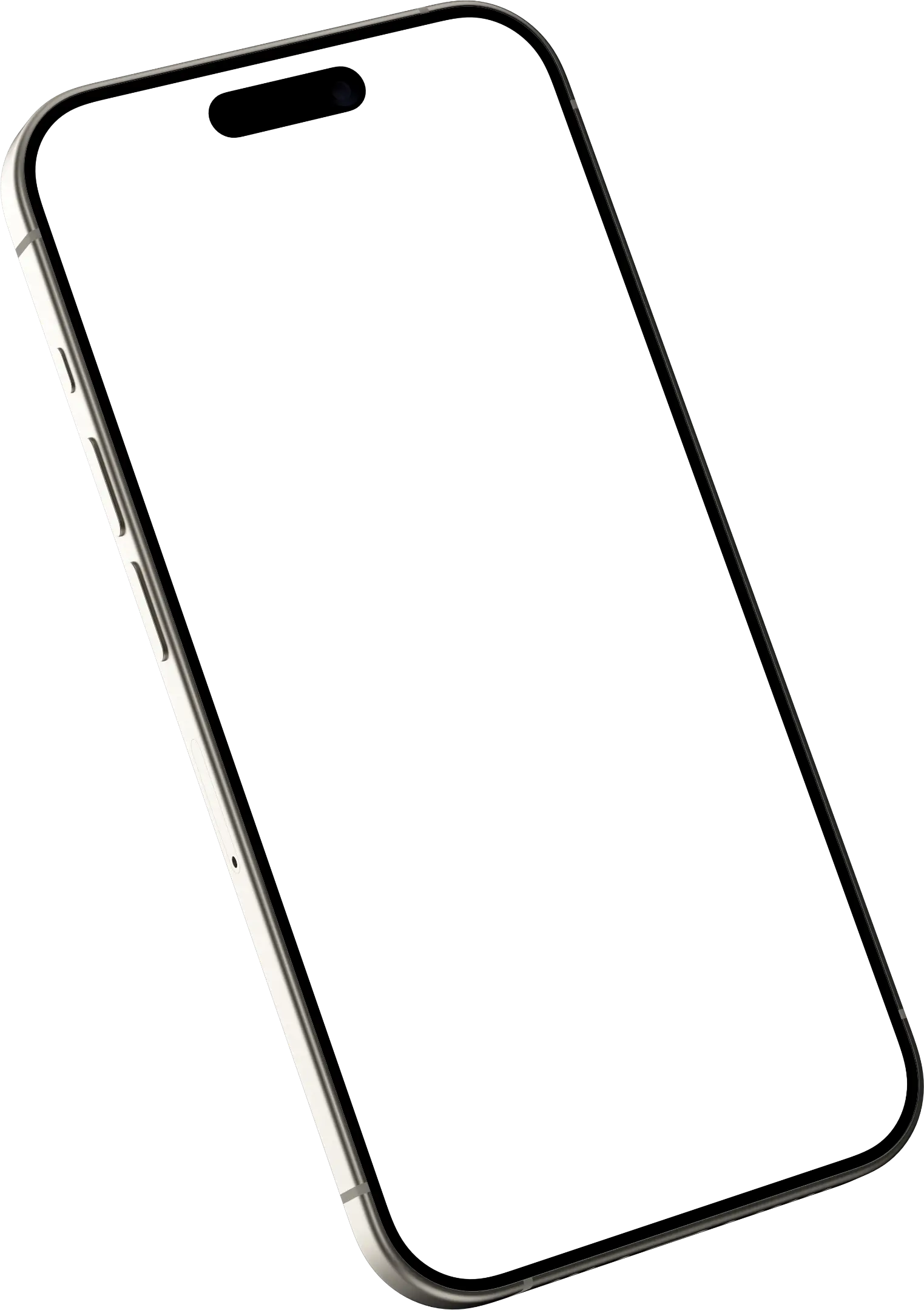
iPhone 15 Pro · 3D, pose 2
CC BY 4.0 · credit in our Terms
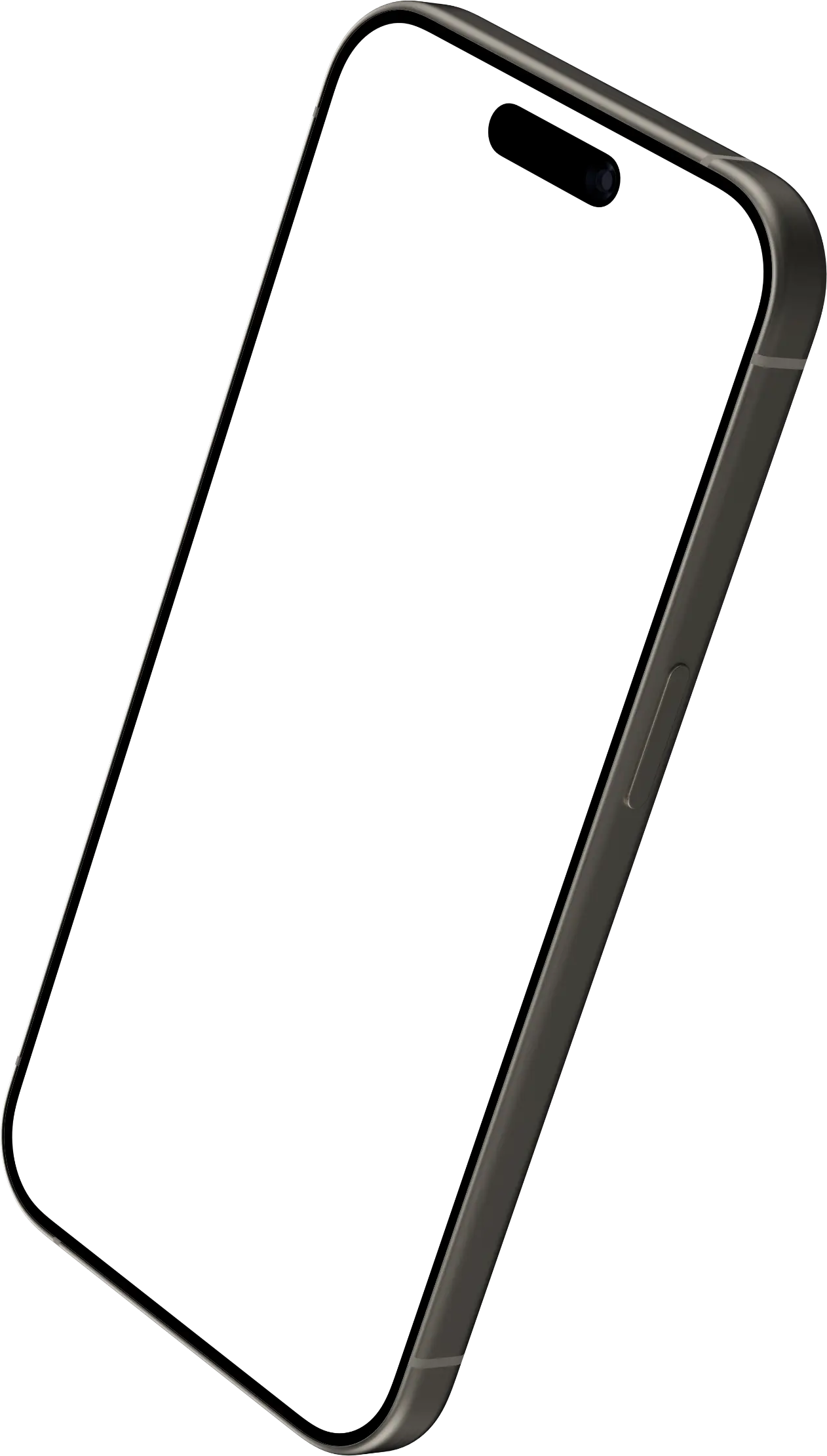
iPhone 15 Pro · 3D, pose 3
CC BY 4.0 · credit in our Terms
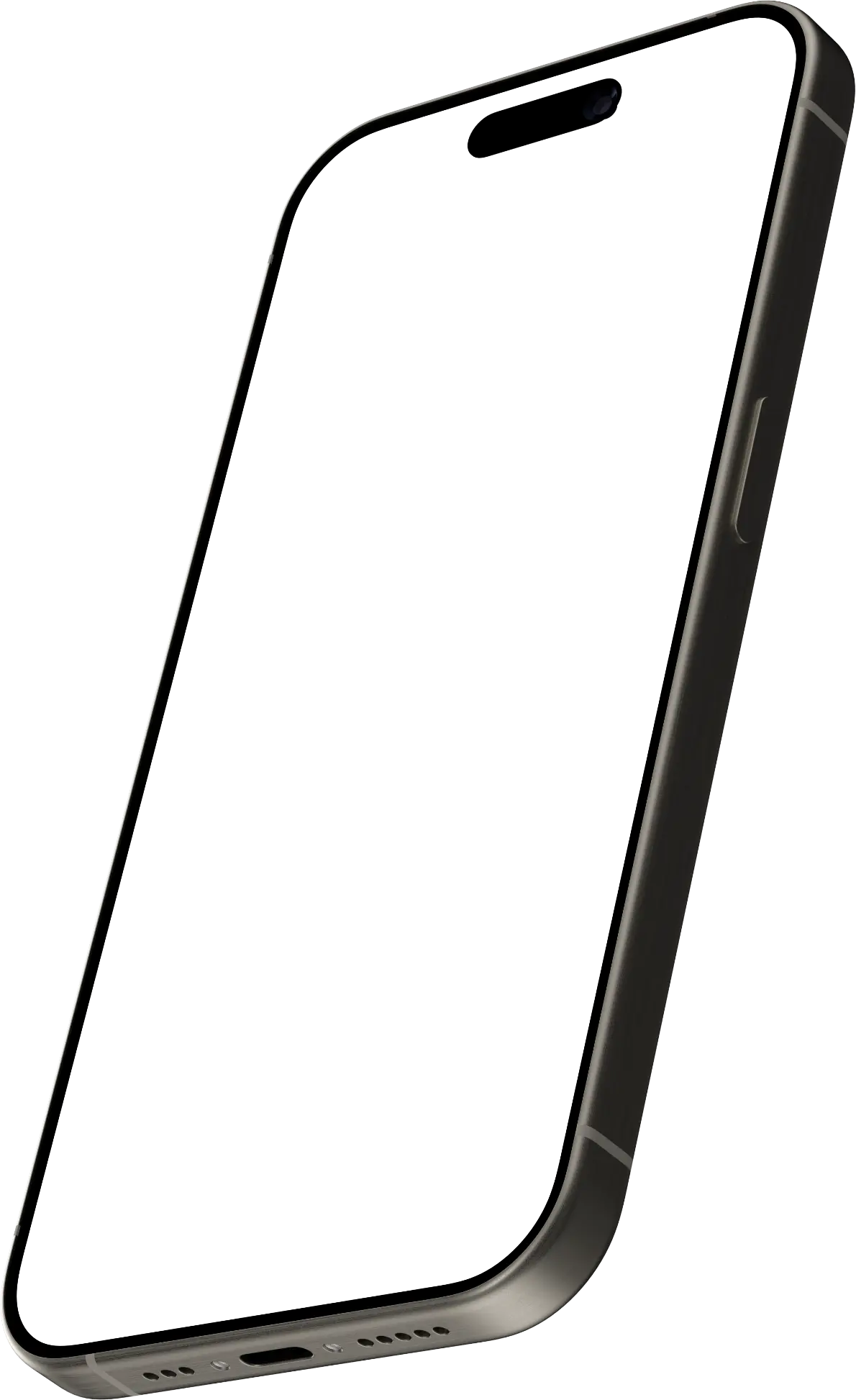
iPhone 15 Pro · 3D, pose 4
CC BY 4.0 · credit in our Terms
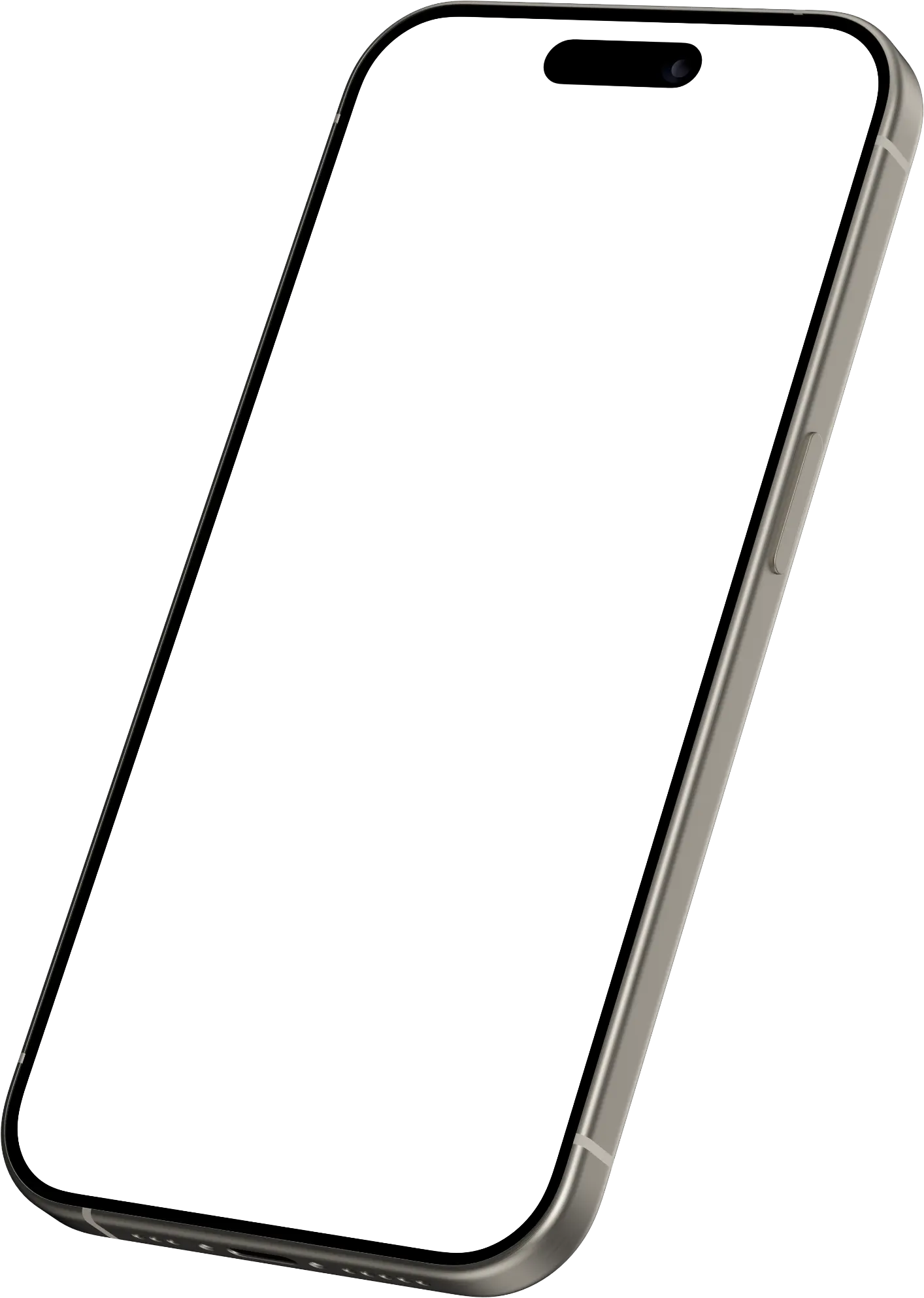
iPhone 15 Pro · 3D, pose 5
CC BY 4.0 · credit in our Terms
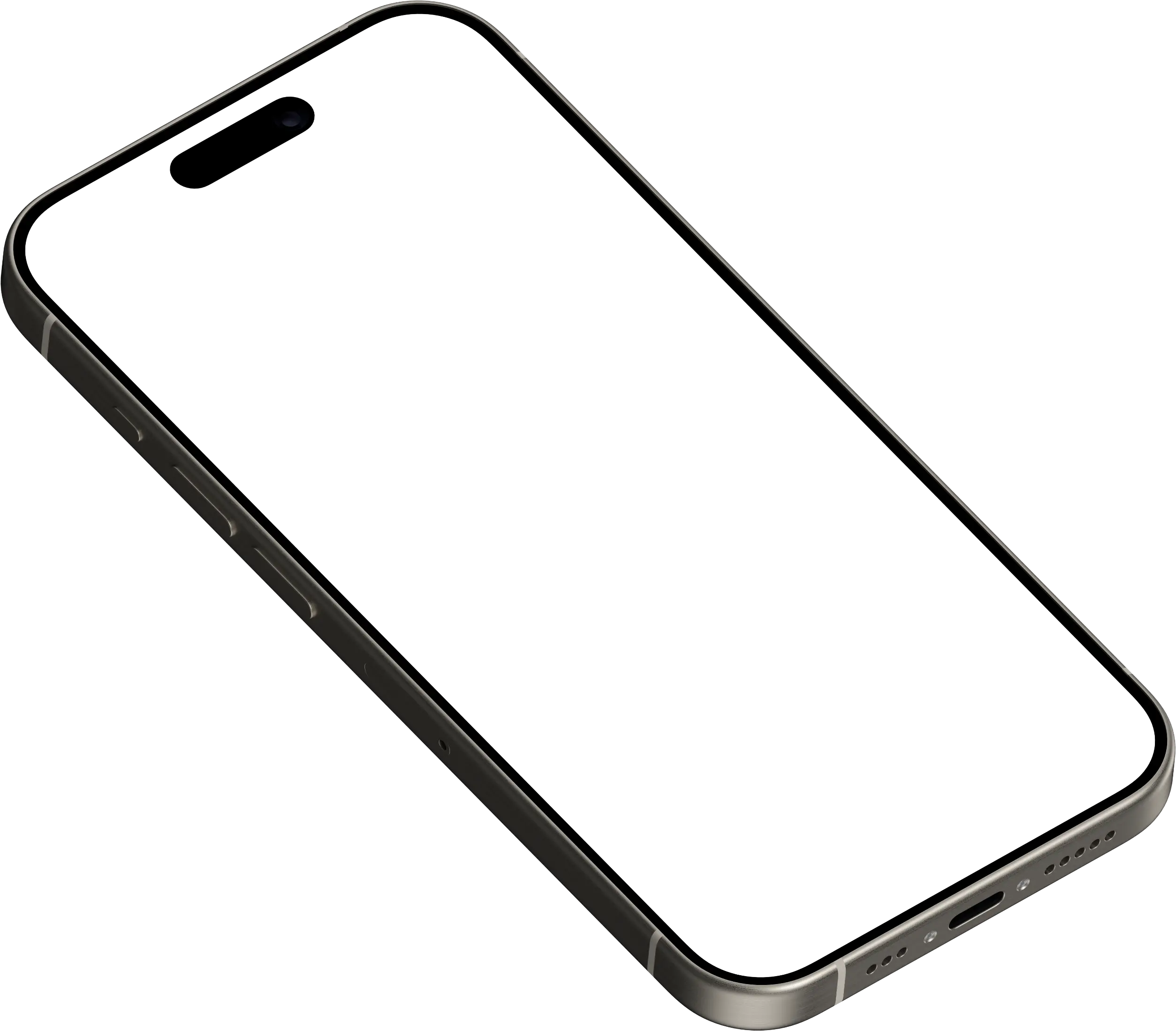
iPhone 15 Pro · 3D, pose 6
CC BY 4.0 · credit in our Terms
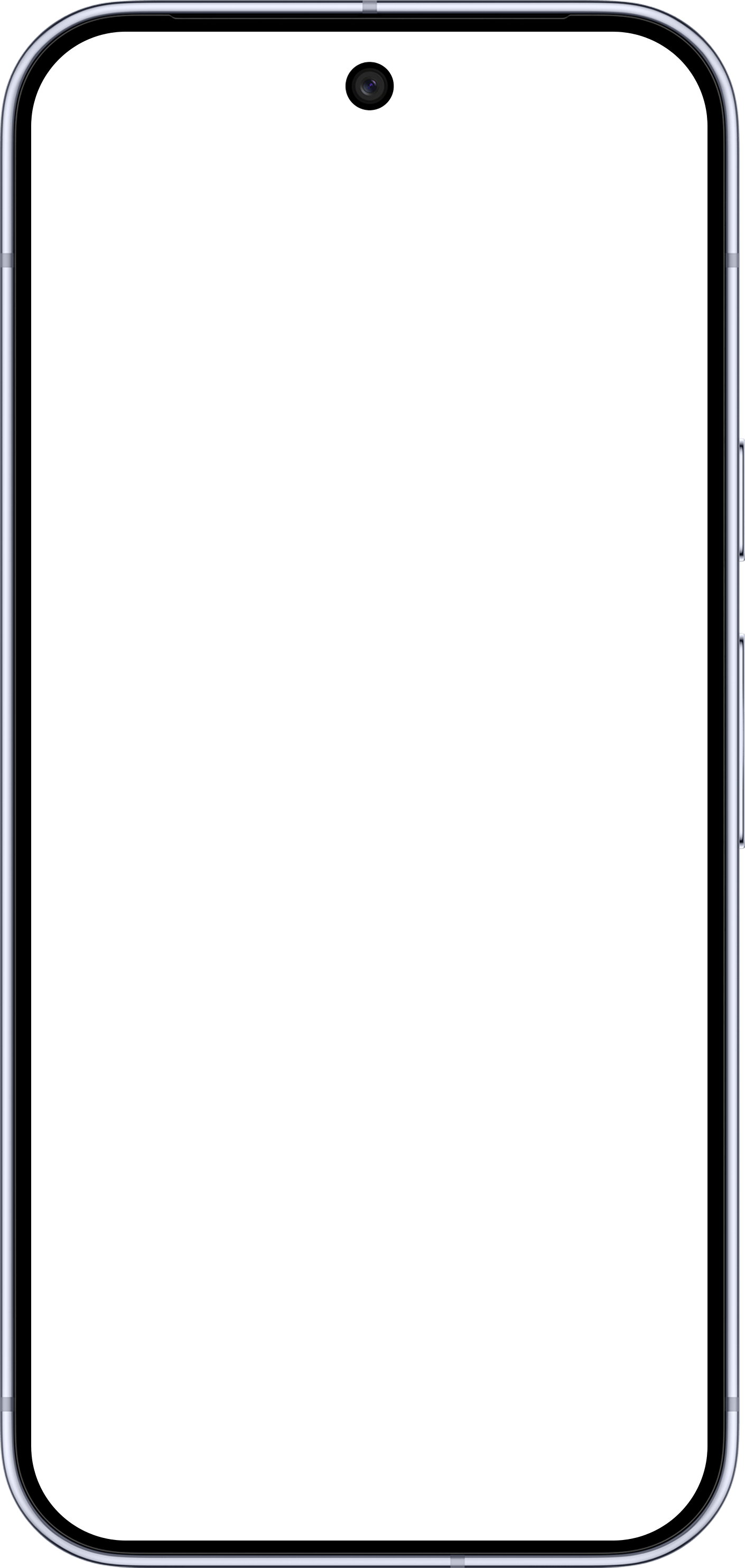
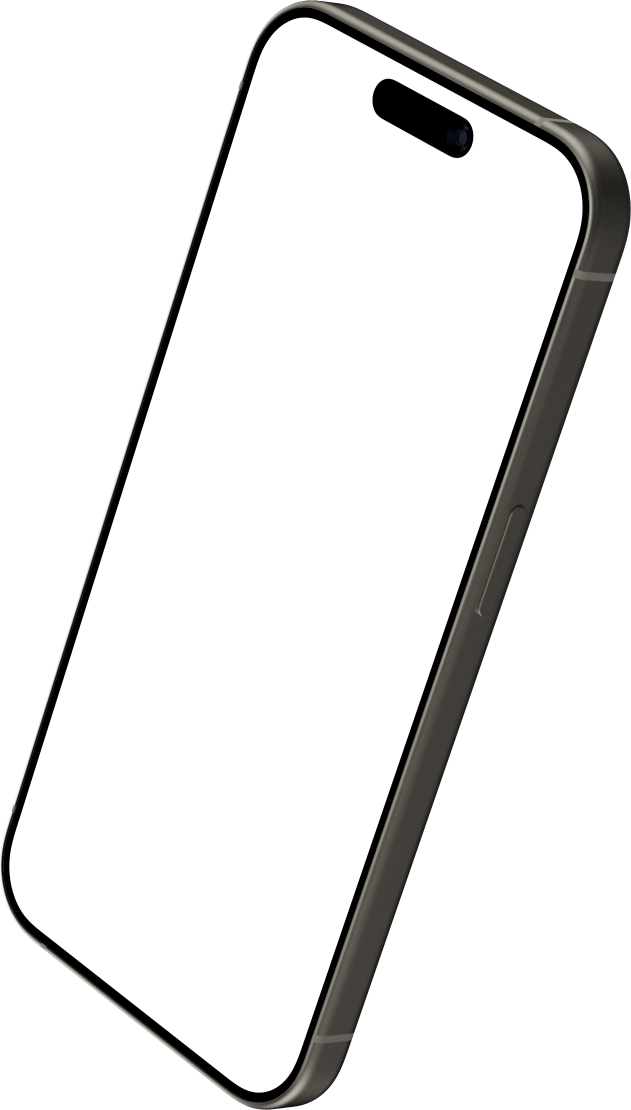
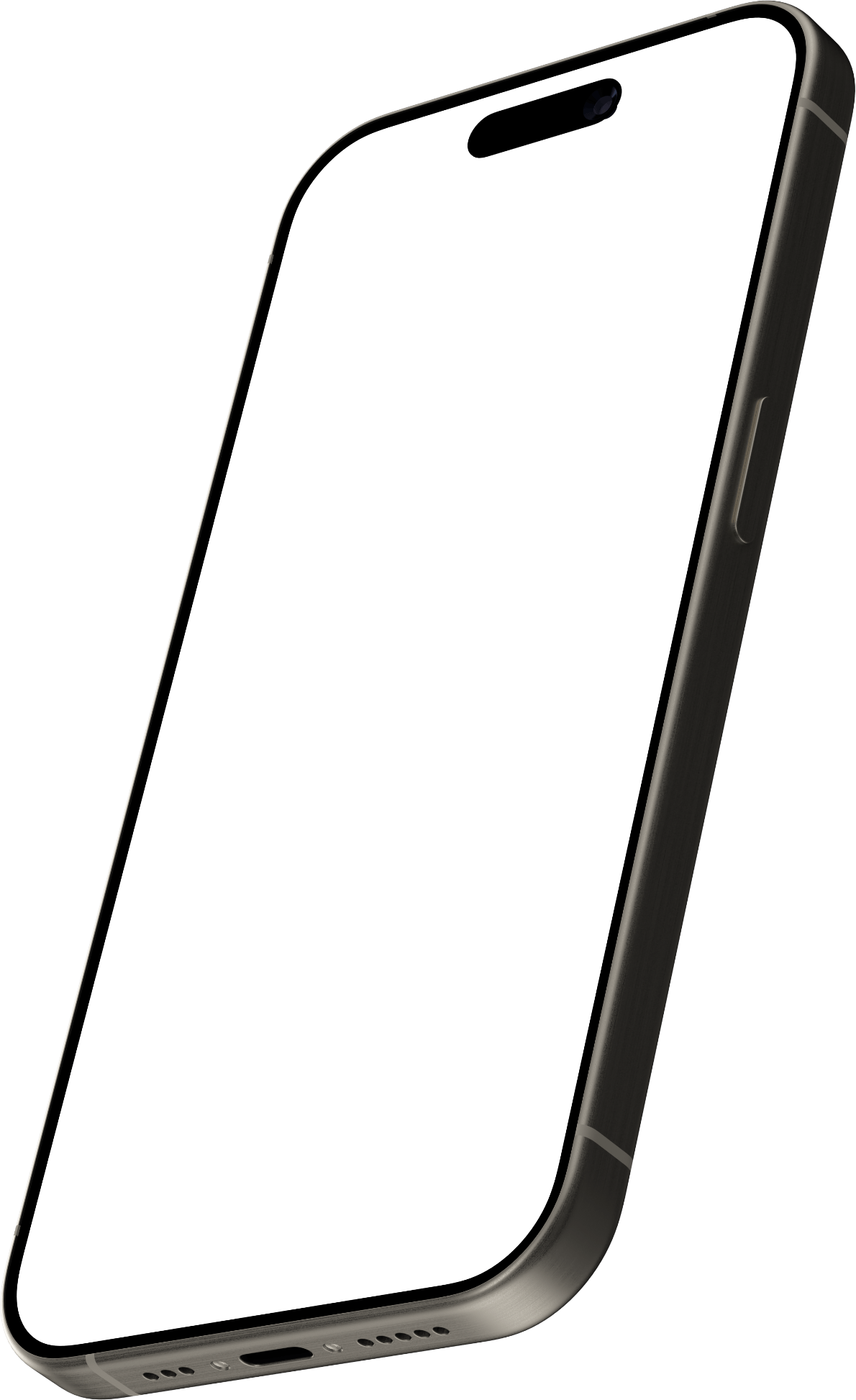
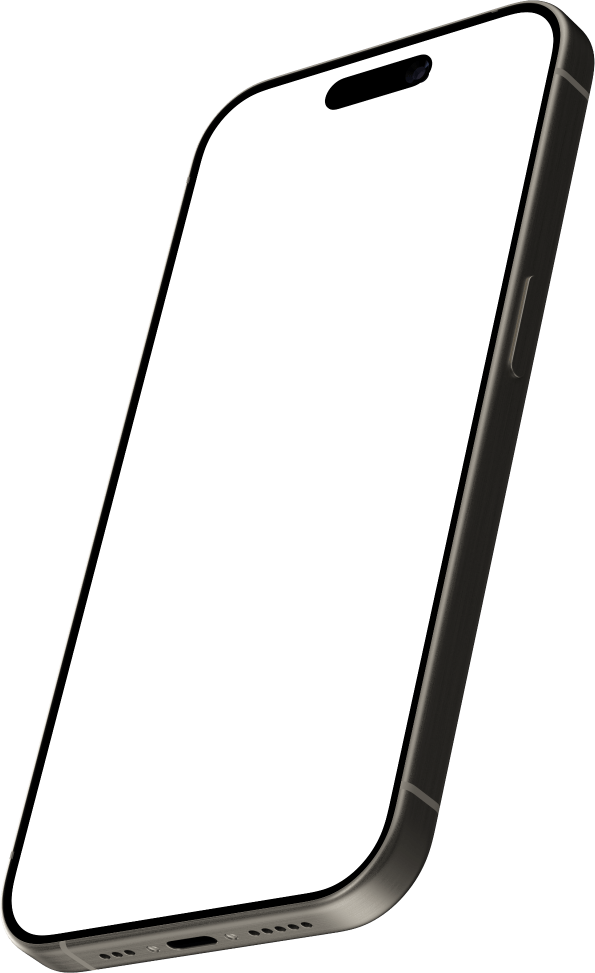
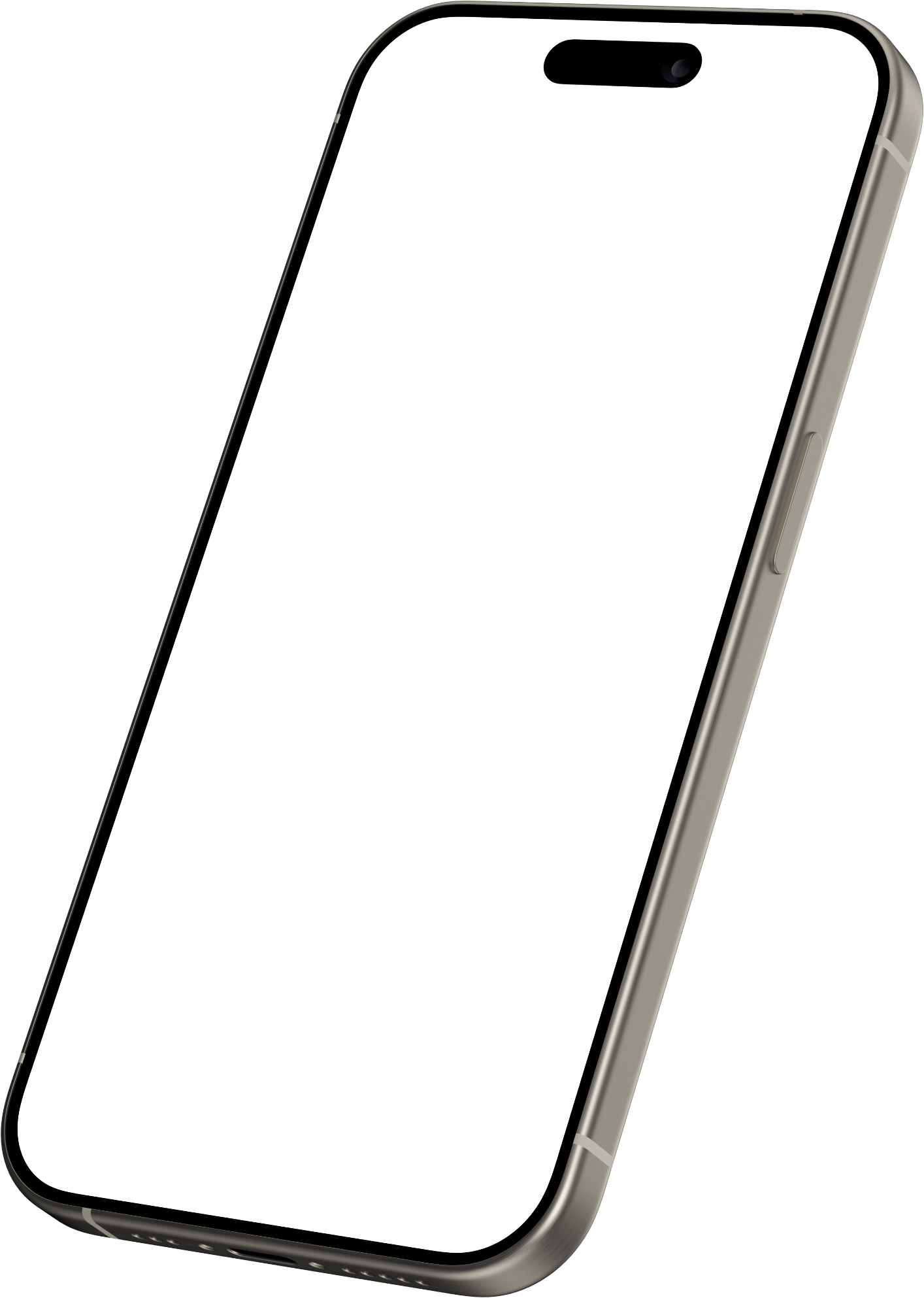
How to put a screenshot in a frame PNG
- Place your screenshot on a layer below the frame.
- Scale it until it fills the screen opening; the frame covers its edges and the rounded corners.
- For a 3D pose, distort the screenshot to the four corners of the screen, then export.
Or skip the layers: in the editor, drop the screenshot in and pick a device, and it fills the screen by itself, with a background and a shadow, in about 30 seconds. The editor also has iPhone 17 and 18, iPad, MacBook and Apple Watch frames, 34 devices in all — see device mockups.
The licences and sources of these frames are listed in our Terms of Service. Screenshots.Guru is not affiliated with Google or Apple. Pixel is a trademark of Google LLC; iPhone is a trademark of Apple Inc.
Post-ready screenshots in 30 seconds.
Drop the screenshot in, pick a style, export at 2× — and pay once instead of subscribing.