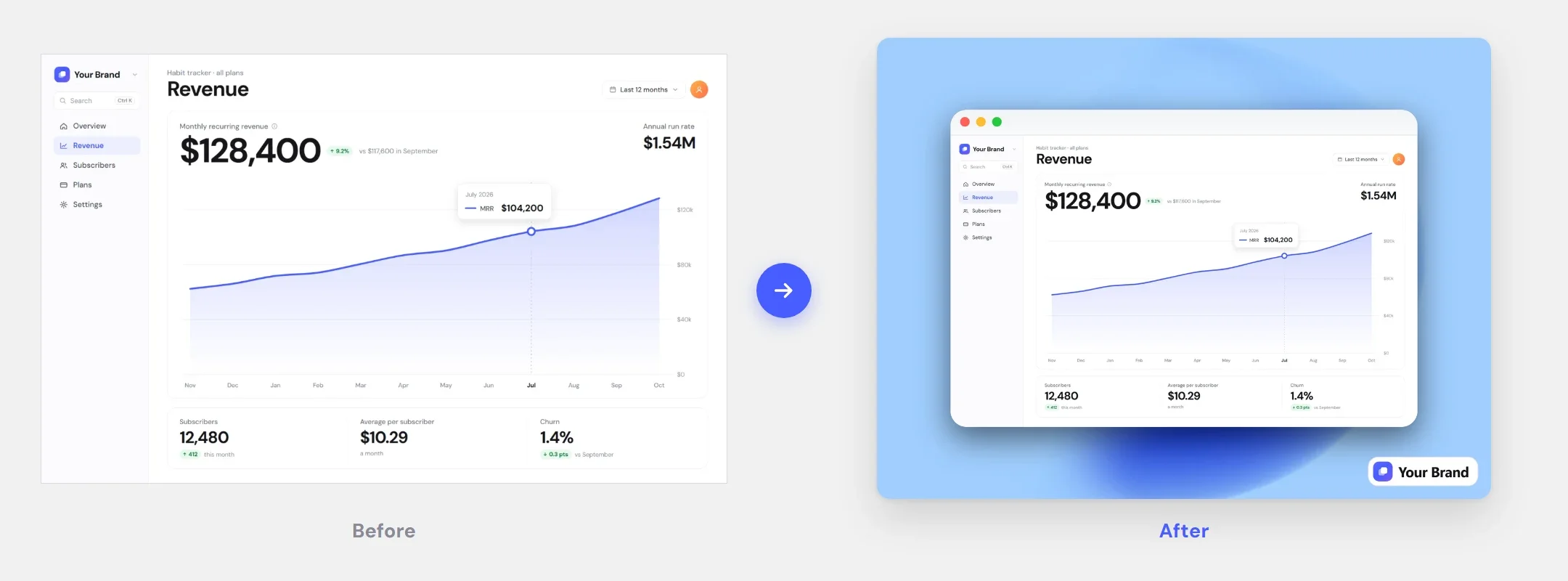
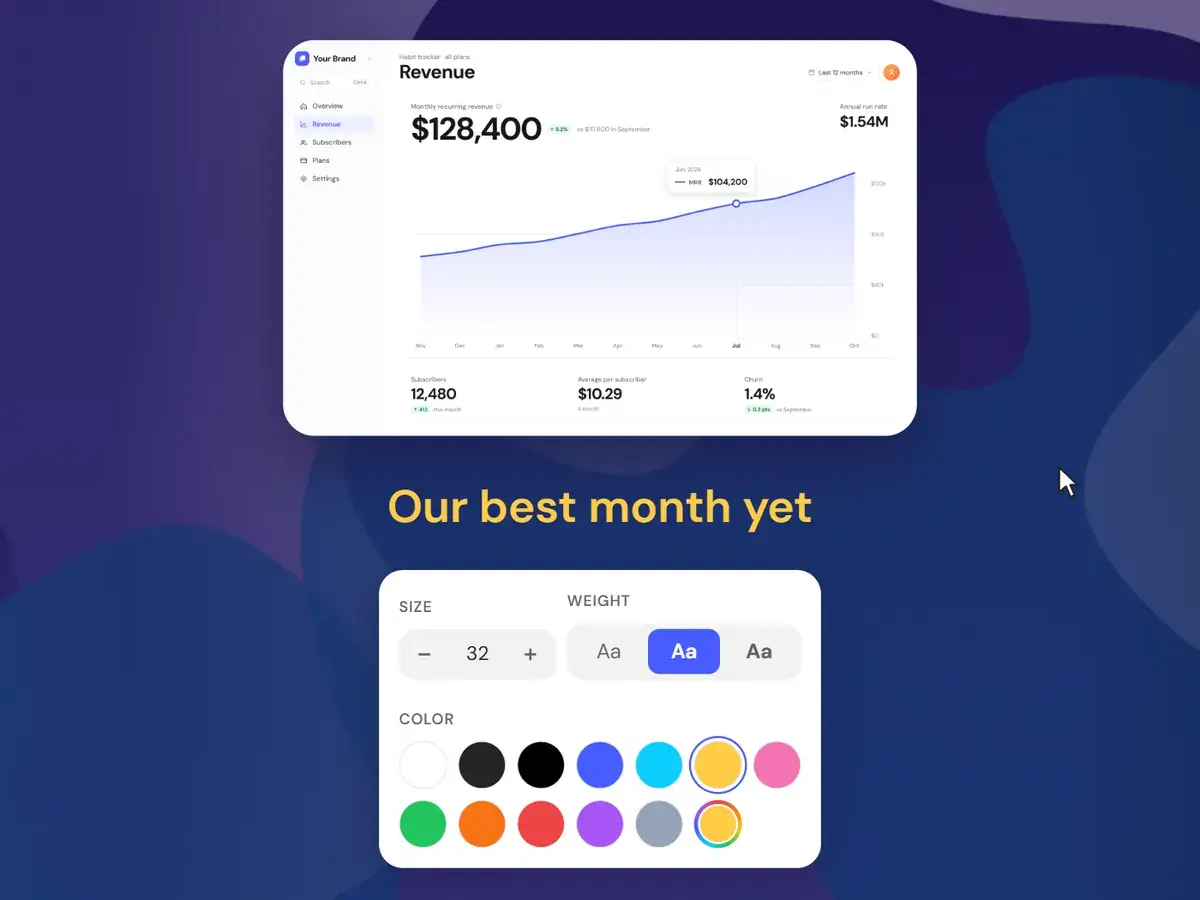
Type it, see it
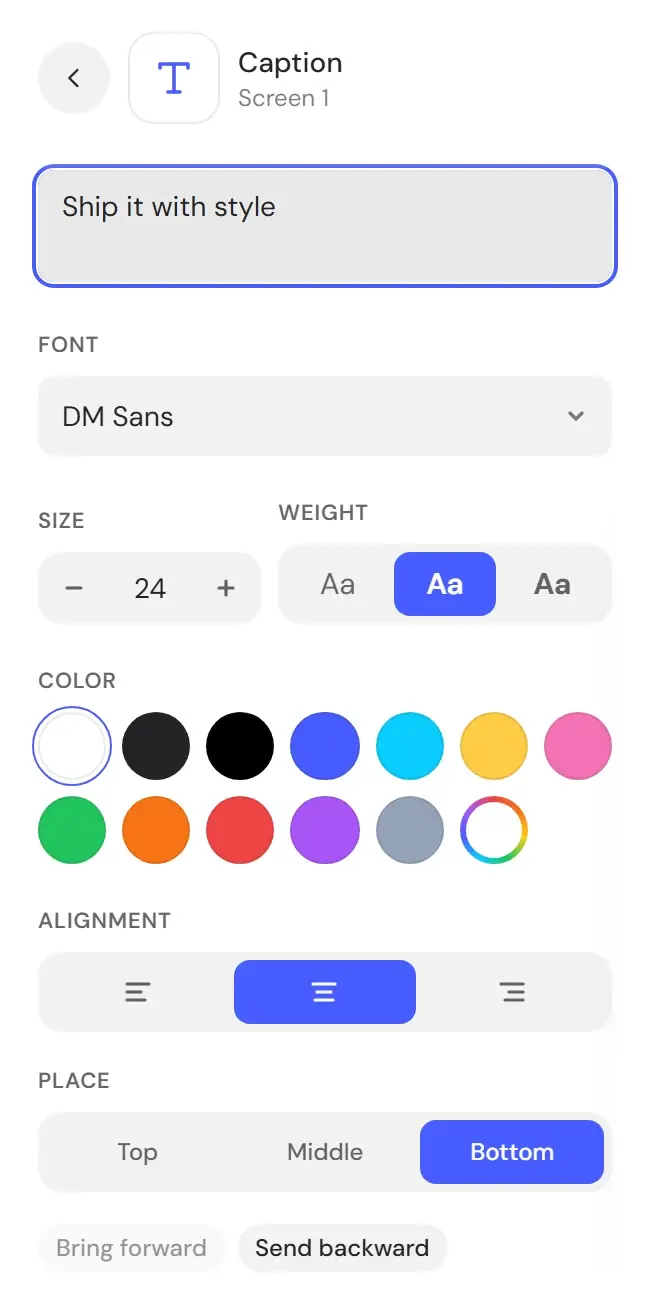
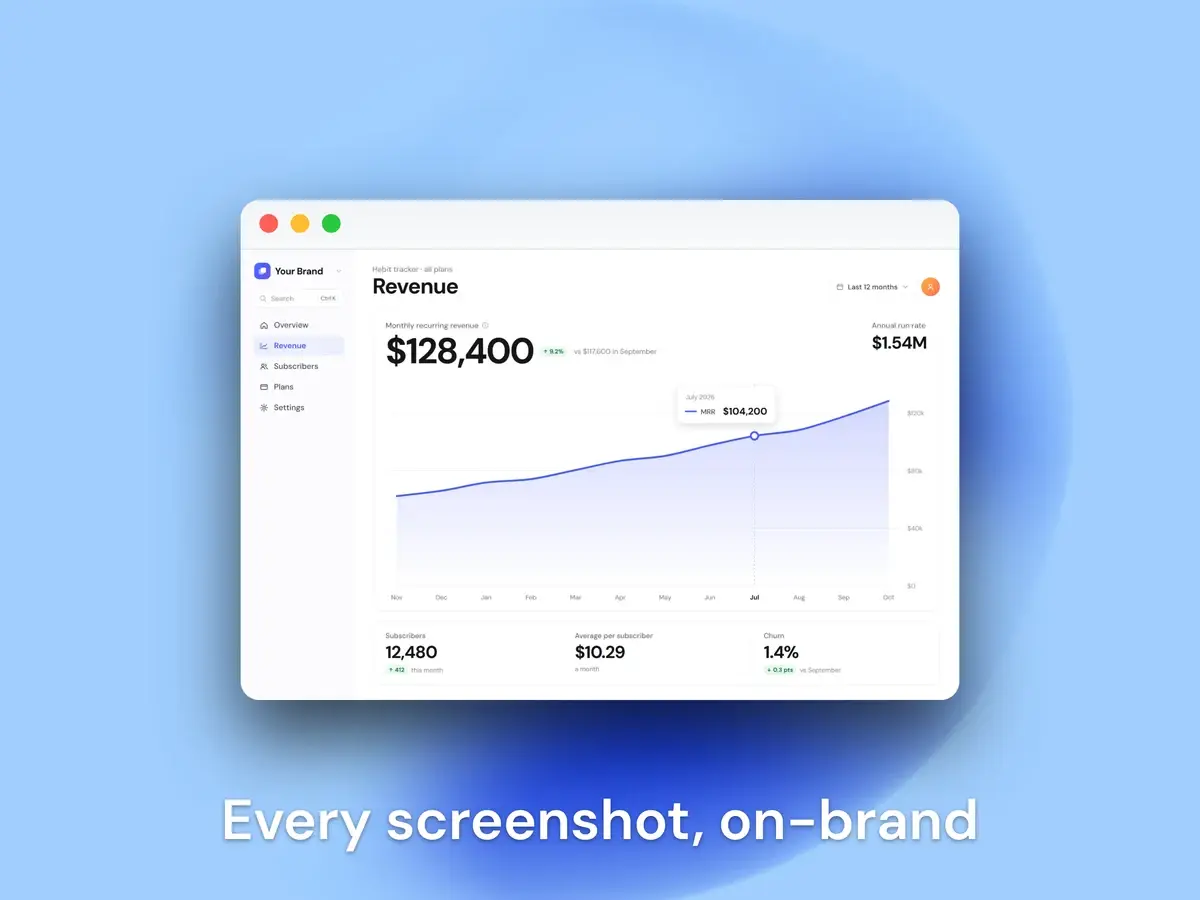
Type in the Caption field and the text appears on the canvas as you type. Put it at the top, middle or bottom, or drag it anywhere.
A screenshot shows what happened; a caption says why it matters. Type once, set the color and size, and the text ships inside every export.
No more explaining the image in the post next to it — the caption is part of the export.
Type in the Caption field and the text appears on the canvas as you type. Put it at the top, middle or bottom, or drag it anywhere.
Pick any color and set the size from 12 to 72 px — bold for a launch post, quiet for docs.
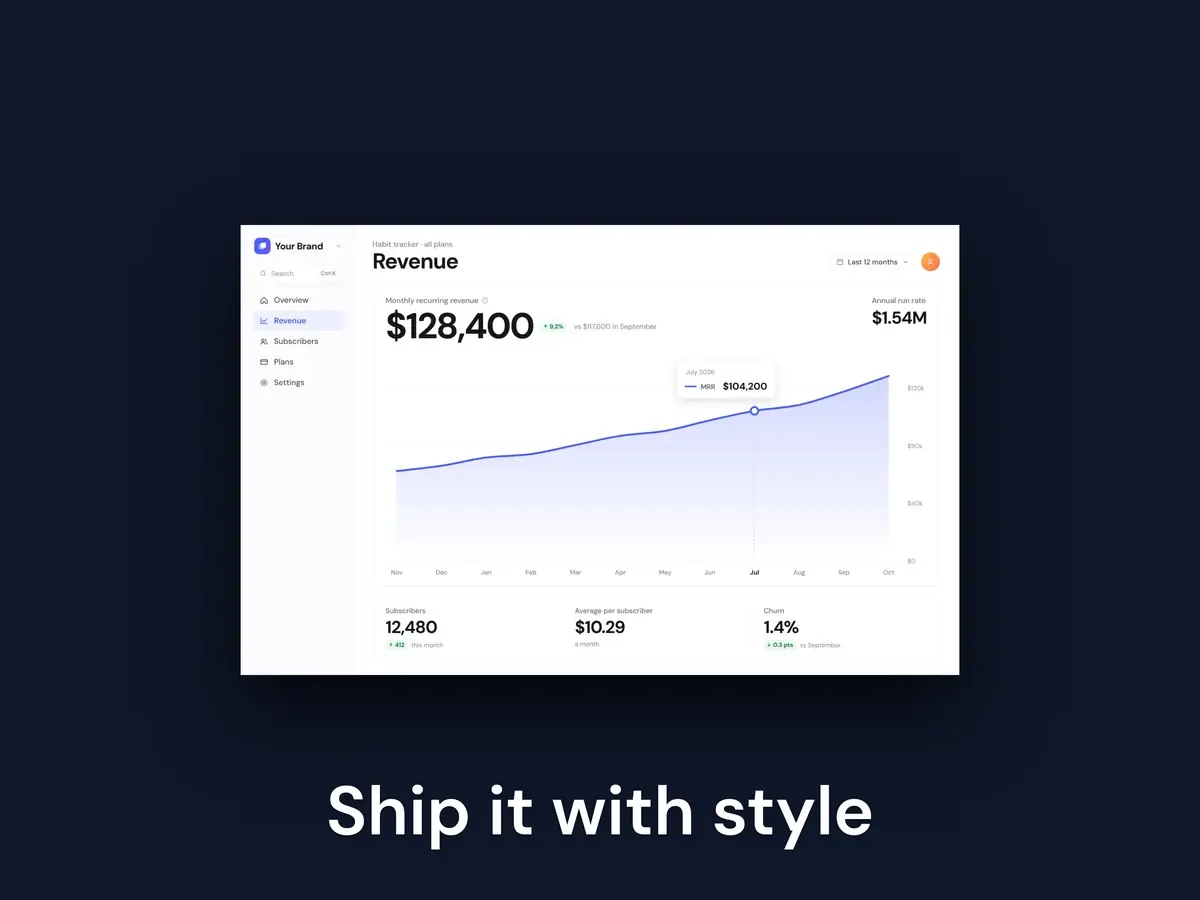
The caption sits on top of any background, frame or mockup and exports with the rest of the image.
Every plan includes every feature.
$4.99/wk
billed weekly
Week to week. Cancel anytime.
Renews automatically at $4.99 every week until you cancel. Tax may apply. Cancel anytime in Settings → Manage billing.
Full editor — no watermark
High-res PNG, JPG & WebP
All backgrounds, frames & captions
Brand Kit with your logo
$99.99
one-time payment
Pay once. No subscription.
One payment. Never renews.
The same full editor
All future updates
Founding price
$9.99/mo
billed monthly
Save 54% vs weekly
Month to month. Cancel anytime.
Renews automatically at $9.99 every month until you cancel. Tax may apply. Cancel anytime in Settings → Manage billing.
Full editor — no watermark
High-res PNG, JPG & WebP
All backgrounds, frames & captions
Brand Kit with your logo
Putting words on the image itself.
Drop the screenshot in, pick a style, export at 2× — and pay once instead of subscribing.