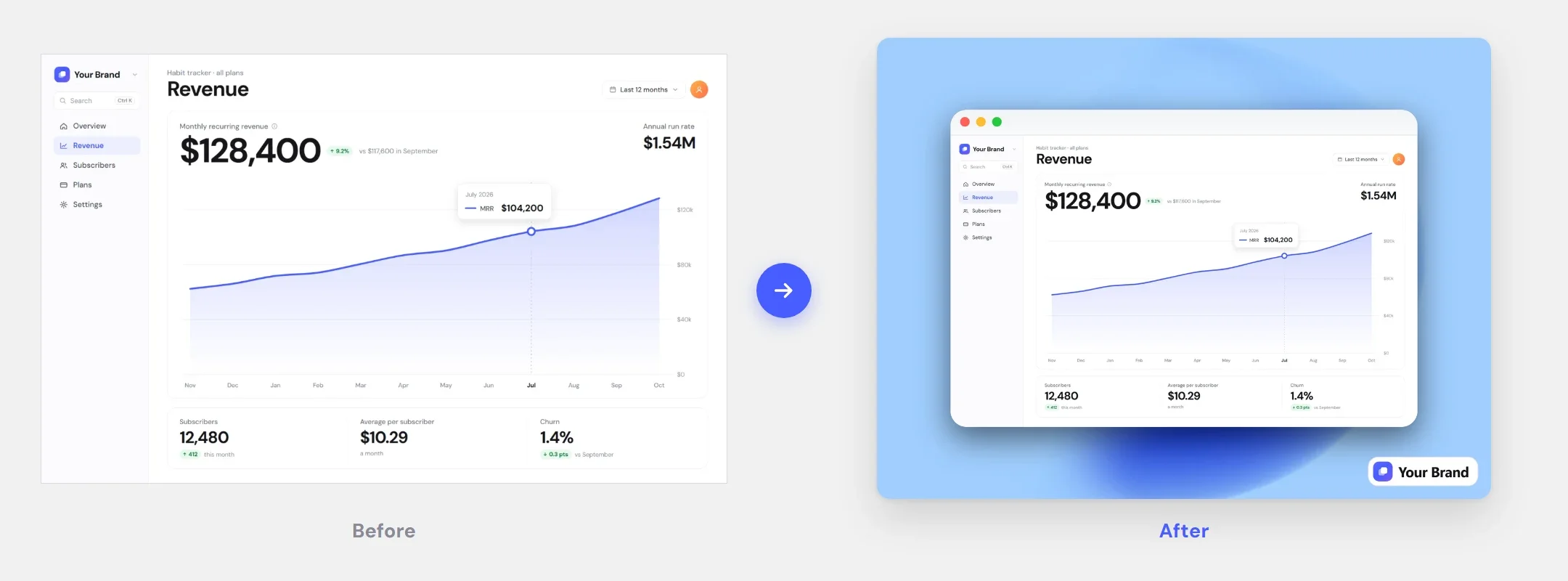
A macOS window
One click adds a macOS title bar with the red, yellow and green buttons, so a flat crop reads as a desktop app shot.
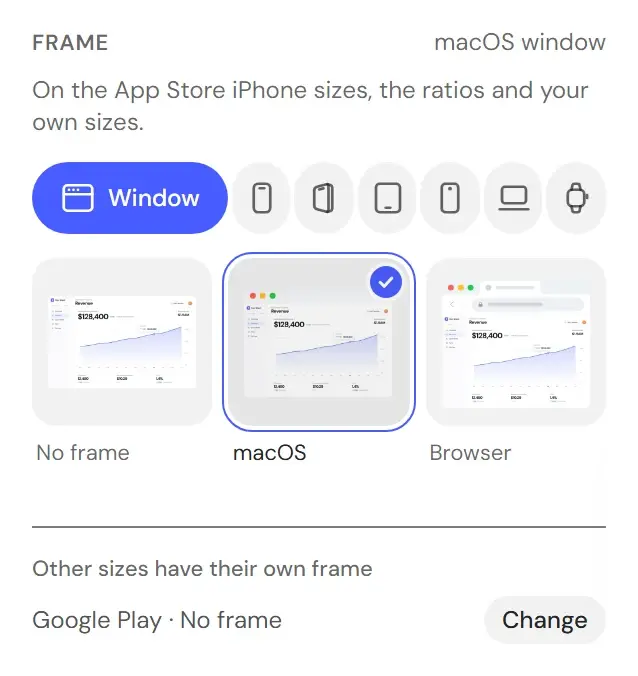
A raw crop looks unfinished. Framed as a desktop window, a browser tab, or a device screen, the same screenshot reads as a product. A window, a browser, or one of 34 devices — iPhone, iPad, Mac, Apple Watch, Pixel and six 3D iPhone poses, in their own colours or any colour you pick.
Window chrome for app UI, a browser bar for web pages, a device for mobile and desktop shots.
One click adds a macOS title bar with the red, yellow and green buttons, so a flat crop reads as a desktop app shot.
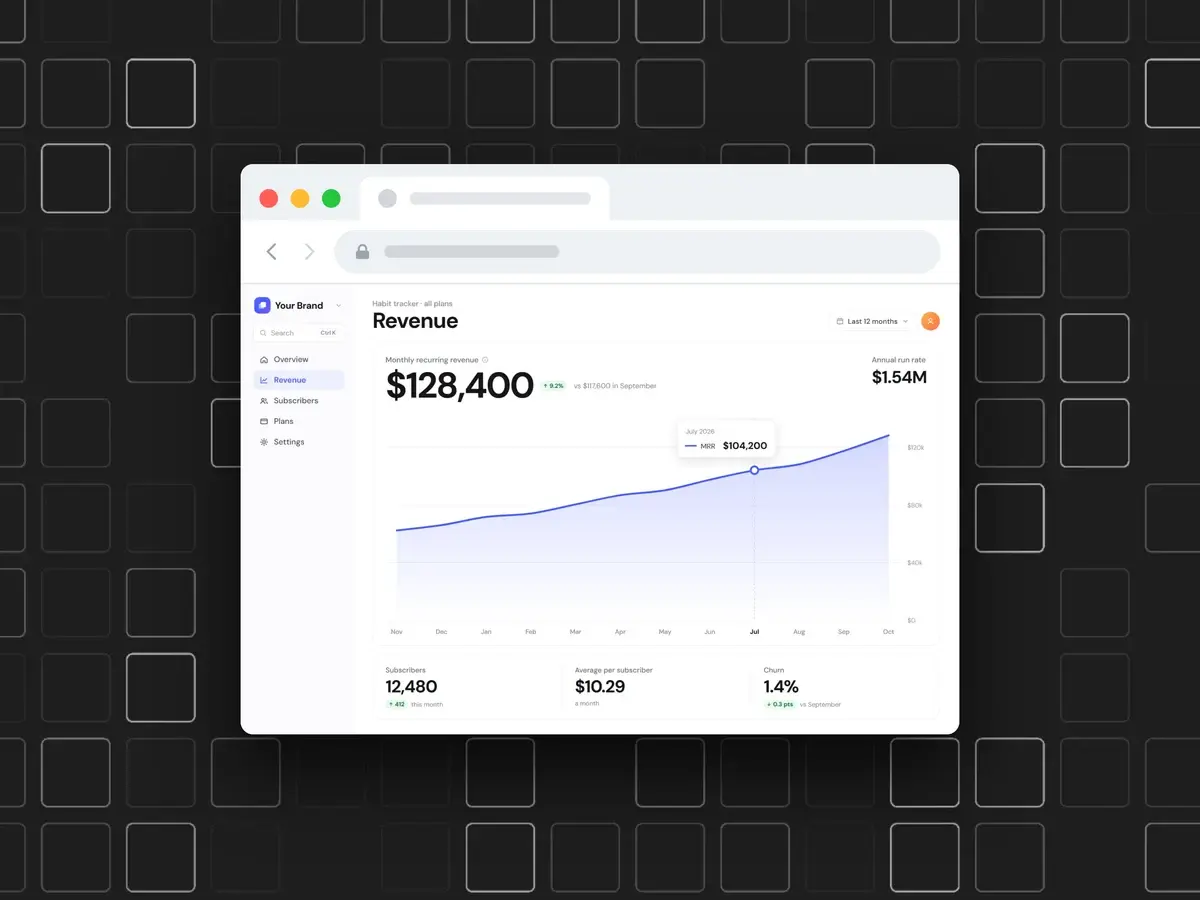
Adds window controls and an address bar above the image, so landing pages, dashboards and docs read as live sites, not floating rectangles.
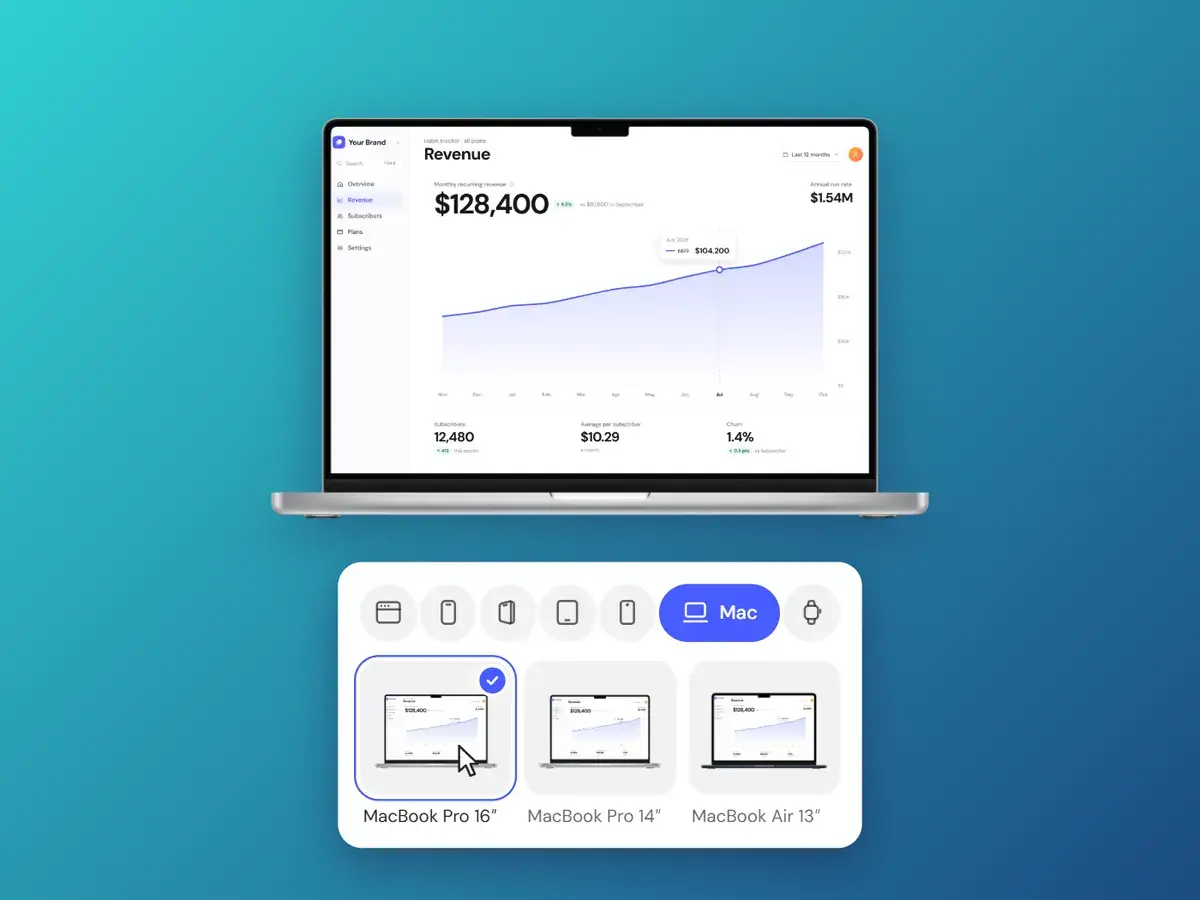
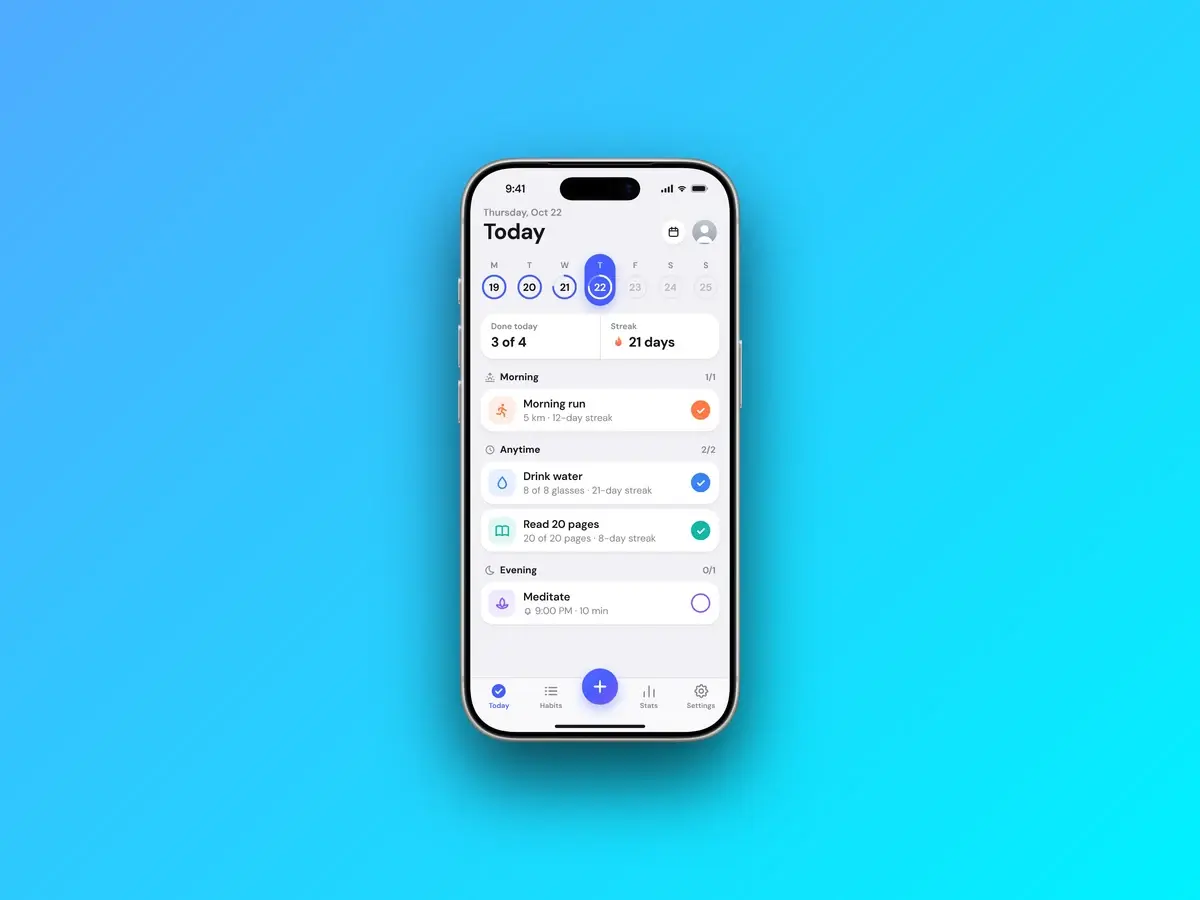
Put a mobile capture in an iPhone 17 Pro, an iPhone Air or a Pixel 10 Pro, a tablet shot in an iPad Pro or a Pixel Tablet, a desktop shot on a MacBook or an iMac, a watch face on an Apple Watch Ultra, or an angled 3D iPhone. Each is a real device render with a transparent screen: the screenshot fills it, and the Screenshot size slider scales the device.
Every plan includes every feature.
$4.99/wk
billed weekly
Week to week. Cancel anytime.
Renews automatically at $4.99 every week until you cancel. Tax may apply. Cancel anytime in Settings → Manage billing.
Full editor — no watermark
High-res PNG, JPG & WebP
All backgrounds, frames & captions
Brand Kit with your logo
$99.99
one-time payment
Pay once. No subscription.
One payment. Never renews.
The same full editor
All future updates
Founding price
$9.99/mo
billed monthly
Save 54% vs weekly
Month to month. Cancel anytime.
Renews automatically at $9.99 every month until you cancel. Tax may apply. Cancel anytime in Settings → Manage billing.
Full editor — no watermark
High-res PNG, JPG & WebP
All backgrounds, frames & captions
Brand Kit with your logo
Which frames exist and how they behave in the export.
Drop the screenshot in, pick a style, export at 2× — and pay once instead of subscribing.