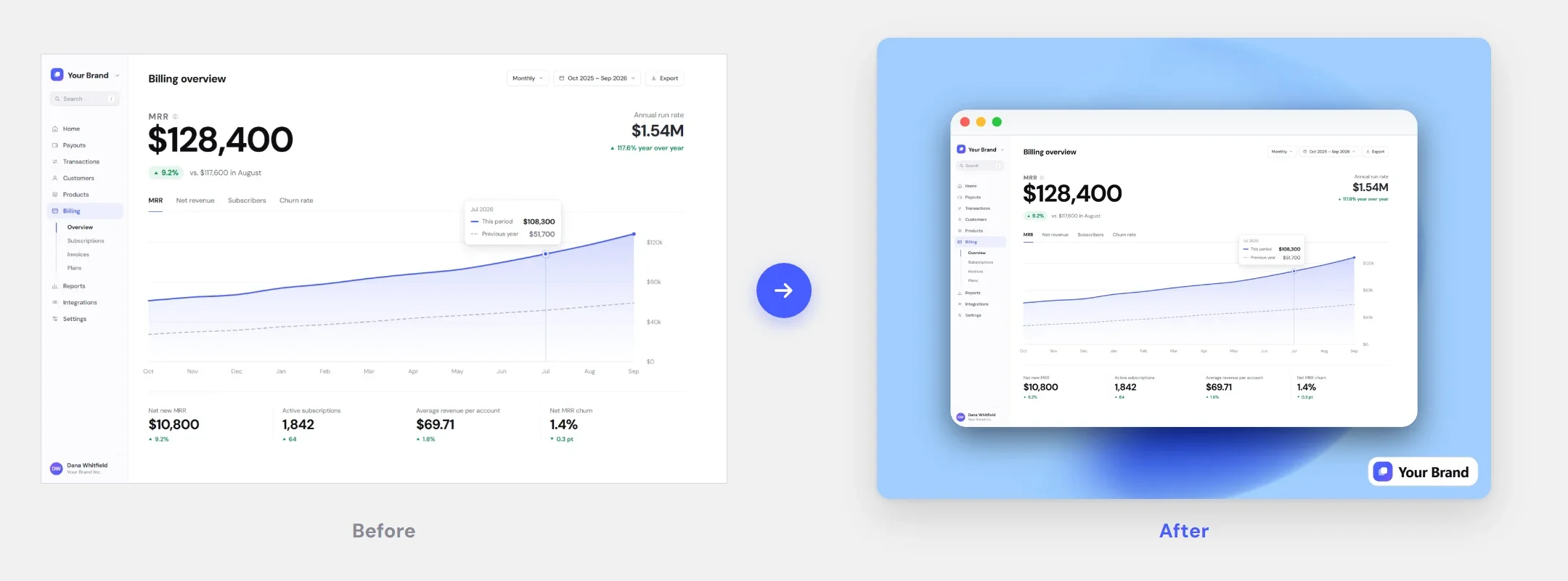
Post-ready screenshot mockups in 30 seconds, not 20 minutes in Figma.
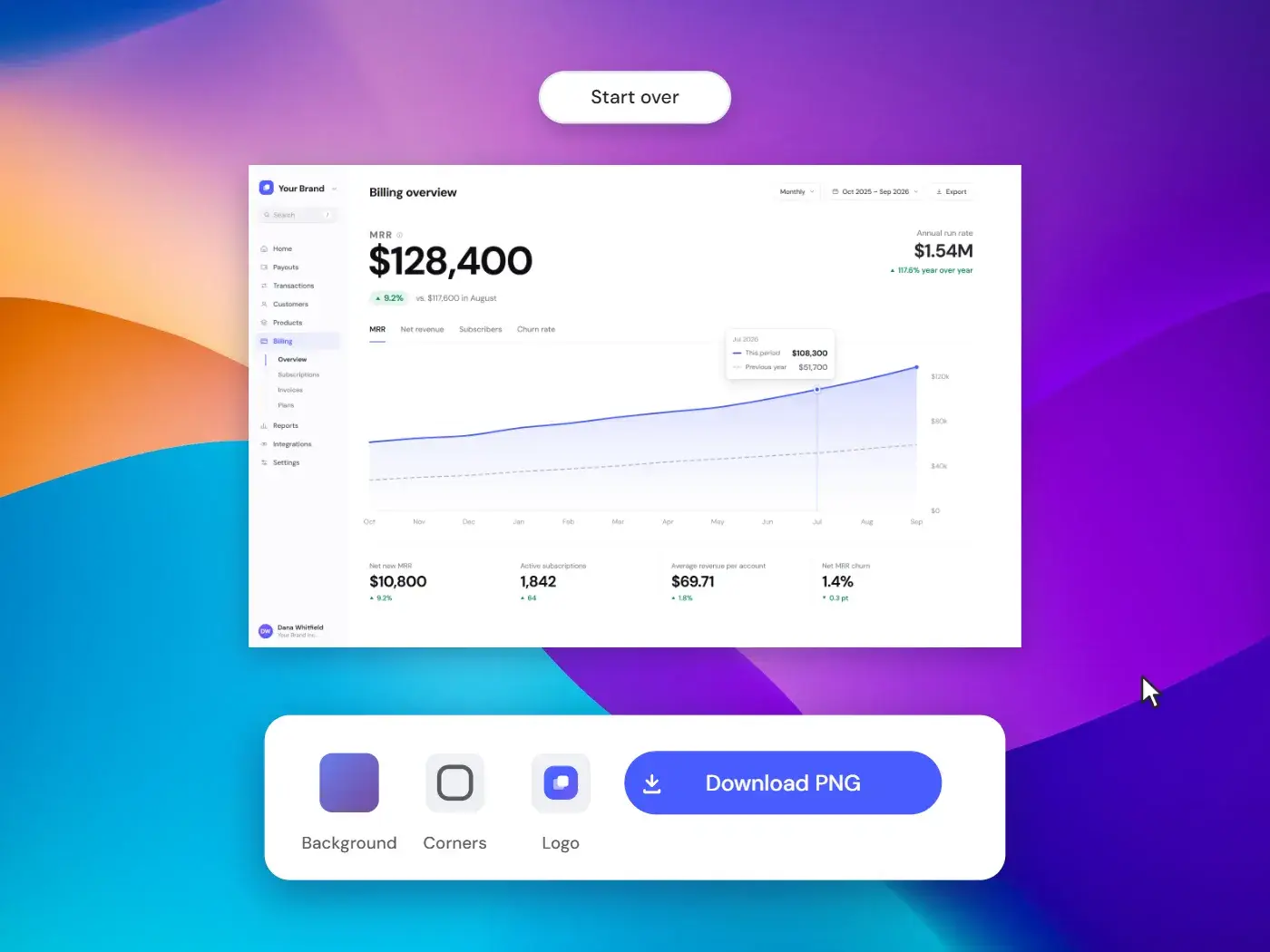
Drop a screenshot in: background, frame, shadow and your logo, exported at 2×.
20 minutes per screenshot. Every release. Every channel.
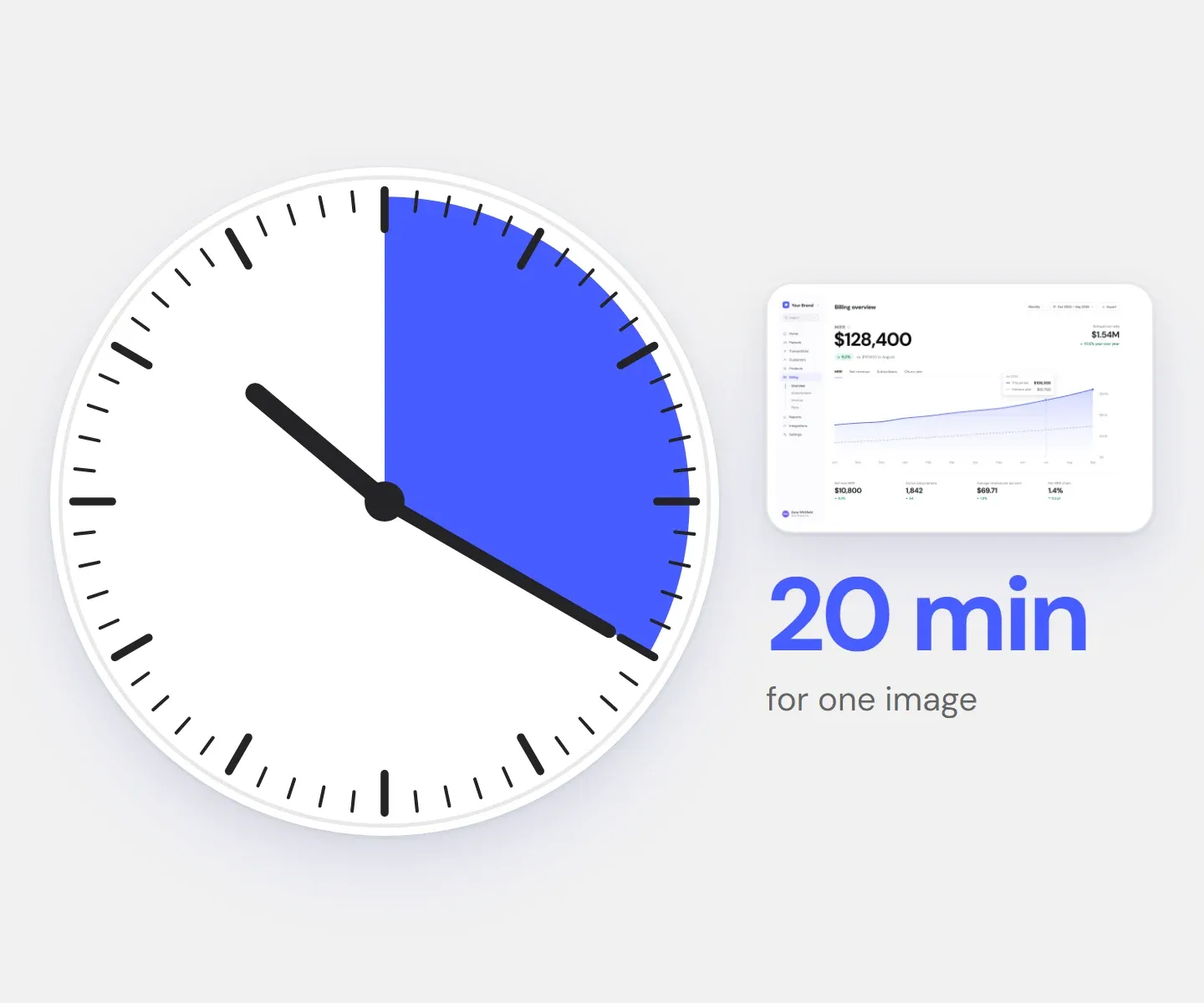
Every new visual costs 15–20 minutes of design work
Frame, spacing, shadow, background, export — in Figma, for one post. Eight a release is an afternoon gone.
Raw screenshots look cheap and unintentional
Harsh corners, no spacing, a random background — in a feed it’s one more rectangle to scroll past.
Your brand style slowly falls apart
Rounded here, square there, a new background on every page — it stops looking like one product.
What changes when every screenshot is on-brand
Less work, better output.
10x
Faster workflow
Your first styled shot takes about 2 minutes, not 20 in Figma.
30s
From raw to on-brand
With your style saved, every next one is under 30 seconds.
2×
Sharper output
Every export renders at 2×, so small UI text stays crisp.
Every screenshot looks like a finished visual
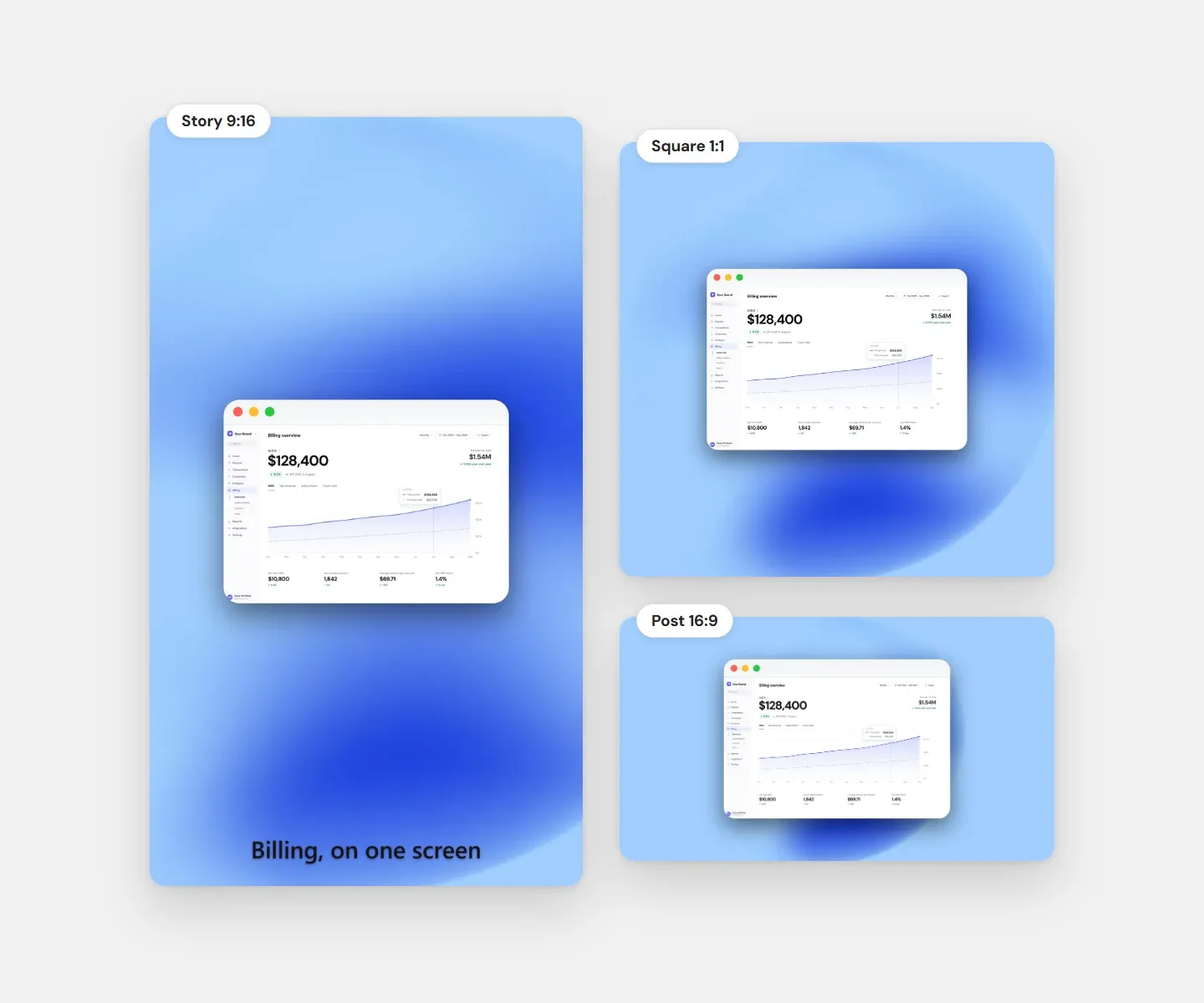
Screenshots that pull their own weight
Padding, shadow and background in seconds — it looks designed, even if you are not a designer.
Consistent style across all channels
One saved style keeps colors, corners and shadows the same on X, LinkedIn, decks and docs.
Minutes in the browser instead of hours in design tools
Drag, pick a style, add a caption, download. No layers, no artboards.
What customers say
I used to open Figma every single time I wanted a clean screenshot for Twitter. 10 minutes gone, and it looked just okay.
Screenshots.guru does it in seconds. Drop it in, pick a background, export. My posts finally look like I know what I'm doing.

Alex Chen
Product Designer · 14.2K followers on 𝕏
Every time I shipped something, I spent more time making the screenshot look nice than writing the announcement.
Now I drag the image in and it's already polished. My Product Hunt launches started getting noticeably more upvotes.

Marcus K.
Indie Maker · launched 12 products
How it works
Screenshots.Guru is a browser-based screenshot beautifier: a raw capture becomes a post-ready mockup in three steps, with nothing to install.
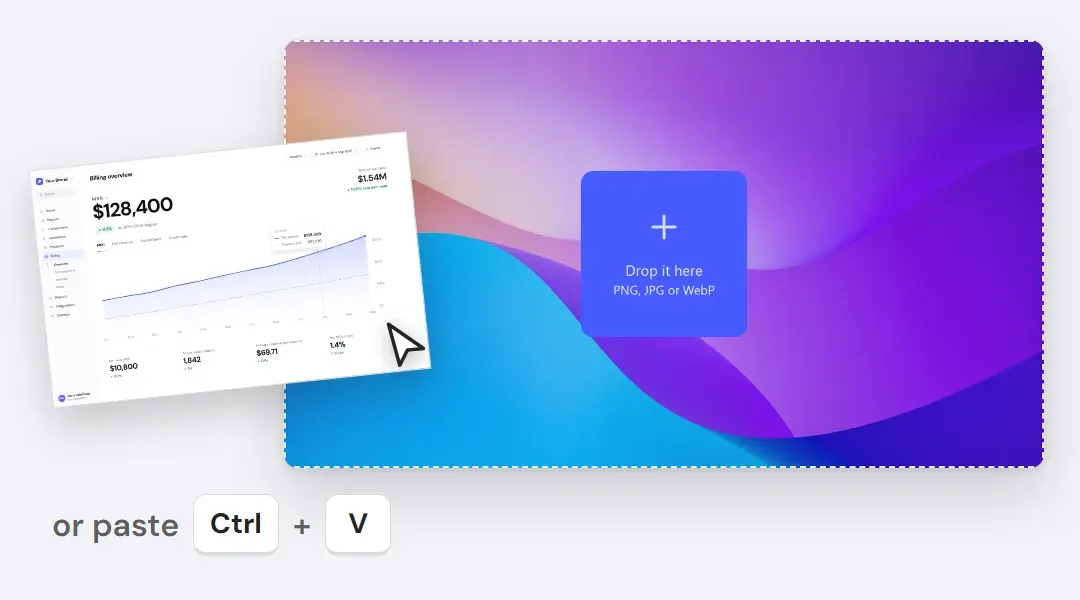 Step 1
Drop in a screenshot
Drag it onto the editor, paste it with Ctrl+V / ⌘V, or pick a file. It stays in your browser.
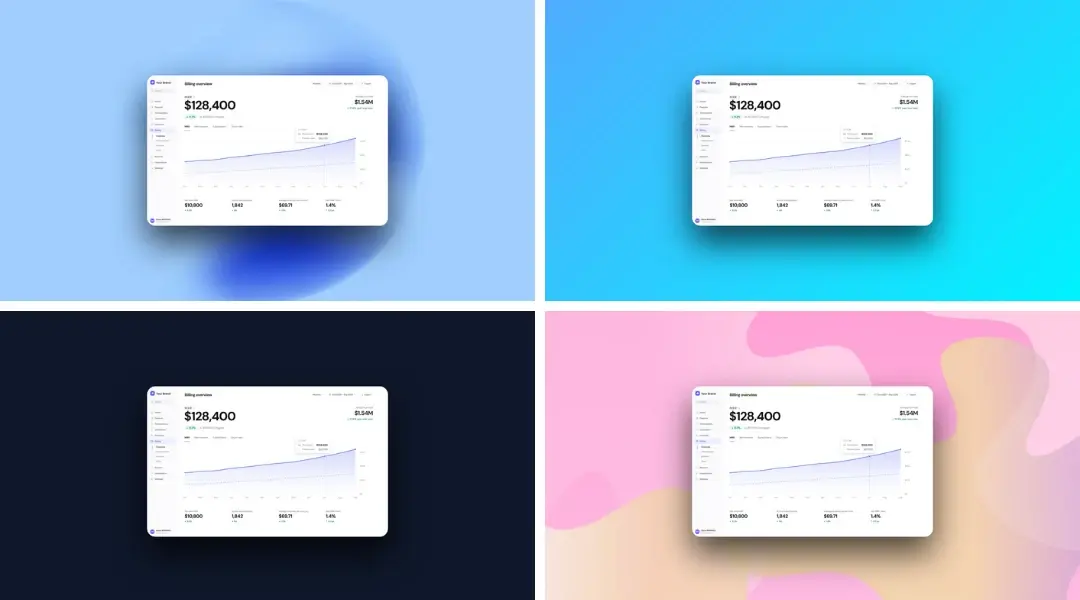 Step 2
Style it
Pick a background and a window or device frame, round the corners, add a shadow — or apply your saved brand style.
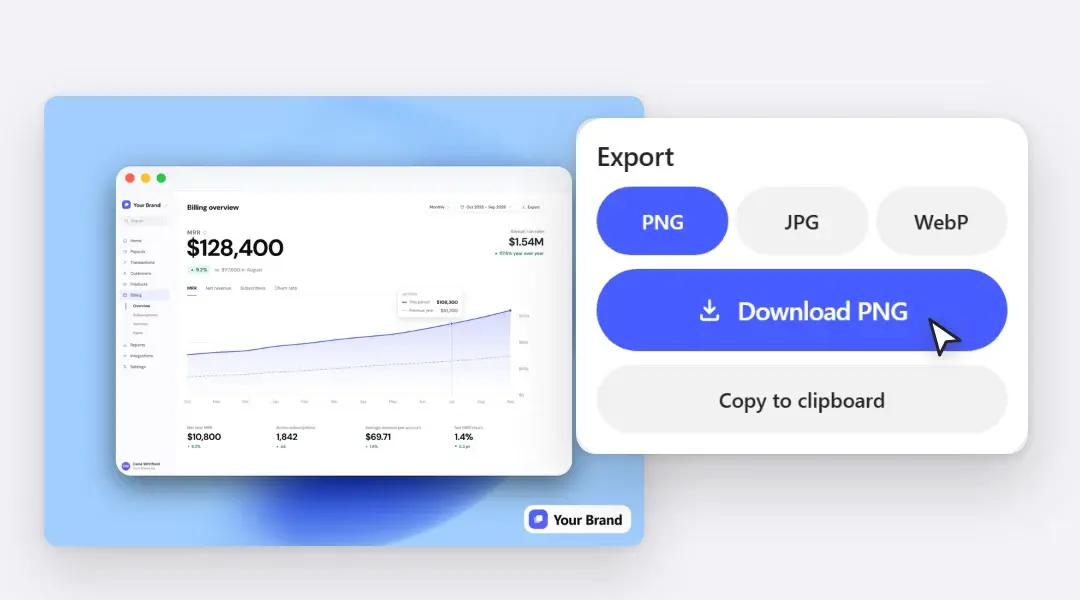 Step 3
Export
Download a high-res PNG, JPG or WebP, or copy it straight to your clipboard.
Same full editor — choose how you pay
Every plan includes every feature.
Weekly
$4.99/wk
billed weekly
Week to week. Cancel anytime.
Renews automatically at $4.99 every week until you cancel. Tax may apply. Cancel anytime in Settings → Manage billing.
Full editor — no watermark
High-res PNG, JPG & WebP
All backgrounds, frames & captions
Brand Kit with your logo
- Most popular
Lifetime
$99.99
one-time payment
Pay once. No subscription.
One payment. Never renews.
The same full editor
All future updates
Founding price
Monthly
$9.99/mo
billed monthly
Save 54% vs weekly
Month to month. Cancel anytime.
Renews automatically at $9.99 every month until you cancel. Tax may apply. Cancel anytime in Settings → Manage billing.
Full editor — no watermark
High-res PNG, JPG & WebP
All backgrounds, frames & captions
Brand Kit with your logo
Questions about the free try and plans
Trying the editor, paying for it and managing billing.
- Yes — the free editor, no signup: drop in a screenshot, pick a background and export. You get one free export of your own screenshot, at screen resolution and with a small watermark; the sample image loaded on the canvas can be exported as often as you like. Any plan unlocks the full editor: no watermark, high-res export, every background, frames, captions and your Brand Kit.
- One editor, three ways to pay: Weekly $4.99, Monthly $9.99, or Lifetime $99.99 once. Weekly and Monthly renew automatically until you cancel. Every plan unlocks the exact same full editor — there are no feature tiers.
- A one-time $99.99 payment for the full editor and every update we release, for as long as we run Screenshots.Guru. There’s no subscription and nothing to cancel — the full definition is in our Terms.
- Yes. Weekly and Monthly are subscriptions that renew automatically until you cancel. Cancel anytime from “Manage billing” in your account, and you keep access until the week or month you paid for ends. Lifetime doesn’t renew, so there’s nothing to cancel.
- From your account, open “Manage billing” to update your card, view invoices, or cancel. Payments are handled securely by Paddle, our payment provider and merchant of record.
Post-ready screenshots in 30 seconds.
Drop the screenshot in, pick a style, export at 2× — and pay once instead of subscribing.