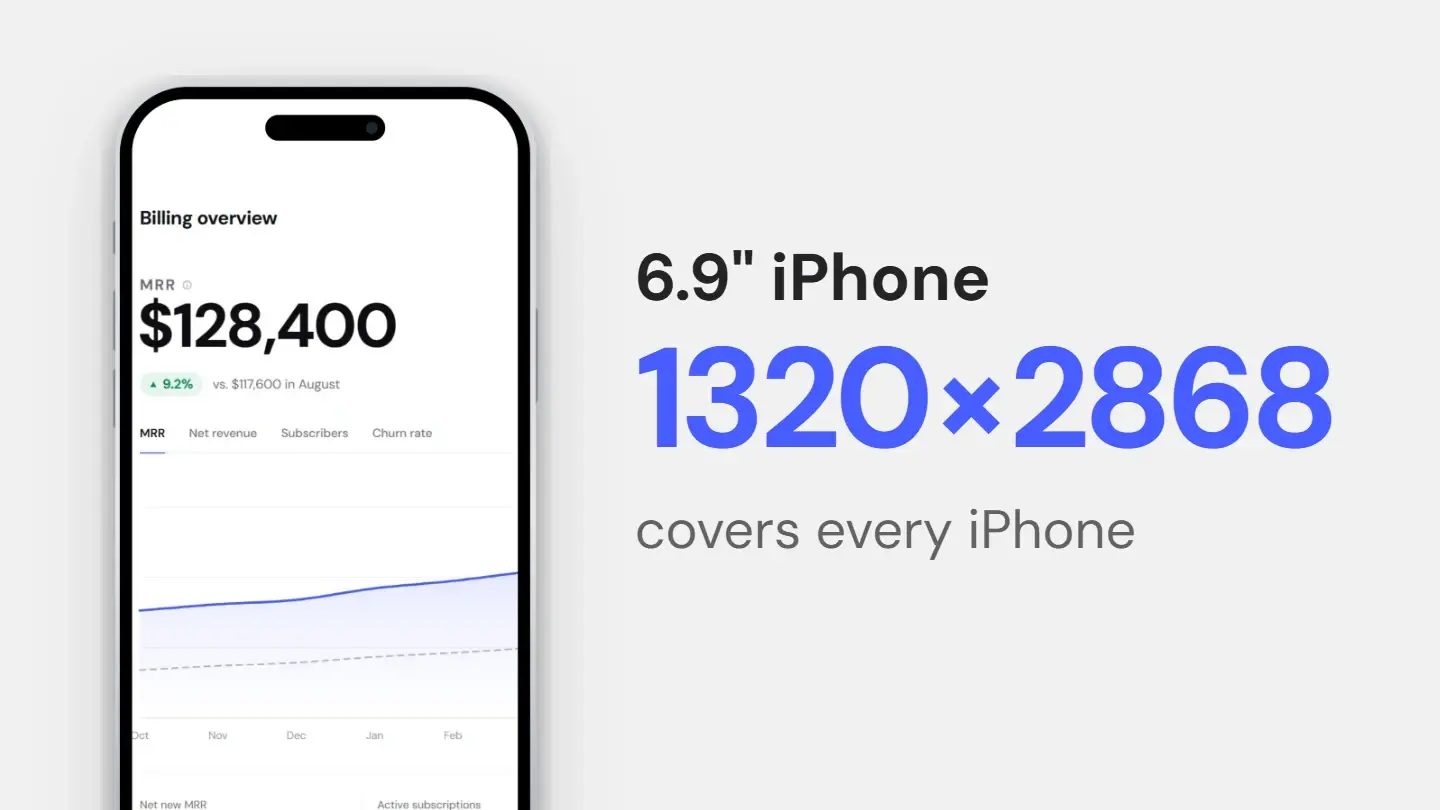
The short answer
Most guides hand you a wall of device sizes and let you assume you need all of them. You do not. Both stores scale downward from the largest asset you provide, so the number of screenshot sets you actually have to produce is much smaller than the number of sizes listed.
For an iOS app that runs on both iPhone and iPad, the minimum is two sets: 6.9-inch iPhone and 13-inch iPad. Every other iPhone and iPad size is derived from those. For Google Play, the minimum to publish is two screenshots across different device types, though tablets need at least four if you support them.
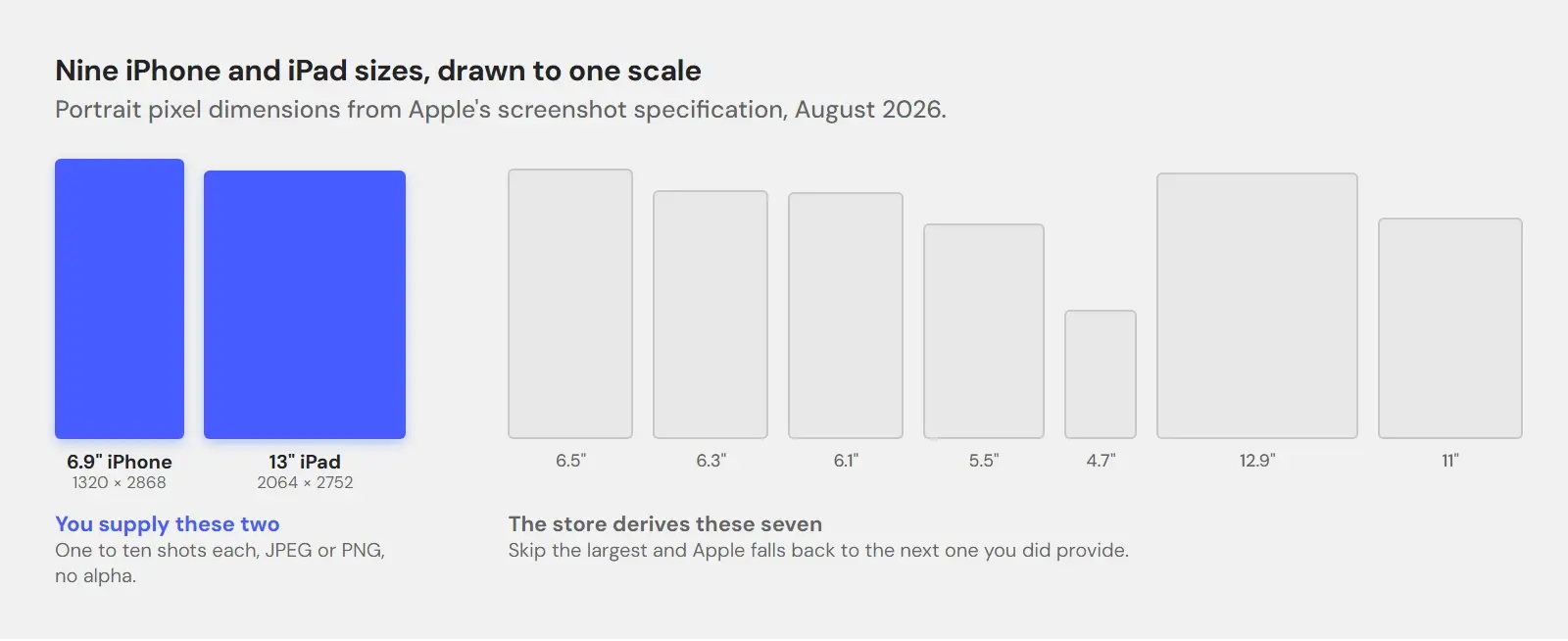
The tables list the main size for each slot, taken from each store’s documentation, next to the column that matters most: whether you have to make it. Apple accepts a few alternative resolutions per slot, so check the source for your exact device.
App Store, exactly
iPhone and iPad
One to ten screenshots per size. JPEG or PNG only, and alpha channels are rejected — a transparent background will fail upload, so flatten it before you export.
Swipe the table to see more →
| Display size | Portrait | Landscape | Do you have to make it? |
|---|---|---|---|
| 6.9" iPhone | 1320 × 2868 | 2868 × 1320 | Required if the app runs on iPhone |
| 6.5" iPhone | 1284 × 2778 | 2778 × 1284 | Required only if you skip 6.9" |
| 6.3" iPhone | 1179 × 2556 | 2556 × 1179 | Auto-scaled from 6.5" |
| 6.1" iPhone | 1170 × 2532 | 2532 × 1170 | Auto-scaled from 6.5" |
| 5.5" iPhone | 1242 × 2208 | 2208 × 1242 | Auto-scaled from 6.1" |
| 4.7" iPhone | 750 × 1334 | 1334 × 750 | Auto-scaled from 5.5" |
| 13" iPad | 2064 × 2752 | 2752 × 2064 | Required if the app runs on iPad |
| 12.9" iPad | 2048 × 2732 | 2732 × 2048 | Auto-scaled from 13" |
| 11" iPad | 1488 × 2266 | 2266 × 1488 | Auto-scaled from 13" |
Read the last column as a chain. Supply 6.9-inch and the 6.5-inch slot scales from it, and the 6.3-inch and 6.1-inch slots from that; supply 13-inch iPad and the 12.9-inch and 11-inch follow. Skip the largest size and Apple falls back to the next one you did provide, which is how listings end up with slightly soft screenshots on the newest phones. Older 4-inch and 3.5-inch slots still exist in the specification and are scaled from the sizes above them.
Mac, TV, Vision Pro, Watch
Mac apps require screenshots at 1280 × 800, 1440 × 900, 2560 × 1600 or 2880 × 1800 — all 16:10, pick one and stay on it. Apple TV requires 1920 × 1080 or 3840 × 2160. Vision Pro requires 3840 × 2160. Apple Watch has a size per case, from 312 × 390 on Series 1–3 up to 422 × 514 on Ultra 3, and the same size has to be used consistently across every localization.
Google Play, exactly
Play is looser about dimensions and stricter about count. Screenshots can be anything from 320 px to 3840 px on a side, no more than twice as long as they are wide, with no alpha. To be eligible for promotion, an app needs at least four at 16:9 or 9:16, 1080 px or more.
Swipe the table to see more →
| Asset | Size | Format | How many |
|---|---|---|---|
| App icon | 512 × 512 | 32-bit PNG with alpha, max 1024 KB | 1 |
| Feature graphic | 1024 × 500 | JPEG or 24-bit PNG, no alpha | 1 |
| Phone screenshots | 9:16 from 1080 × 1920, or 16:9 from 1920 × 1080 | JPEG or 24-bit PNG, no alpha | Up to 8 |
| Tablet screenshots | 1080–7680 px on a side, 9:16 or 16:9 | JPEG or 24-bit PNG, no alpha | At least 4, up to 8 |
| Any screenshot | 320 px minimum, 3840 px maximum | JPEG or 24-bit PNG, no alpha | At least 2 to publish |
Two details people miss. The feature graphic at 1024 × 500 is not a screenshot and not optional if you want to appear in most listing surfaces. And phone screenshots below 1080 px on the short side are accepted but leave you ineligible for some of Play’s recommendation formats — technically valid, quietly penalized.
The multiplication nobody plans for
Here is where the real work is, and no size table shows it. The asset count is not the number of screenshots you designed. It is:
screens × device sets × locales
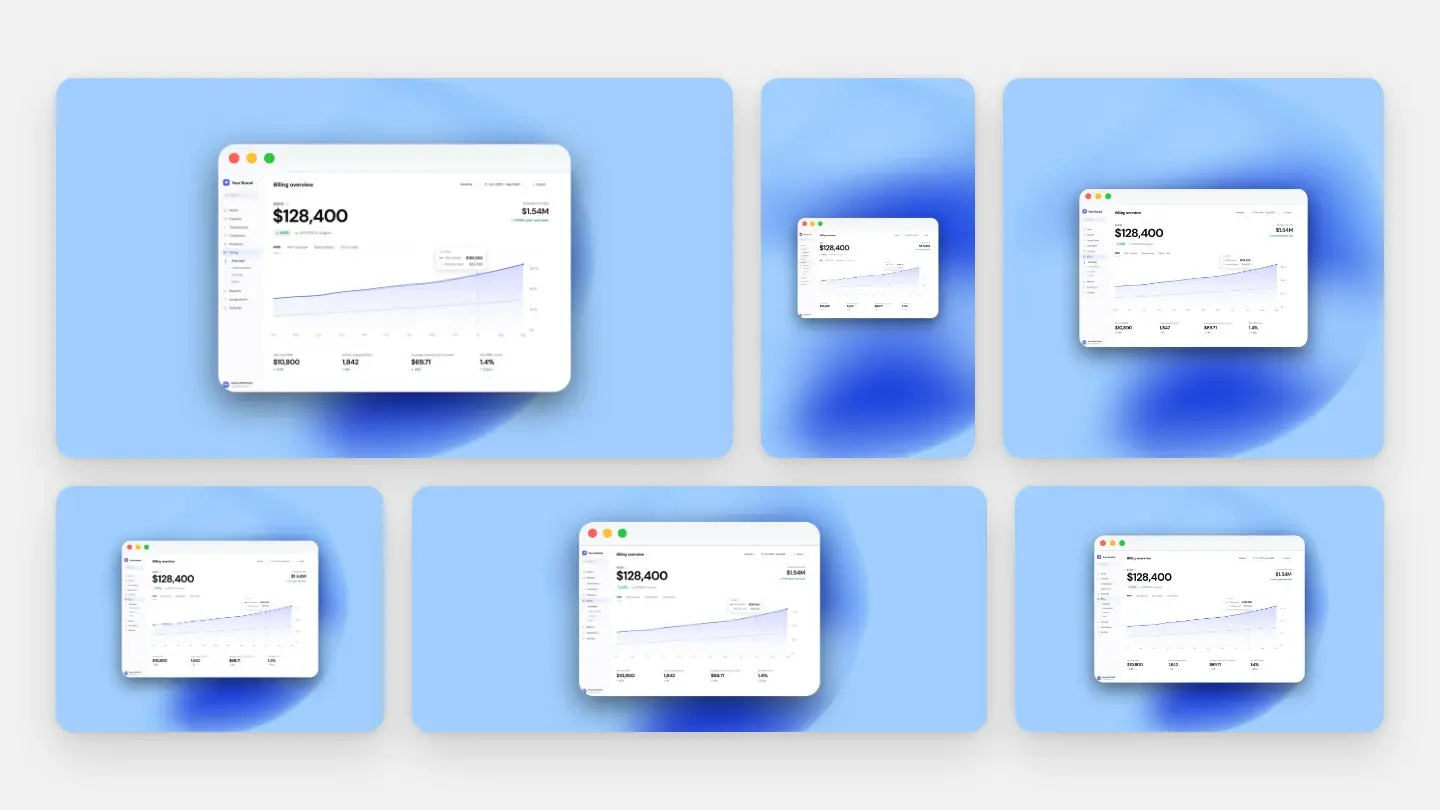
Five screens, two device sets on iOS, and eight languages is eighty images — for one store. Add Play and its tablet requirement and the number grows again. Every one of them has to carry the same margin, the same background and the same shadow, or the listing looks like it was assembled by three different people.
When one screen changes
Then you ship a redesign of your onboarding screen. In the eighty-image version of the world, that is not one edit. It is sixteen re-captures, re-framed and re-exported at two sizes, in eight languages — and the failure mode is not that it takes an afternoon. It is that you do fourteen of them, run out of patience, and the last two keep the old style.
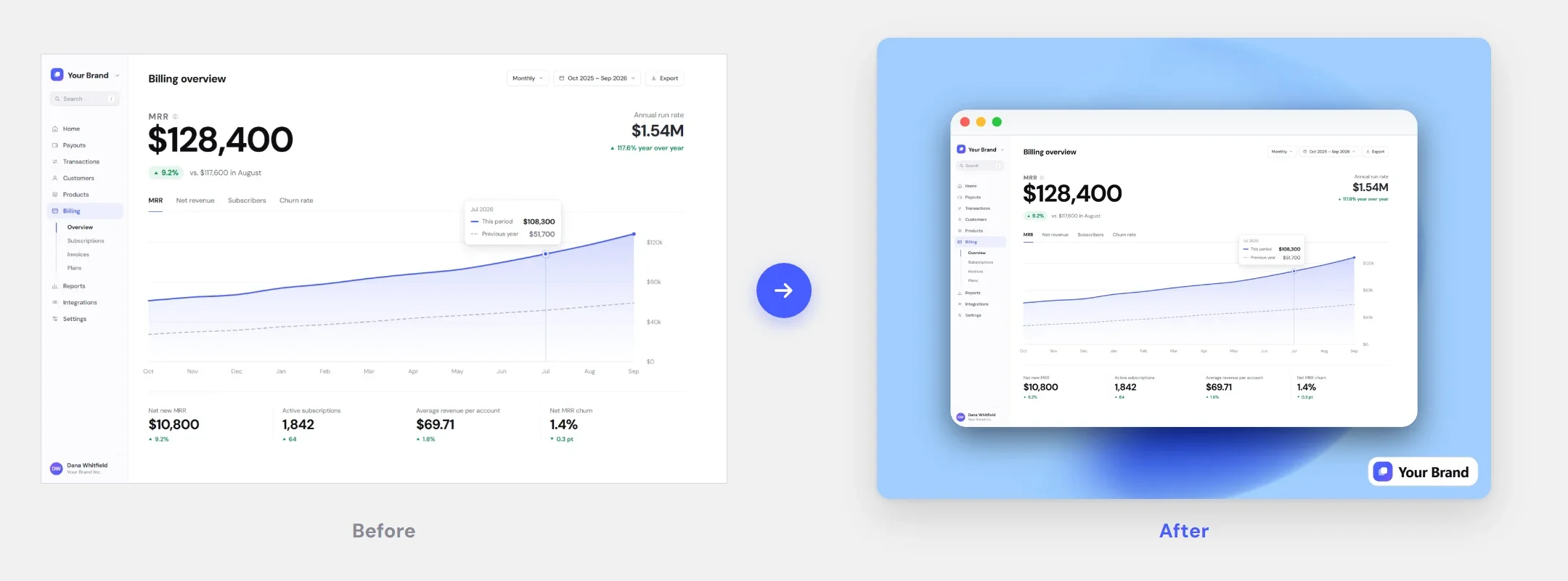
It is worth being blunt: Screenshots.Guru does not generate full store sets today, and its 9:16 canvas is not the taller shape of the iPhone slots, so check pixel sizes before you upload. What it does do is make the styling reproducible — one saved set of decisions applied identically to every capture, so the sixteen you redo match the sixty-four you did not. One tip that saves a rejection: pick any background except None, because None exports a transparent PNG and neither store accepts alpha. The styling rationale is in why your screenshot looks cheap, and the export side — 2x, no alpha, the right format for each store — is covered in the format comparison.
Specifications above are quoted from Apple’s App Store Connect screenshot specifications and Google’s Play Console preview asset requirements, both checked in August 2026. Stores change these, so check the source before you submit.
Same style on every screenshot in the set
Save the frame, background and shadow once, then apply it to every capture you re-export.